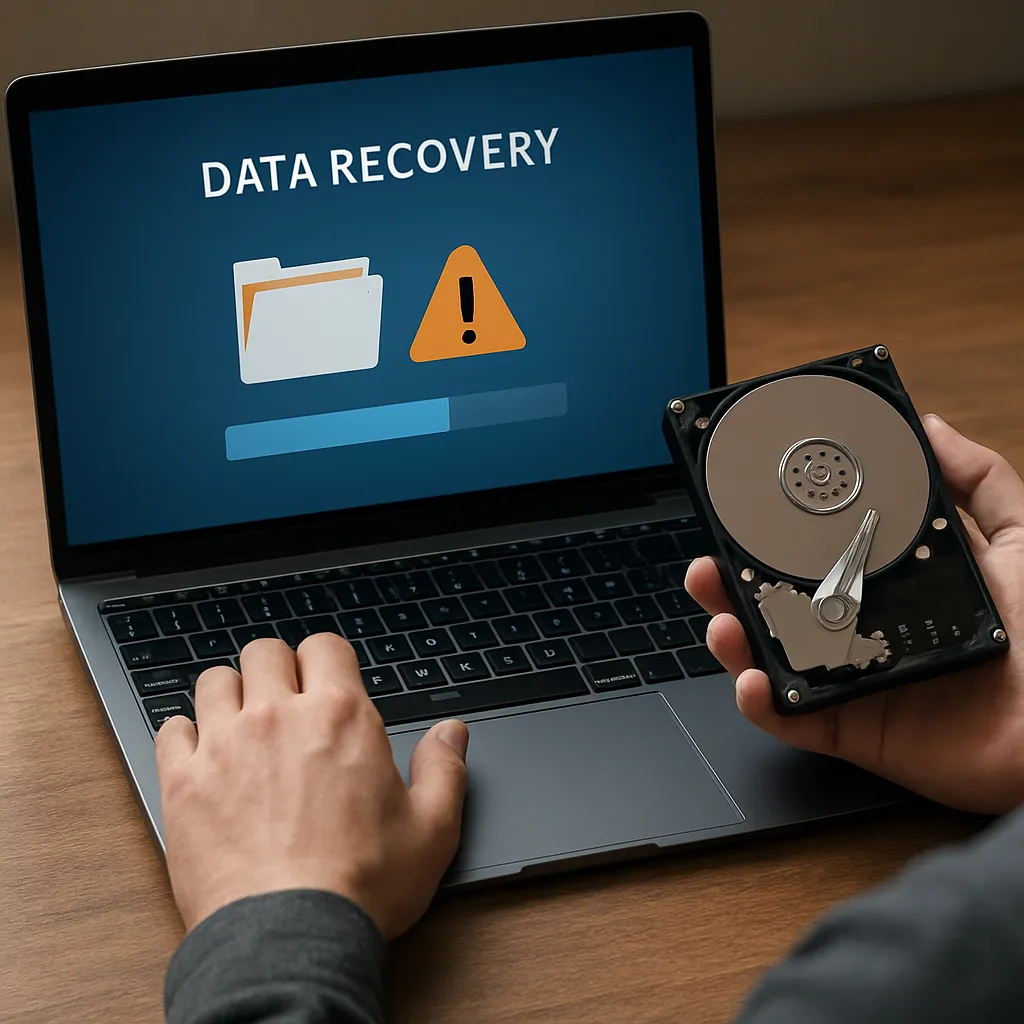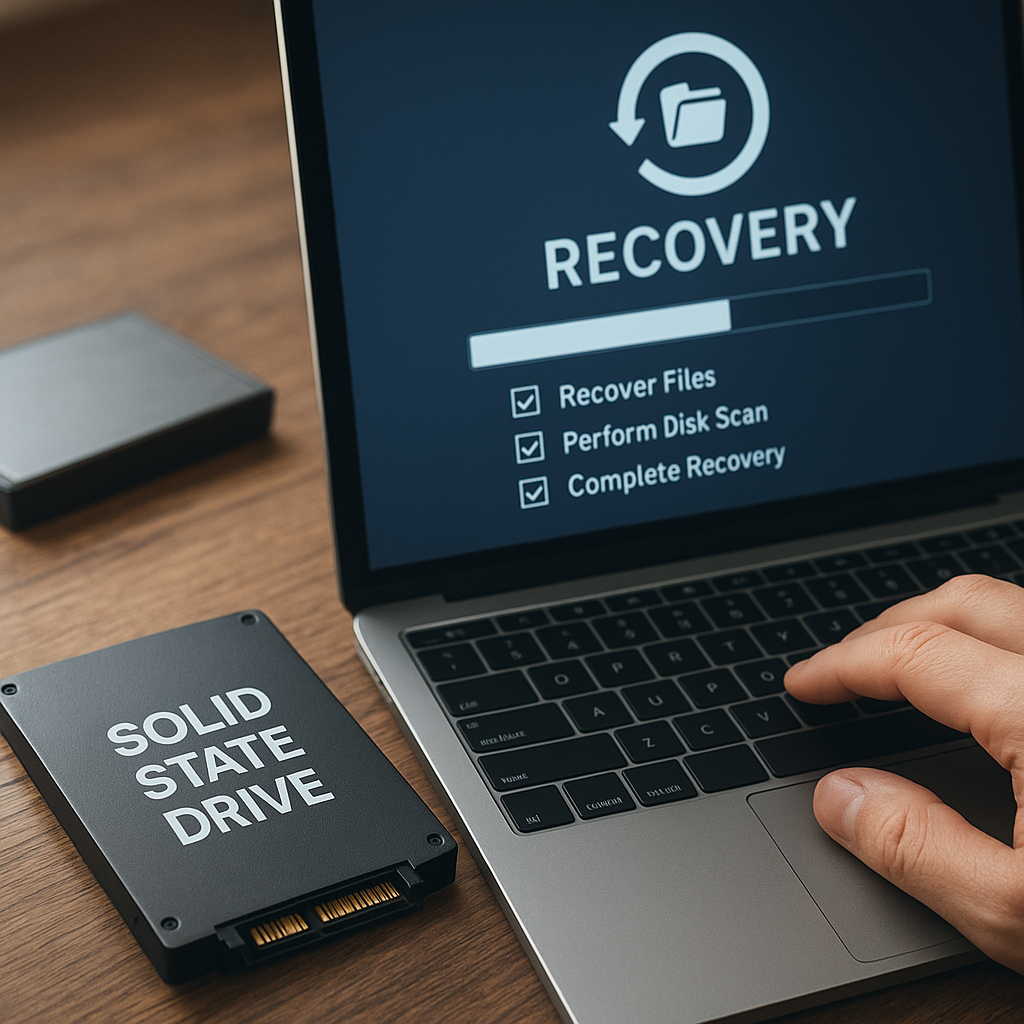
Recovering lost information from a malfunctioning disk setup demands a solid grasp of storage principles, the right software tools, and a disciplined approach to avoid making the situation worse. This guide explores methods for restoring missing files from a RAID configuration by examining typical failure scenarios, choosing the most effective recovery utilities, and following systematic procedures to rebuild the array.
Understanding RAID Arrays and Causes of Data Loss
Redundant Array of Independent Disks (RAID) leverages multiple physical drives to deliver enhanced performance, improved redundancy, or both. Common RAID levels include RAID 0 (striping), RAID 1 (mirroring), RAID 5 (striped with parity), and RAID 6 (dual parity). Each level balances throughput, capacity, and fault tolerance differently.
Typical Failure Scenarios
- Single or multiple disk array malfunctions due to mechanical wear or electronic faults
- Corrupted metadata or missing configuration files
- Controller failures that break the link between drives and the host system
- Accidental reconfiguration or initialization that overwrites existing data
- Power surges or environmental issues leading to unpredictable errors
Identifying the root cause quickly is crucial. For example, a failed drive in RAID 5 can be replaced and rebuilt, but if multiple disks fail simultaneously, you face a complex reconstruction challenge.
Preparing for Recovery: Tools and Best Practices
Before attempting to restore data, assemble a toolkit and establish a controlled environment. This preparation can make the difference between a successful recovery and irreversible loss.
Essential Hardware and Software
- Spare drives matching or exceeding the capacity of the originals
- A dedicated recovery workstation with stable power and proper ventilation
- Data recovery software tools that support your RAID level and file systems (NTFS, ext4, HFS+, etc.)
- Disk imaging utilities for creating sector-by-sector clones
- Write blockers or non-destructive connectors to prevent accidental overwrites
Key Best Practices
- Never write to the original array. Always work on clones or images.
- Document the original RAID configuration: stripe size, member order, and parity rotation.
- Verify drive serial numbers and capacities to avoid mixing different disks.
- Use checksum utilities to validate data integrity throughout the process.
- Maintain detailed logs of each step, including software versions and commands used.
Step-by-Step RAID Data Recovery Process
Systematic execution reduces the risk of error. The following outline highlights core stages in most RAID recovery tasks.
1. Drive Imaging and Verification
- Connect each suspect disk to the recovery workstation using write blockers.
- Create sector-by-sector images of every drive, producing files such as disk1.img, disk2.img, and so on.
- Calculate and record checksums (integrity hash) for each image to ensure subsequent operations don’t introduce corruption.
2. Reconstructing the RAID Configuration
- Launch your chosen recovery software and select the drive images instead of physical disks.
- Define the RAID parameters: level (RAID 5, RAID 6, etc.), stripe size (for example, 64 KB), and disk order.
- Configure parity rotation or offset if required by the specific RAID controller design.
- Allow the application to scan for missing or inconsistent blocks and reconstruct the virtual array.
3. File System Repair and Data Extraction
- After rebuilding the virtual RAID, mount it in read-only mode.
- Run file system checks (chkdsk, fsck, etc.) to correct minor errors without writing back to the original images.
- Browse the reconstructed volume and copy visible files to a separate backup location.
- If necessary, use specialized undelete or carve utilities to recover items deleted or residing in damaged filesystem regions.
Advanced Techniques and Challenges
Certain situations demand more intricate solutions or technical expertise. Understanding these advanced practices can help when standard methods fail.
Handling RAID Controller Metadata
- Some controllers store configuration metadata on each disk’s reserved area.
- Manually editing or extracting metadata may be required if the software cannot auto-detect the layout.
- Hex editors and custom scripts sometimes enable manual correction of parameter fields.
Dealing with Multiple Disk Failures
- When two or more drives fail in RAID 5, a naive rebuild yields incomplete parity and data loss.
- Some tools can perform partial data recovery by leveraging parity and statistical analysis to infer missing bits.
- Expert services may apply proprietary algorithms to salvage fragments for critical file reconstruction.
Performance vs. Safety Considerations
- High-speed recovery options may risk skipping thorough integrity checks.
- Slower, scan-intensive modes examine every block but extend recovery time.
- Select modes based on urgency: forensic-grade processes when data is mission-critical, faster sweeps for less-essential information.
Preventive Strategies and Long-Term Safeguards
Prevention is the most effective form of data recovery. Implementing robust safeguards can reduce downtime and protect valuable assets.
- Regularly test and replace drives approaching their defined write cycle limits or showing SMART warnings.
- Maintain offsite or cloud backups to ensure geodiverse copies of critical data.
- Monitor RAID array health with automated alerting systems for early failure detection.
- Document and rehearse recovery procedures to train personnel in emergency response.
- Review and update firmware on controllers and drives to address known bugs that could jeopardize stability.