Network Attached Storage (NAS) devices are invaluable for both home users and enterprises, offering centralized data access, efficient collaboration, and scalable storage. However, when a NAS system begins to fail, the risk of permanent data loss can be significant. This article explores practical methods and tools to safely recover files from a failing NAS, outlining necessary precautions, reliable software options, and advanced techniques to restore your vital information.
Understanding the Causes of NAS Failures
Hardware Wear and Tear
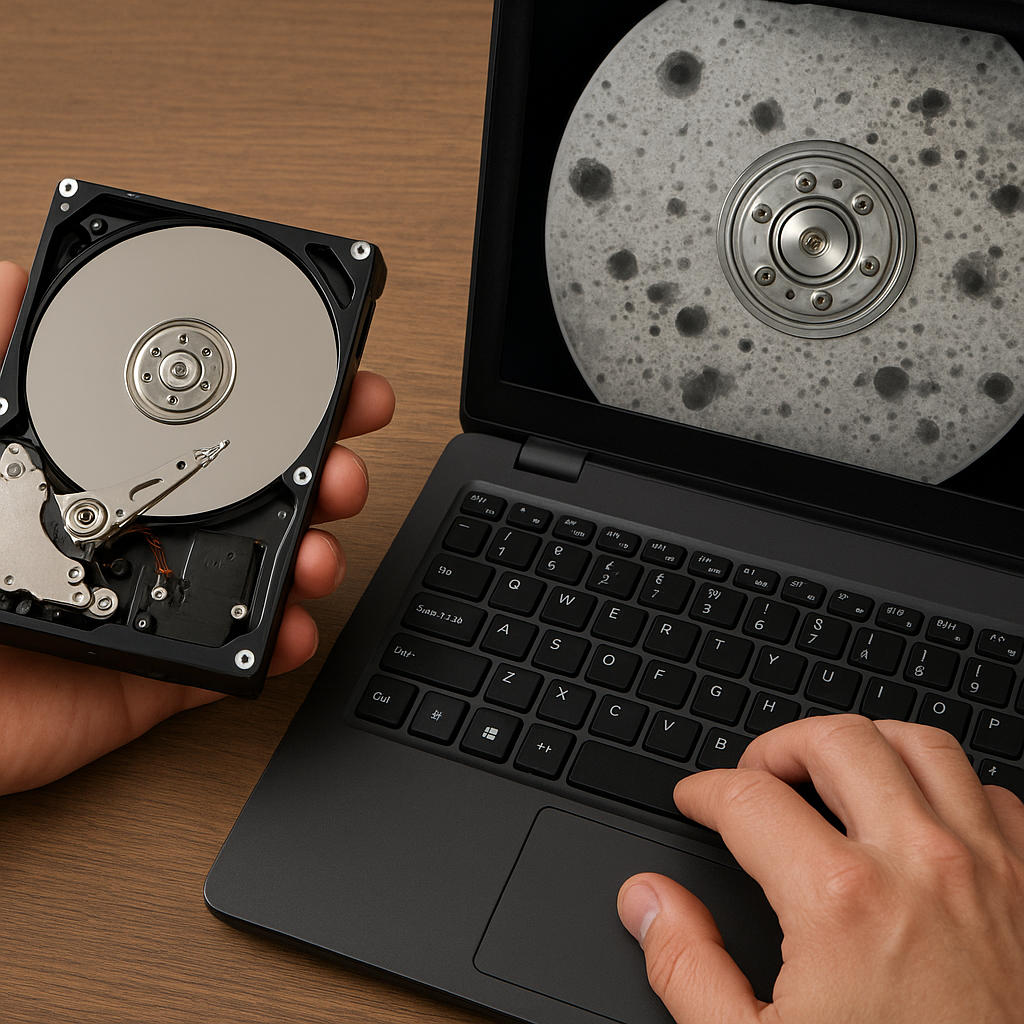
Physical components like hard drives, power supplies, and cooling fans can degrade over time. Continuous operation and mechanical stress may lead to spindle damage or read/write errors, eventually rendering drives unusable.
Firmware Corruption
Firmware serves as the bridge between hardware and operating system. A malfunction during a firmware update or an unexpected power loss can corrupt the system’s firmware, causing the NAS to become unresponsive or enter a boot loop.
Environmental Factors
Excessive heat, humidity, or dust accumulation can accelerate component failure. Sudden power surges or improper shutdown sequences may also introduce errors at the storage array level, affecting overall integrity.
Preliminary Assessment and Safety Measures
Avoid Further Data Loss
- Immediately stop any write operations to prevent file overwrites.
- Do not attempt random firmware flashes or resets without a clear recovery plan.
- Document the current system status, including error messages and LED indicators.
Power Down Procedures
Before removing drives, ensure a proper shutdown to avoid additional mechanical stress. If the NAS is unresponsive, power it down by disconnecting the power cable, then wait at least 30 seconds before re-connecting.
Note: Always wear an anti-static wristband when handling internal components to minimize the risk of electrostatic discharge damage.
Software Tools for NAS Recovery
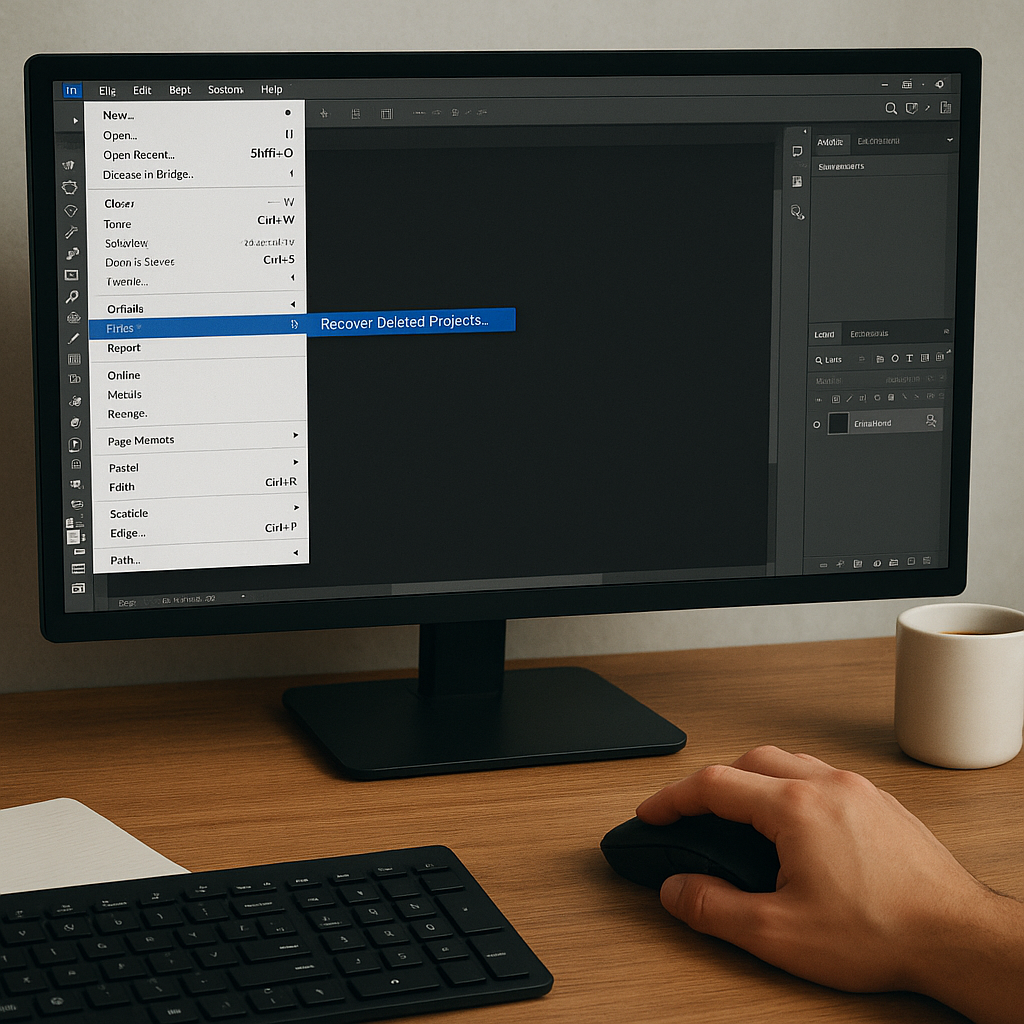
Specialized Recovery Programs
- R-Studio: Supports various file systems and RAID architectures, allowing logical data reconstruction and lost partition recovery.
- EaseUS Data Recovery Wizard: User-friendly interface ideal for quick scans and targeted file type searches.
- DiskInternals RAID Recovery: Advanced RAID recovery with auto-detection and virtual reconstruction capabilities.
Open-source Utilities
- TestDisk: Excellent for rebuilding corrupted partition tables and restoring deleted partitions on EXT, NTFS, and HFS+ file systems.
- PhotoRec: Companion tool to TestDisk, focused on file carving to recover a wide range of file formats based on signature analysis.
- mdadm: Linux-based utility for monitoring and rebuilding RAID arrays, crucial for recovering arrays on Debian, Ubuntu, or CentOS servers.
Step-by-Step Guide to Recover Files
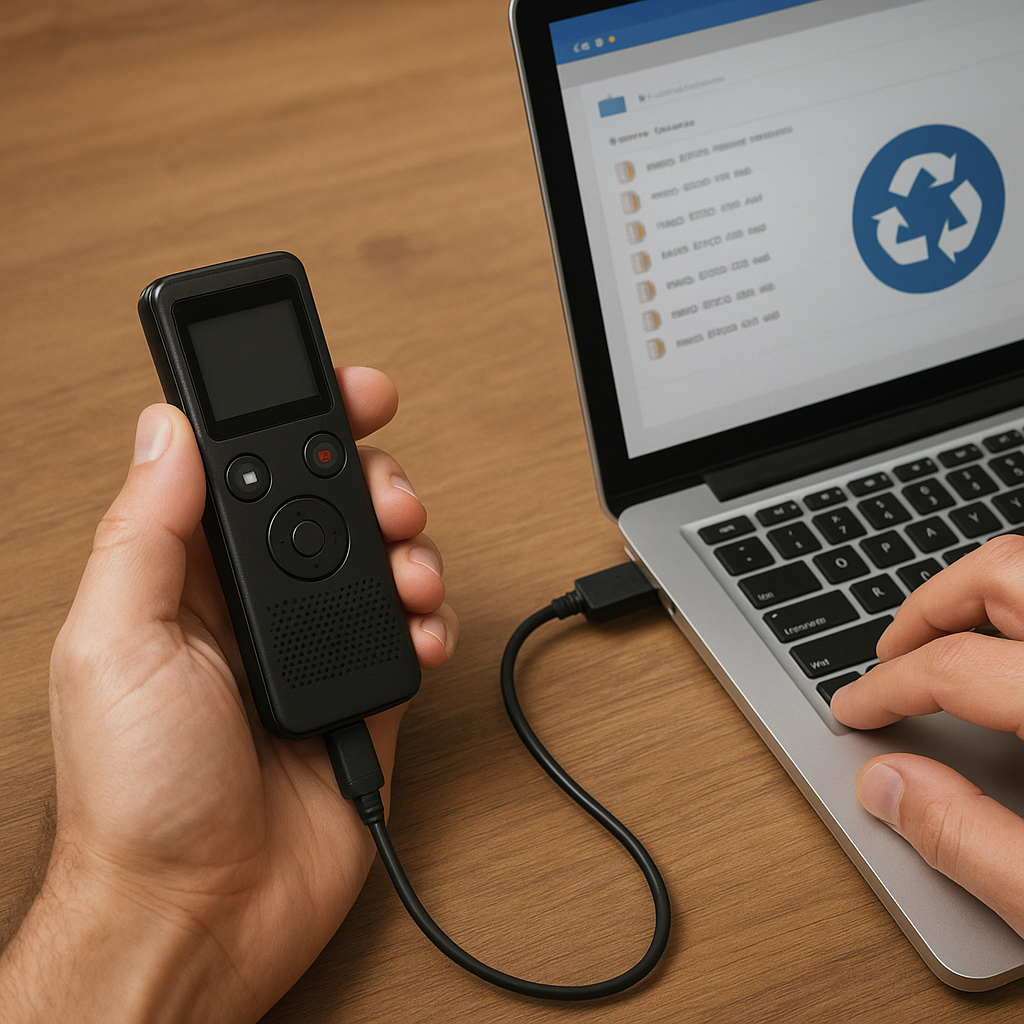
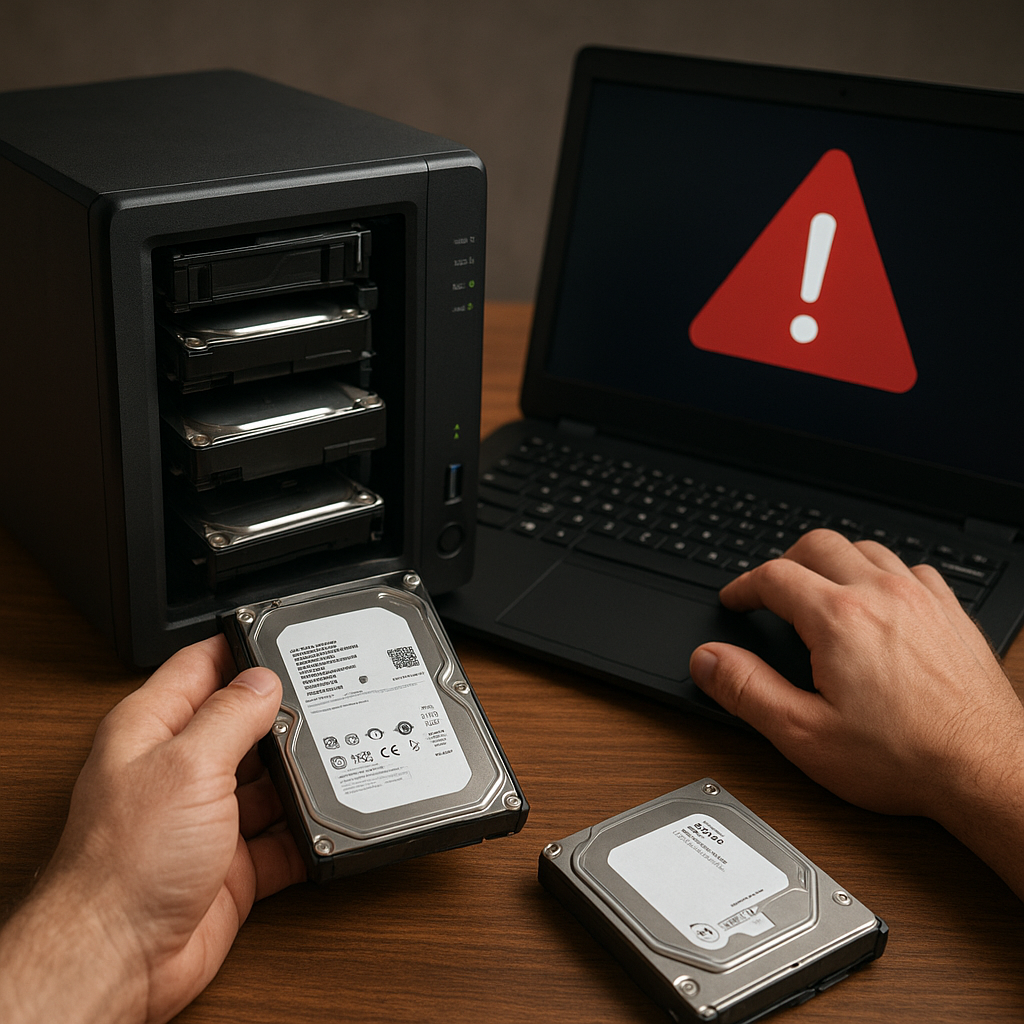
- Remove the drives from the failing NAS enclosure and connect them to a dedicated recovery workstation via SAS or SATA ports.
- Use a write-blocker or mount the drives in read-only mode to prevent accidental modifications.
- Launch the chosen recovery software and perform an initial scan to detect existing volumes and file systems.
- For RAID environments, configure the parameters manually if auto-detection fails. Set the correct stripe size, order, and parity location.
- After volume reconstruction, browse the recovered directory tree to select essential files. Preview any critical documents or media items before full extraction.
- Export recovered data to a separate storage device to ensure the original drives remain unaltered throughout the process.
Advanced Techniques and Best Practices
RAID Reconstruction Theory
Understanding how RAID levels distribute and mirror data is key to manual reconstruction. For RAID 5 and RAID 6, parity calculation and distribution must be exact to rebuild a consistent volume.
Sector-by-Sector Imaging
Performing a forensic image of each drive preserves the original state. Tools like ddrescue or FTK Imager can clone drives with bad sectors, logging read errors for targeted retries without causing additional wear.
Working with Encrypted Volumes
If the NAS used encryption, ensure you have the correct passphrase or key. Some recovery tools allow decryption during data extraction, but in certain cases you may need to use vendor-specific utilities to unlock the container.
Engaging Professional Services
When in-house recovery attempts fail, leveraging a specialized lab with cleanroom environments and proprietary techniques may be the safest route. Professional services often guarantee a success rate backed by non-destructive processes and advanced imaging hardware.
Implementing a Robust Backup Strategy
While recovering data from a failing NAS is feasible with the right recovery approach, proactive measures remain the best defense against data loss.
- Adopt the 3-2-1 backup rule: keep three copies of your data on two different storage media, with one copy stored offsite.
- Schedule automated integrity checks and SMART monitoring to detect early signs of drive failure.
- Test restore procedures regularly to verify backup consistency and recovery speed.