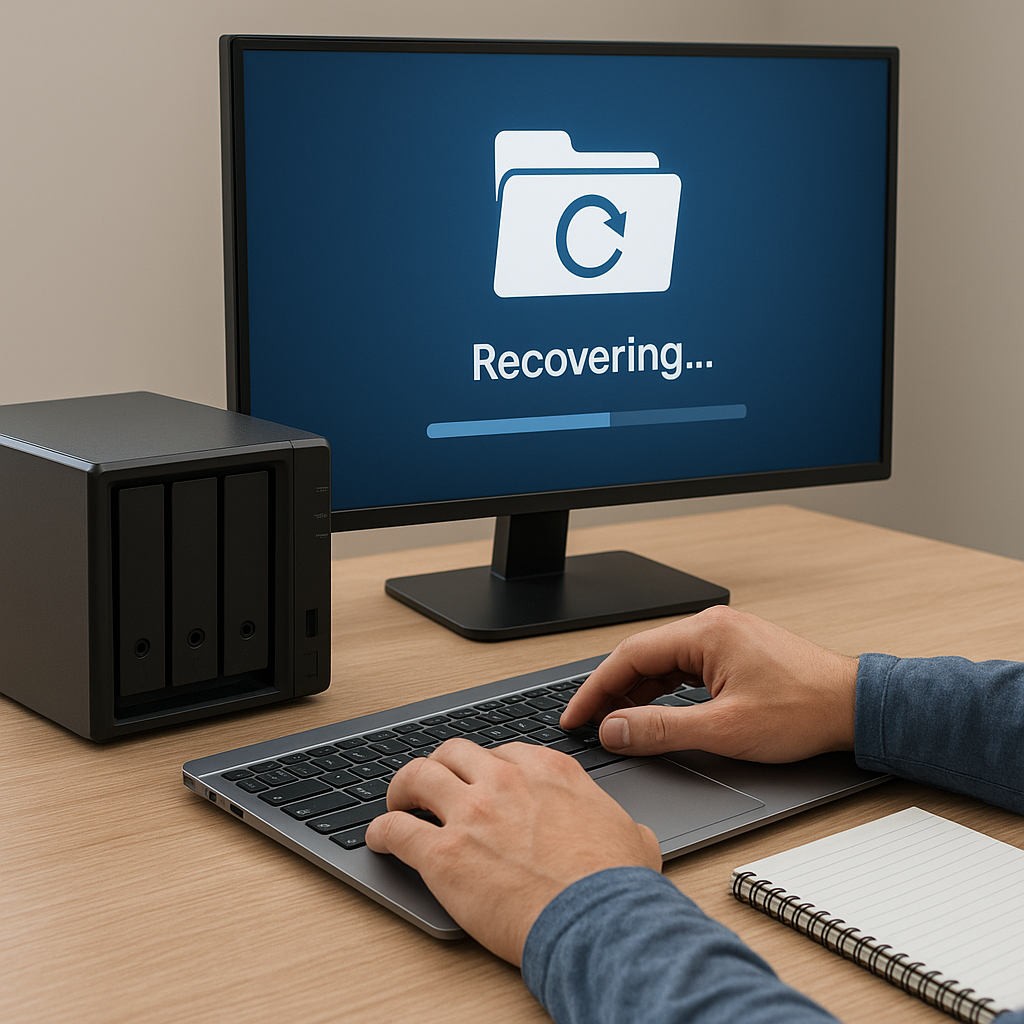
Recovering files from a NAS device requires a solid understanding of storage systems, potential failure points, and effective recovery software. This guide provides detailed insights into different data loss scenarios, best practices for preparing a recovery plan, and a systematic approach to restoring files. Whether you’re an IT administrator or a home user, mastering these steps can help safeguard your valuable data and ensure a smooth restoration when issues arise.
Data Loss Scenarios on NAS Devices
Network Attached Storage systems offer centralized file access and redundancy features, but they remain susceptible to various failure modes. Recognizing the root causes of data loss empowers you to act quickly and deploy the right recovery tools.
Hardware Failures
Hard drives, power supplies, and network interfaces can fail unexpectedly. A malfunctioning drive in a RAID array may trigger degraded performance or complete inaccessibility. RAID 5 and RAID 6 offer redundancy, but multiple disk failures or controller issues can still compromise data. Early detection through SMART monitoring and disk health diagnostics is vital.
Accidental Deletion and Overwrites
Users sometimes remove critical folders or overwrite existing files. These operations bypass most recycle bins on NAS units, leaving no local recovery option. Implementing user-level access controls and regular snapshots can reduce the risk of permanent data loss.
Firmware and Configuration Corruption
Firmware updates can go wrong, rendering the device inoperable. Corruption of the device’s file system or configuration database also leads to inaccessible shares. In such cases, recovery software must scan raw partitions and rebuild the NAS volume structure.
Preparing for NAS File Recovery
An effective recovery starts well before data loss occurs. By establishing a thorough plan and using the right tools, you can expedite restoration and maintain integrity of your files.
- Maintain up-to-date backups on separate media or cloud services. A robust backup strategy dramatically reduces recovery complexity.
- Regularly verify backup integrity by performing test restores. This ensures data consistency and integrity over time.
- Document the current NAS configuration, including RAID level, network settings, user permissions, and installed apps. Having a configuration blueprint simplifies rebuilding and restores.
- Enable snapshot features if supported by your NAS. Snapshots offer point-in-time image backups that can quickly roll back accidental changes.
- Monitor drive health using SMART thresholds and email alerts. Early warnings of a failing disk allow you to replace it before total failure.
- Keep the NAS firmware updated, but schedule updates during non-production hours and have a rollback plan in case of firmware corruption.
Step-by-Step Recovery Procedure
When data loss occurs, follow a structured workflow to maximize the chance of a successful recovery. Each step should be approached methodically, avoiding hasty decisions that might overwrite valuable information.
Step 1: Assess the Damage
Begin by determining the scope of data loss. Check the NAS management interface to identify any degraded RAID arrays, disconnected drives, or volume errors. If the system is still responsive, take a comprehensive system log export for offline analysis. If the NAS is unreachable, power it down immediately to prevent additional corruption.
Step 2: Create a Disk Image
Cloning the affected drives to image files ensures you never work on the original media. Use a hardware or software imager capable of sector-by-sector copying. This approach helps you:
- Protect the original data from inadvertent errors.
- Perform multiple recovery attempts without risking further damage.
- Preserve file slack and deleted entries that may contain recoverable fragments.
Step 3: Choose the Right Recovery Software
Various tools specialize in NAS recovery. Look for software that supports RAID reconstruction, snapshot rebuilding, and file signature search. Key features to consider include:
- Automatic RAID parameter detection
- Manual RAID parameter adjustment (stripe size, parity order)
- Deep scan modes for formatted or corrupted volumes
- Preview of recoverable files before extraction
- Support for multiple file systems (EXT4, Btrfs, XFS, NTFS)
Selecting a tool with a user-friendly interface and powerful scanning engine helps speed up the recovery process and reduces human error.
Step 4: Reconstruct RAID Array
Most NAS devices use software RAID. Recovery software can virtually rebuild the array by identifying disk order, parity rotation, and stripe size. Follow these guidelines:
- Load the disk images into the recovery tool.
- Attempt automatic RAID parameter detection first.
- If automatic detection fails, input known parameters from your configuration documentation.
- Run a quick test to verify that files and directories appear intact.
Step 5: Scan and Preview Recoverable Files
Once the RAID is reconstructed, initiate a scan across the virtual volume. Use file signature scanning to locate deleted or fragmented files. The software should generate a folder tree with preview thumbnails for multimedia files and hex previews for documents. Carefully inspect the previews to verify file integrity before exporting.
Step 6: Recover and Export Data
Select the files and folders you need, then choose an export location on a separate storage device. Avoid restoring data back to the compromised NAS until full system health is confirmed. This precaution minimizes the risk of overwriting hidden sectors or interfering with ongoing recovery processes.
Step 7: Validate Restored Files
After recovery, open a representative sample of files to check for corruption, missing blocks, or permission issues. For large data sets, use checksums or file comparison tools to compare restored files against backup archives or previous exports.
Step 8: Rebuild NAS Environment
With data safely recovered, reinitialize the NAS unit:
- Reinstall the firmware or perform a factory reset if configuration was corrupted.
- Recreate the RAID array using fresh drives or repaired disks.
- Restore shares, user accounts, and permissions according to your documented setup.
- Transfer recovered data back to the NAS, verifying folder structures and file timestamps.
Once the system is stable, re-enable snapshot and backup tasks to restore full protection.
Best Practices to Prevent Future Data Loss
Beyond recovering lost files, implementing solid preventive measures is crucial. Adopt these strategies to enhance your NAS resilience:
- Schedule automated backups to external media or cloud storage with at least one offsite copy.
- Enable email and SMS alerts for disk health, volume status, and security events.
- Use uninterruptible power supplies (UPS) to guard against power interruptions.
- Regularly update firmware, but keep recovery images and installation files on hand.
- Train users on flexible folder structures and proper deletion workflows to minimize accidental data removal.
- Perform quarterly disaster recovery drills to refine your procedure and ensure readiness in emergencies.