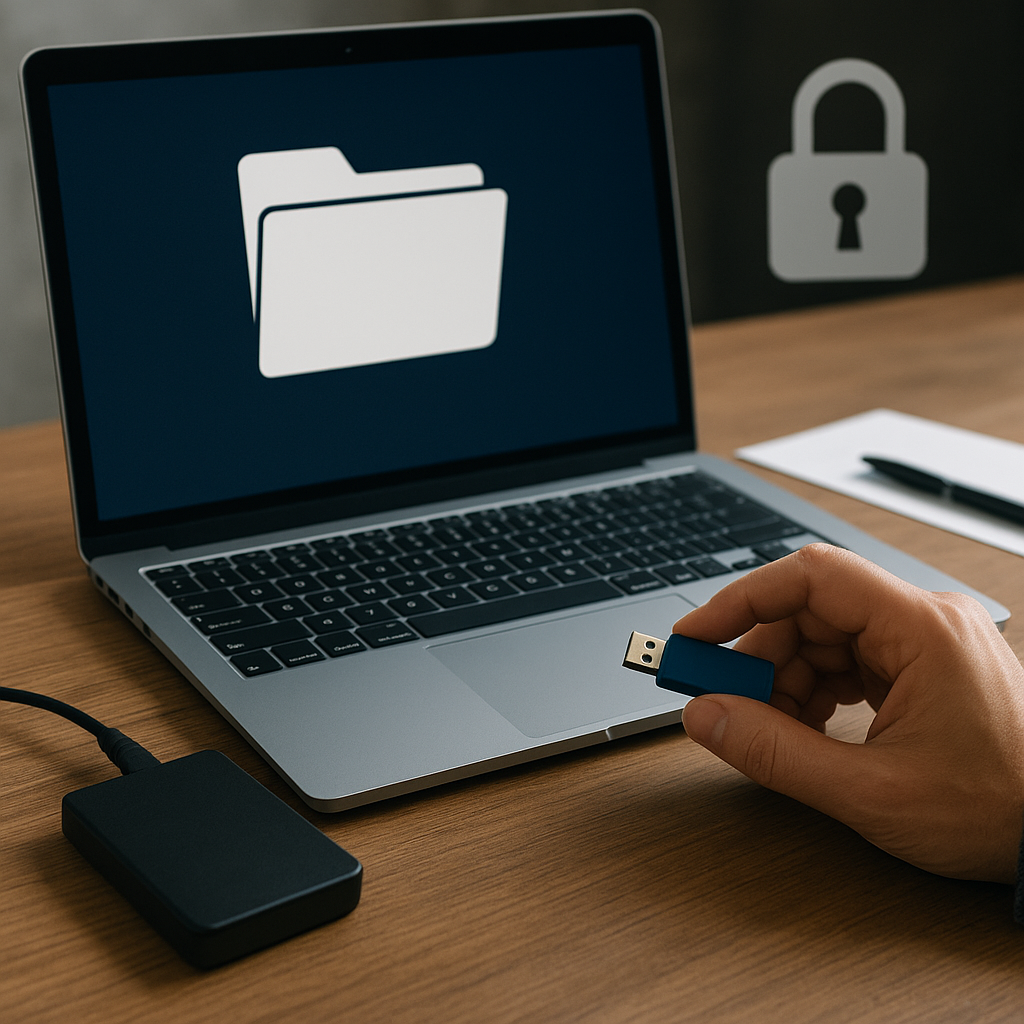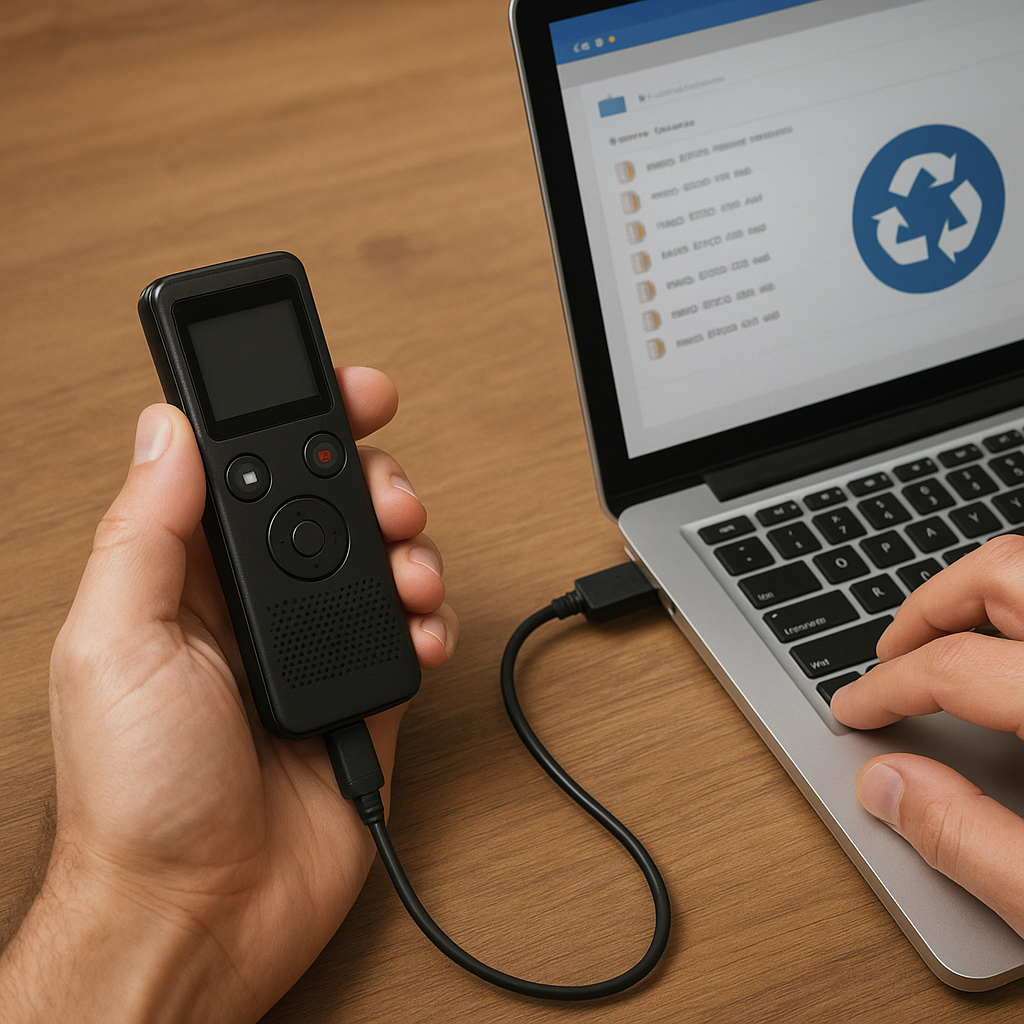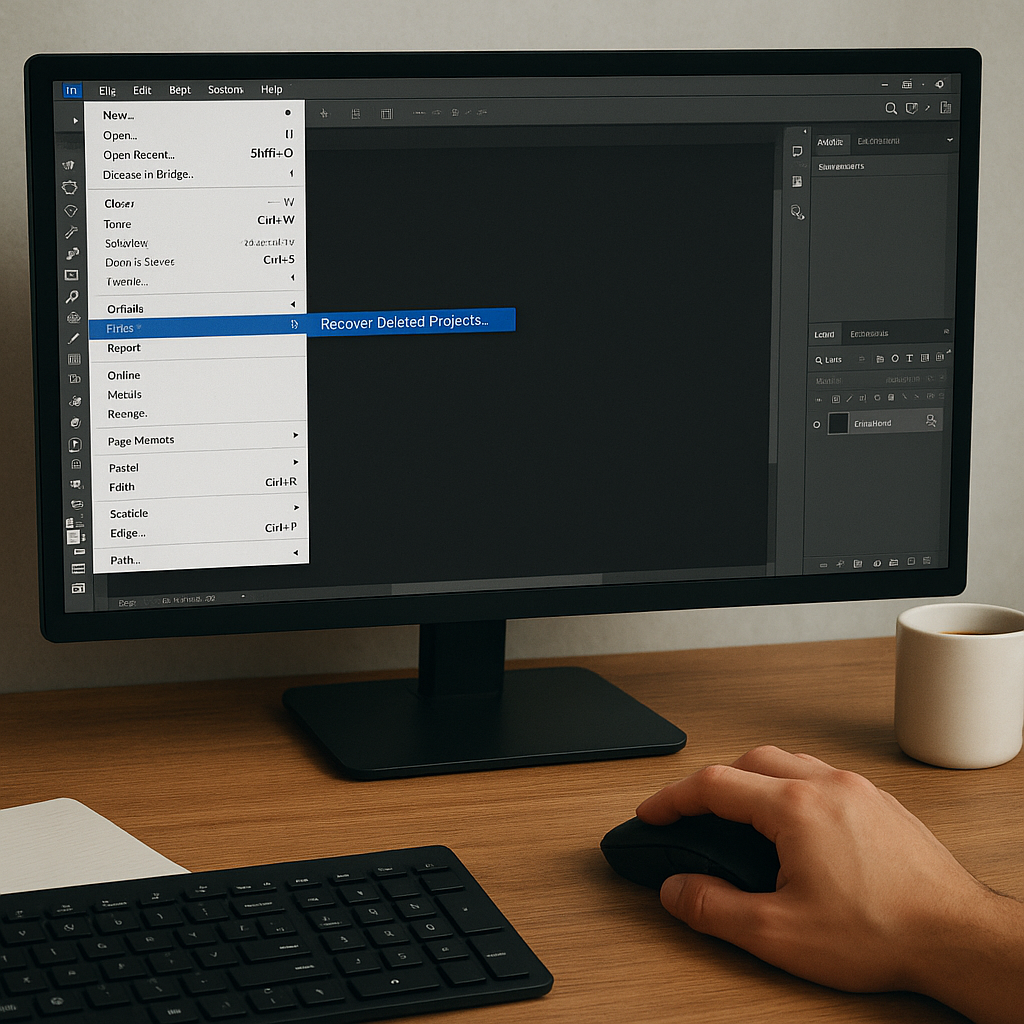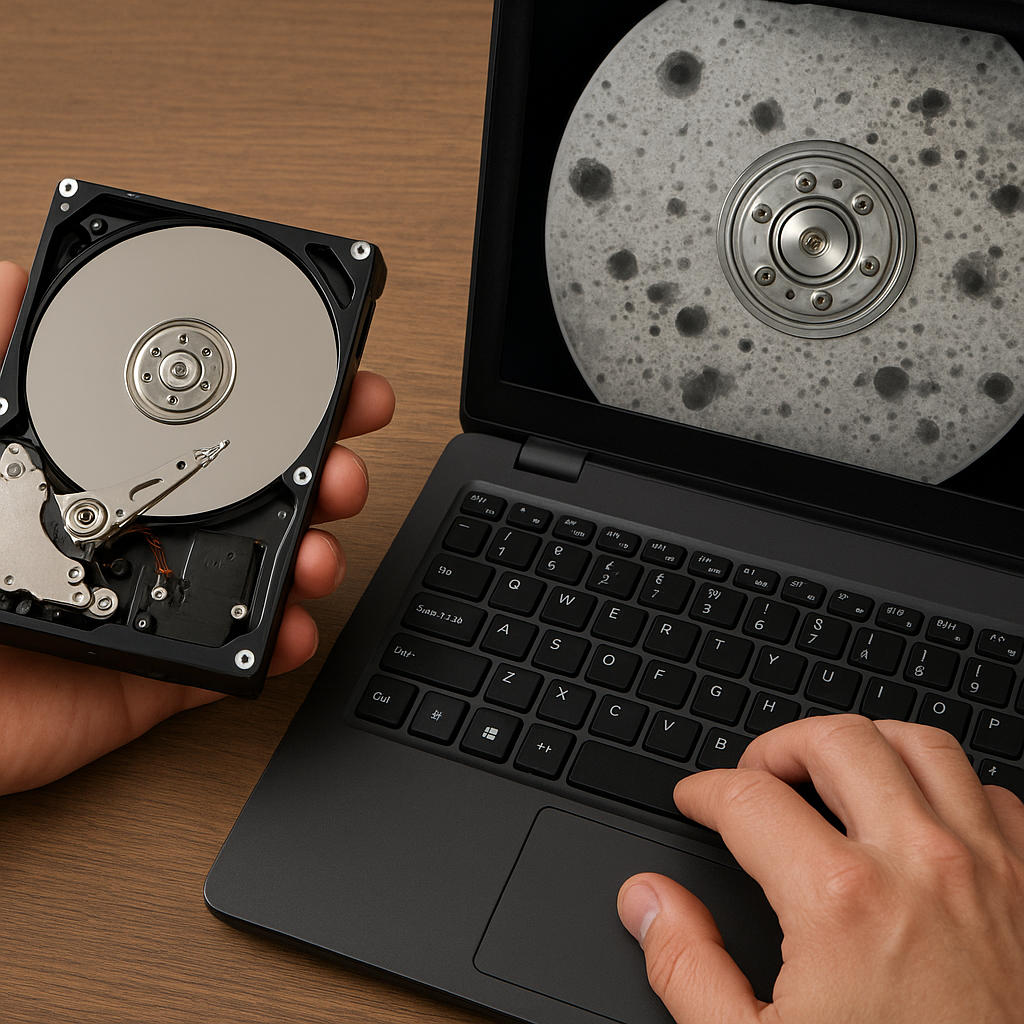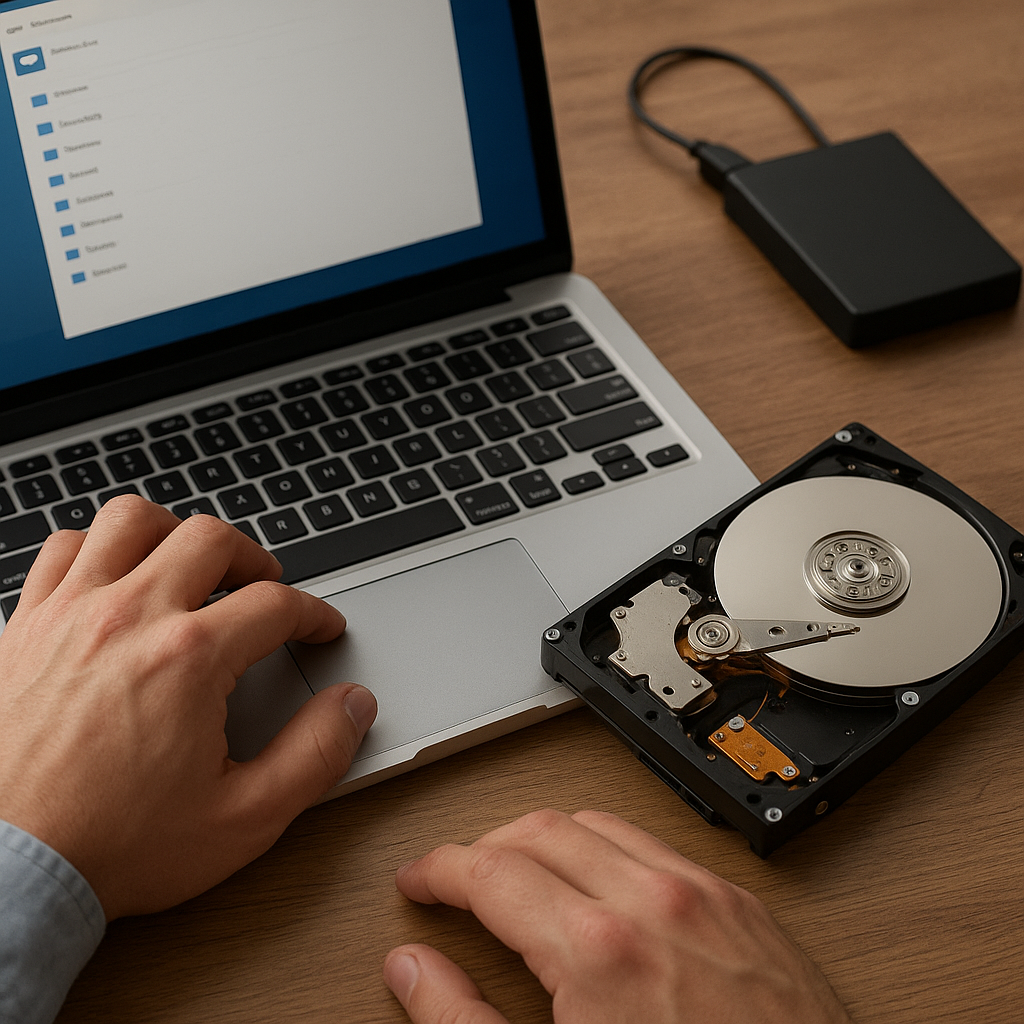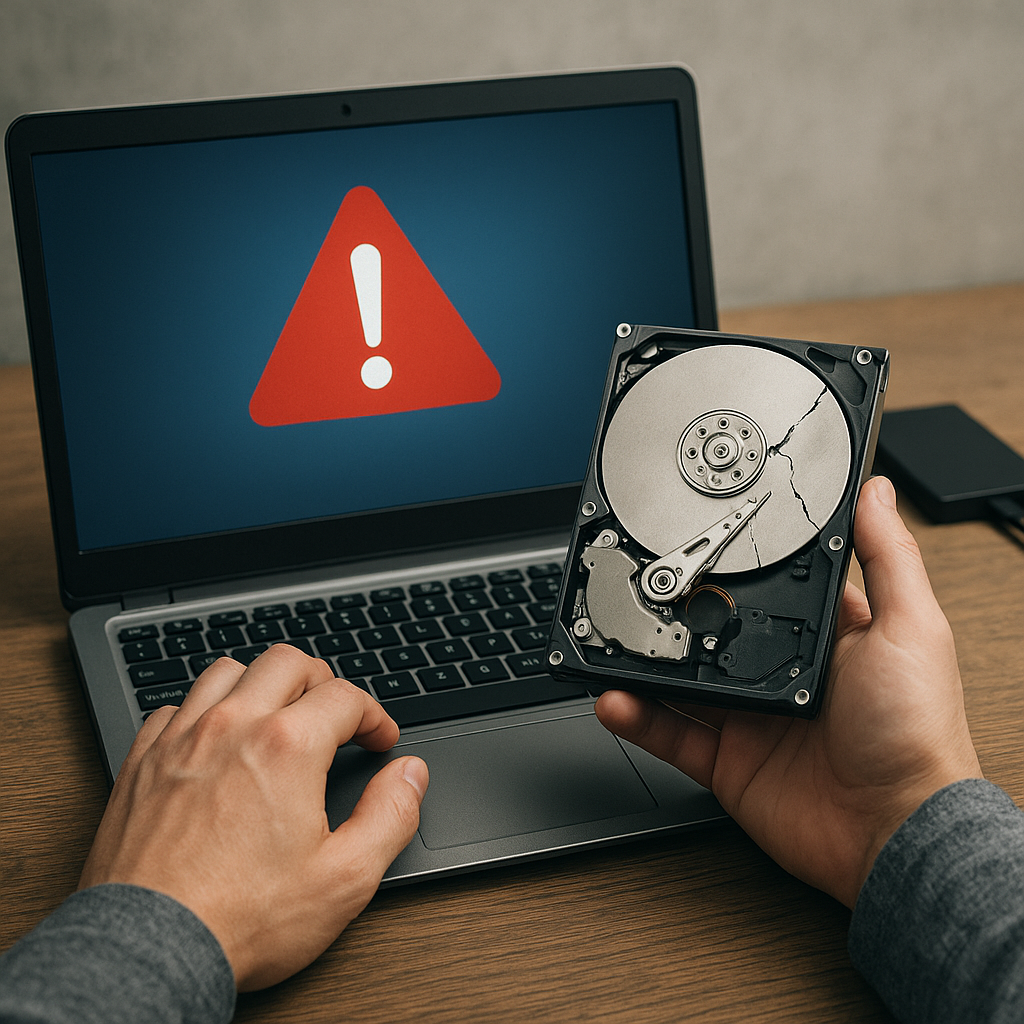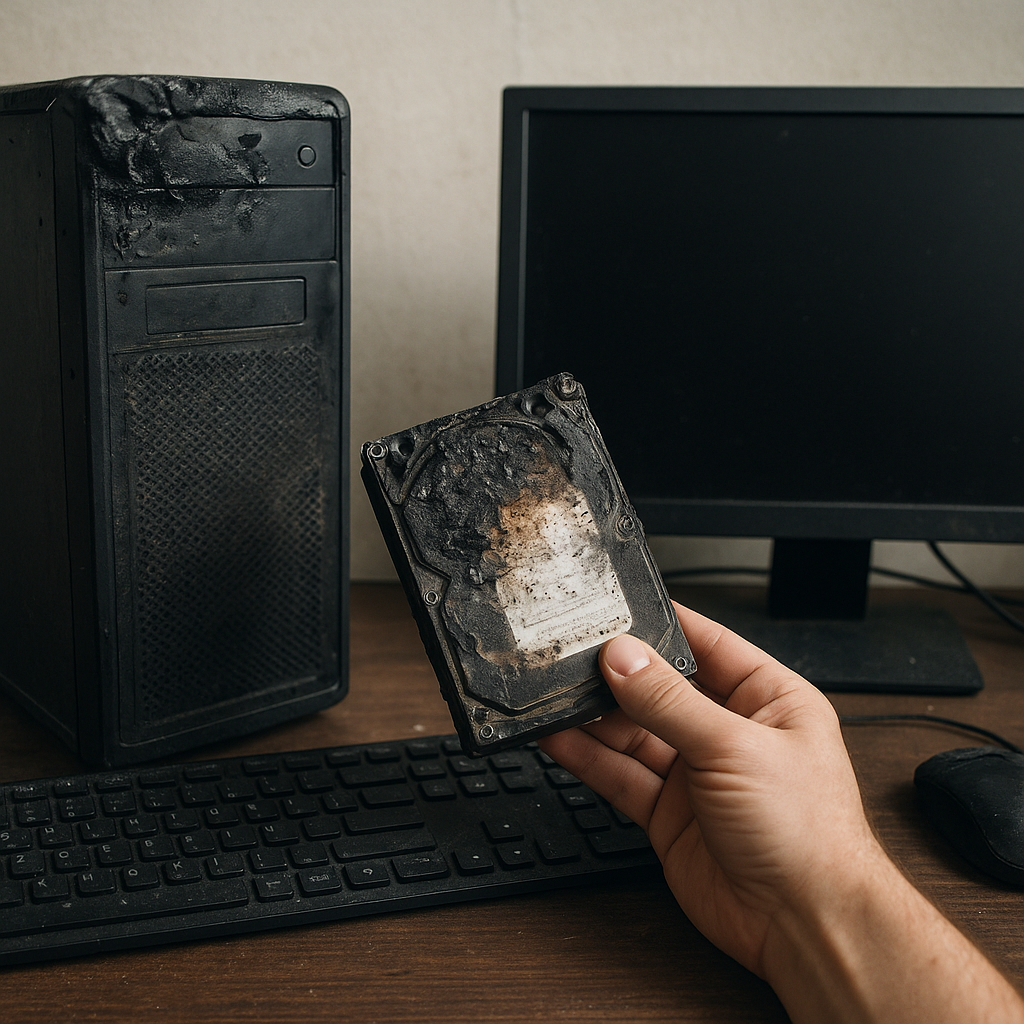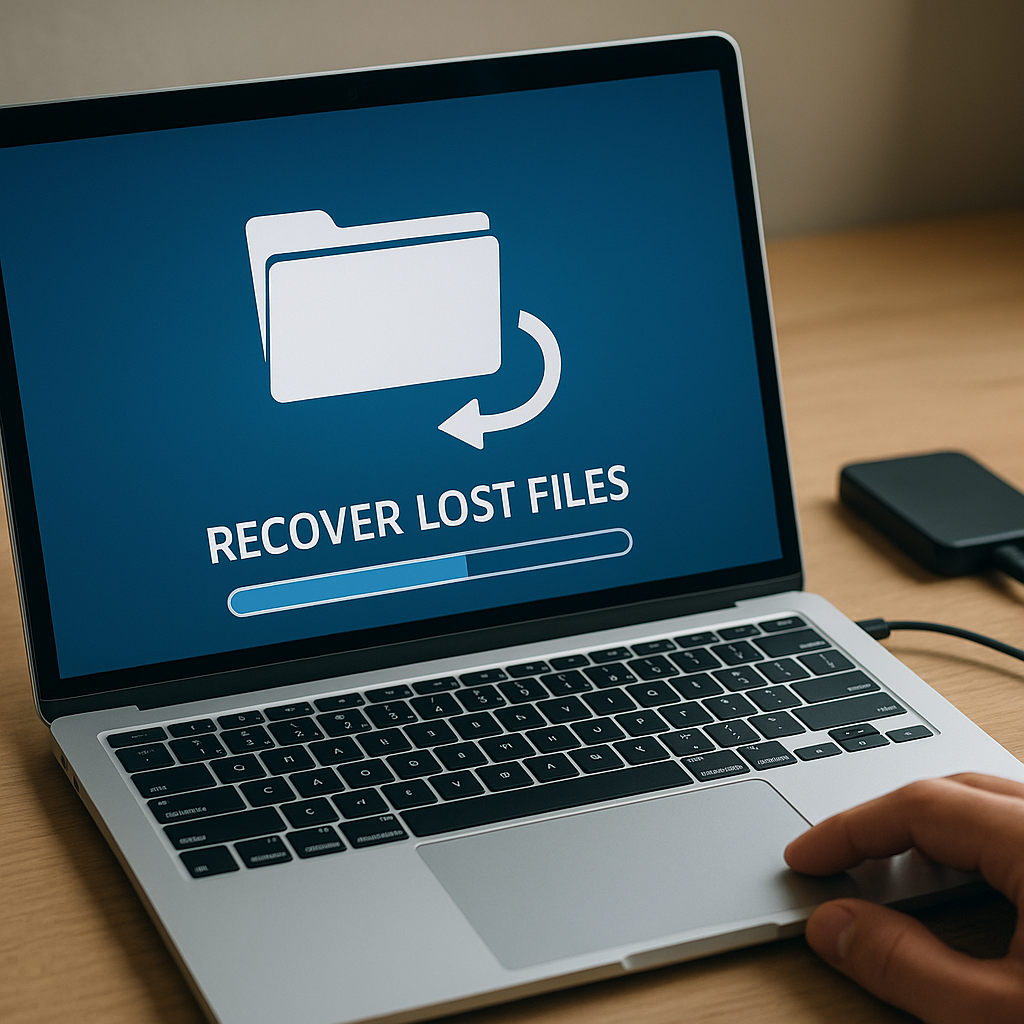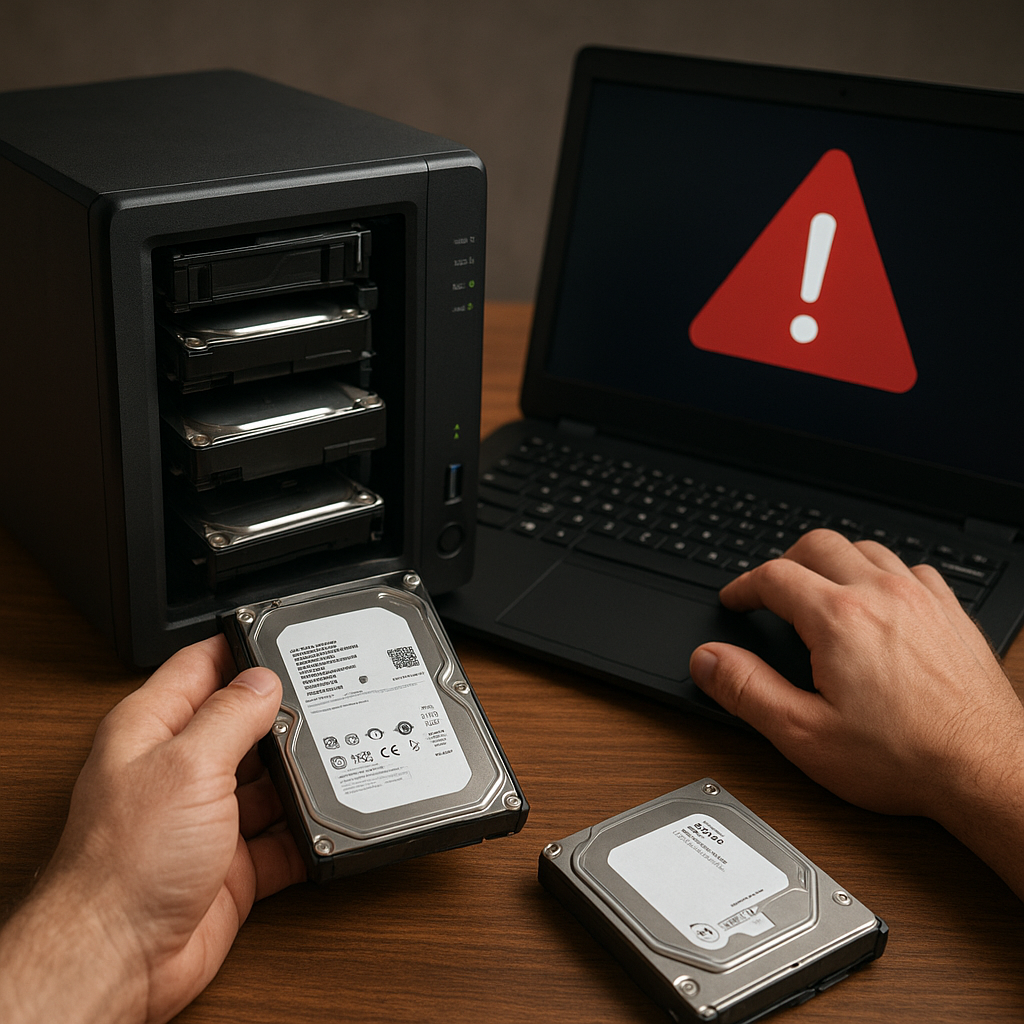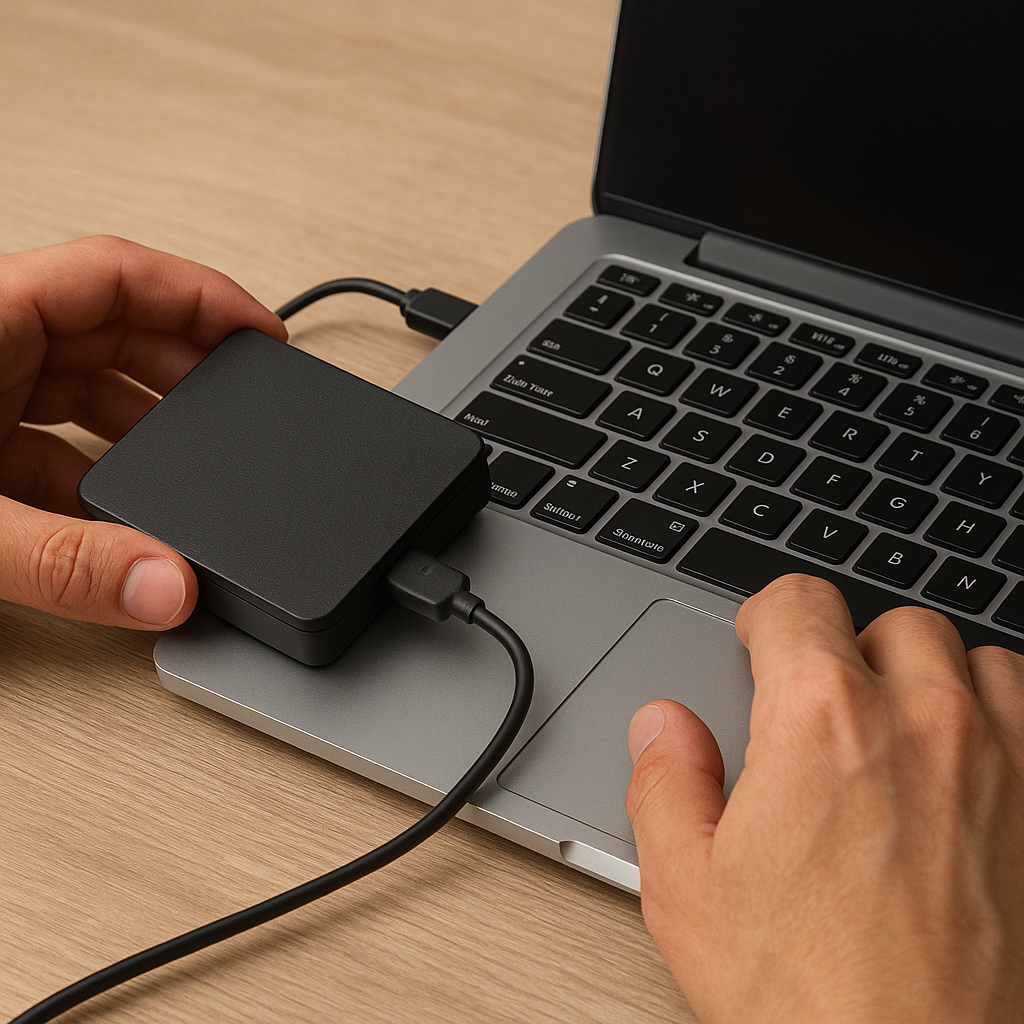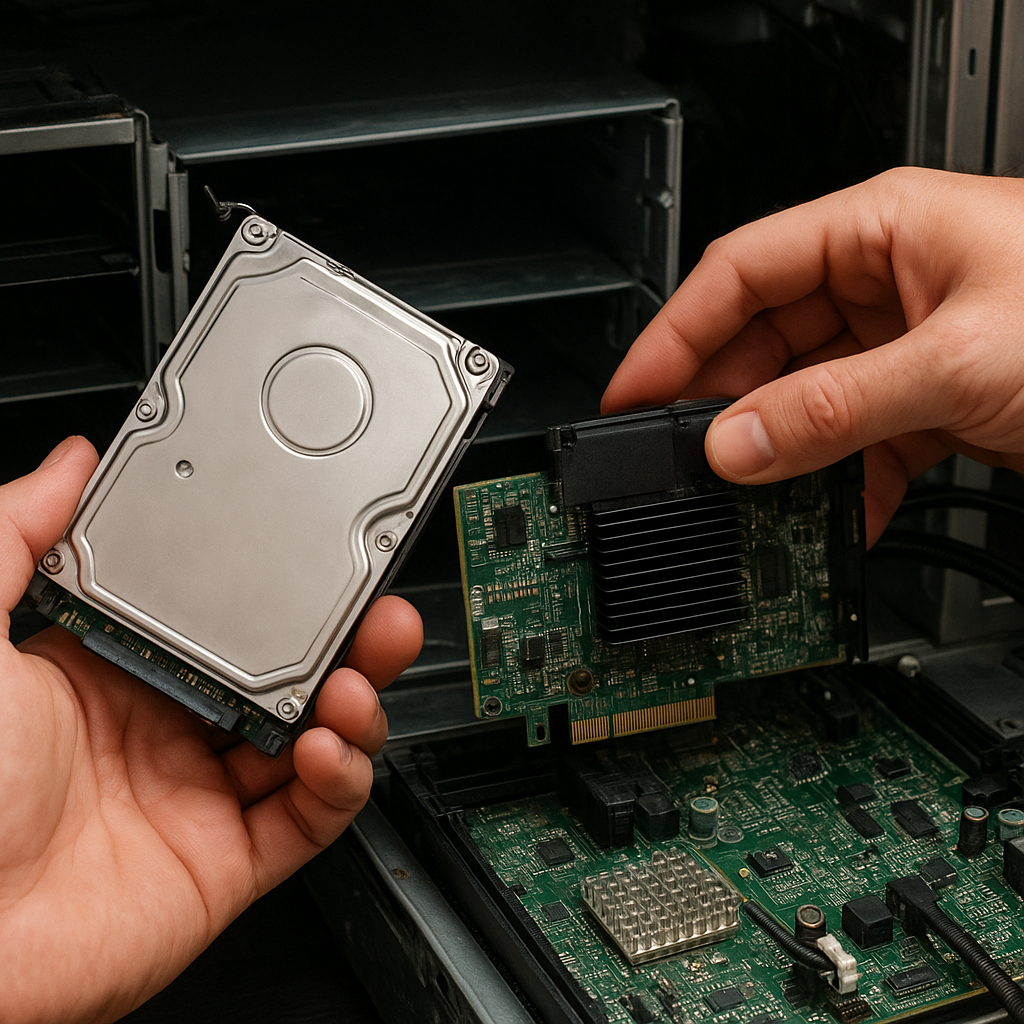
When a RAID controller malfunctions, users often face the daunting task of salvaging critical data from an array that has become inaccessible. This guide examines the methods, tools, and strategic approaches necessary to recover files from a broken RAID controller. By leveraging modern recovery software and best practices, system administrators and IT professionals can maximize the chances of successful restoration.
Understanding RAID Controller Failures
Before initiating any recovery process, it is crucial to understand the underlying causes of array corruption or controller breakdown. A malfunctioning controller can manifest in various ways, each affecting the RAID structure differently.
- hardware malfunctions – physical damage to the controller board or soldered components can interrupt communication between drives.
- Firmware bugs – corrupted firmware can misinterpret and rewrite configuration data, leading to logical inconsistencies.
- Controller cache loss – sudden power failures may result in cache memory being erased, causing incomplete write operations across disks.
- Disk errors – individual disk sectors may experience bad blocks or sector remapping, cascading into overall array instability.
Following an incident, do not attempt to rebuild the array using the original controller or by swapping in replacement parts without proper planning. Unsupervised operations can cause permanent data loss, as the RAID metadata depends on precise sequencing and configuration parameters.
Choosing the Right Recovery Software
Selecting an appropriate recovery tool is a pivotal step. Commercial and open-source software vary in capabilities, supported RAID levels, and user interface complexity. Evaluate the following criteria when making a choice:
- Supported RAID levels (RAID 0, 1, 5, 6, 10, and proprietary nesting schemes).
- Ability to read and interpret metadata from partially damaged disks.
- Advanced parity calculation modules for arrays that lost a single or multiple drives.
- Options for creating forensic-quality images and verifying checksums to ensure data integrity.
- Compatibility with various file systems (NTFS, ext4, HFS+, XFS, ReFS).
Top-tier solutions provide guided wizards and visual representations of block layouts, while script-based utilities suit experts comfortable with command lines. Regardless of interface style, ensure that the software you choose implements robust safety mechanisms to prevent writes to original drives.
Reconstructing the Array and Retrieving Files
Once the recovery environment is configured, the process can be divided into methodical steps. Patience and precision are key; hasty moves can overwrite essential metadata.
Step 1: Disk Imaging
Create sector-by-sector copies of each drive to preserve the original media. Use specialized tools that can handle bad sectors gracefully and retry reads without halting. An accurate clone ensures you can repeat reconstruction attempts without risking the original disks.
Step 2: Metadata Analysis
RAID controllers store configuration details such as stripe size, drive order, and parity rotation. Using recovery software, scan the cloned images for metadata signatures. If the original controller’s configuration is lost, manually input parameters based on prior documentation or by analyzing the physical block alignment.
Step 3: Array Reconstruction
With metadata extracted, virtually assemble the array within the software. This reconstruction phase simulates the controller’s logic, calculating parity bits and aligning data stripes. Verify the logical drive’s consistency by inspecting file system structures for recognizable directory trees and file headers.
Step 4: File Carving and Extraction
When directory entries are damaged or missing, employ file carving techniques to scan the raw data for file signatures. Recovery software often includes pattern recognition for common file types like JPEG, PDF, and Office documents. Extract files into a secure destination, ensuring no further writes occur on the cloned images.
Advanced Techniques and Best Practices
Beyond basic procedures, experienced technicians may apply specialized methods to tackle complex scenarios. These strategies can significantly improve recovery success rates in cases of severe controller damage or multi-drive failures.
- Virtualization – Load the cloned disk images into a virtual machine (VM) environment configured with a software-based RAID controller. This sandbox allows live testing of different RAID parameters without endangering original media.
- Cross-check with multiple software suites – Different tools use varied algorithms for parity calculation. Validating results across two or more applications can catch errors that a single program might miss.
- Hex-level manual intervention – For critical cases, open the raw images in a hex editor. Manually inspect and correct metadata tables, signature bytes, and boot sectors to ensure proper file system alignment.
- error correction and redundancy checks – Use checksums and CRC validations to detect corrupt sectors. Some advanced recovery platforms can reconstruct missing data fragments using forward-error-correction codes.
- Document every step – Maintaining a detailed log of commands, parameter settings, and timestamps helps track which approaches yielded valid data, and supports audit requirements in enterprise environments.
In environments where controller failure is a recurring threat, consider implementing continuous monitoring, real-time backups, and hot spares. Preemptive health checks on drive SMART statistics and proactive firmware updates can mitigate the need for emergency recovery operations.
Implementing a Robust Recovery Workflow
Establishing a standardized workflow ensures that when a RAID controller fails, the response is swift and structured:
- Isolate the affected array immediately to prevent unintended operations.
- Power down the system, if safe, to avoid further failure cascades.
- Document the physical drive order, serial numbers, and controller model.
- Transfer drives to a dedicated recovery workstation equipped with multiple ports and power supplies.
- Follow the imaging, analysis, and reconstruction steps outlined above, leveraging both graphical and command-line tools as appropriate.
By combining thorough preparation with the right recovery software, even catastrophic RAID controller breakdowns can be resolved with minimal data loss. Adopting these guidelines will enhance your ability to retrieve valuable information and restore operational continuity.