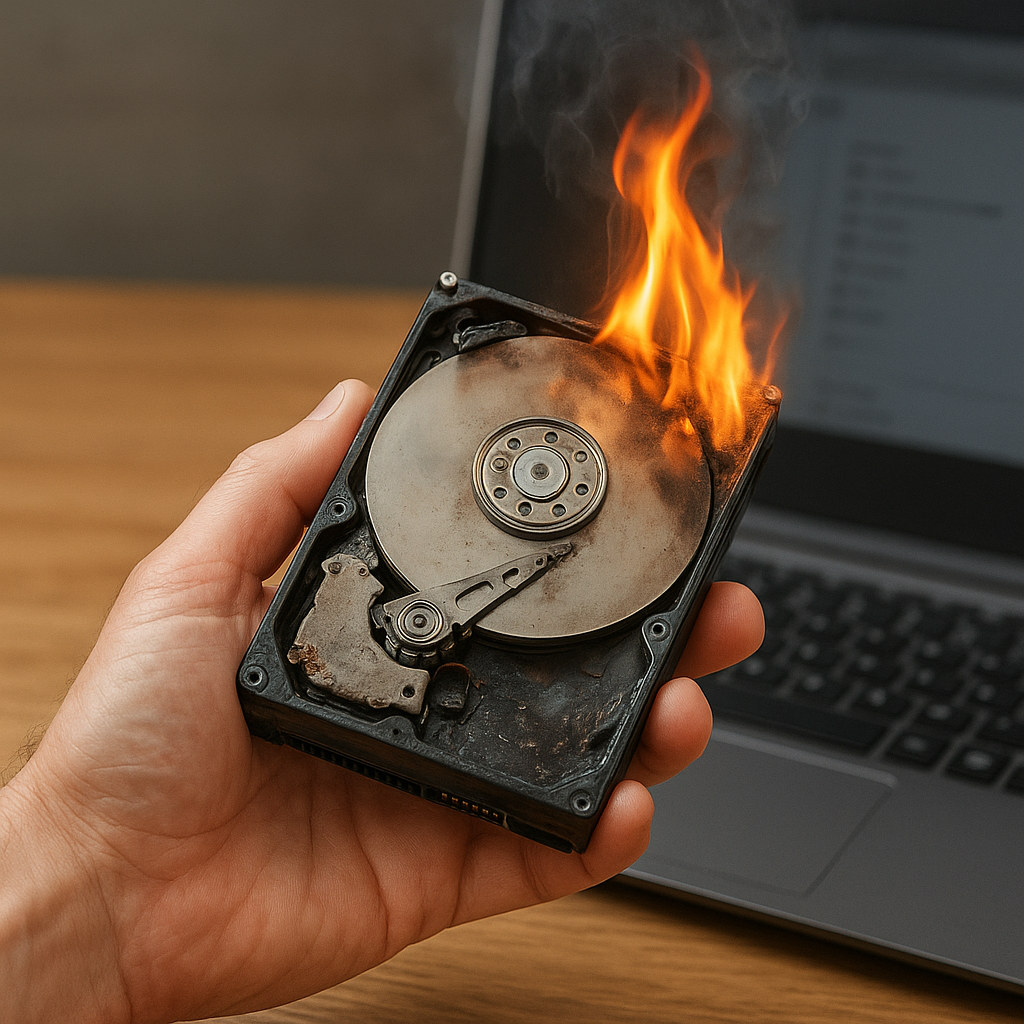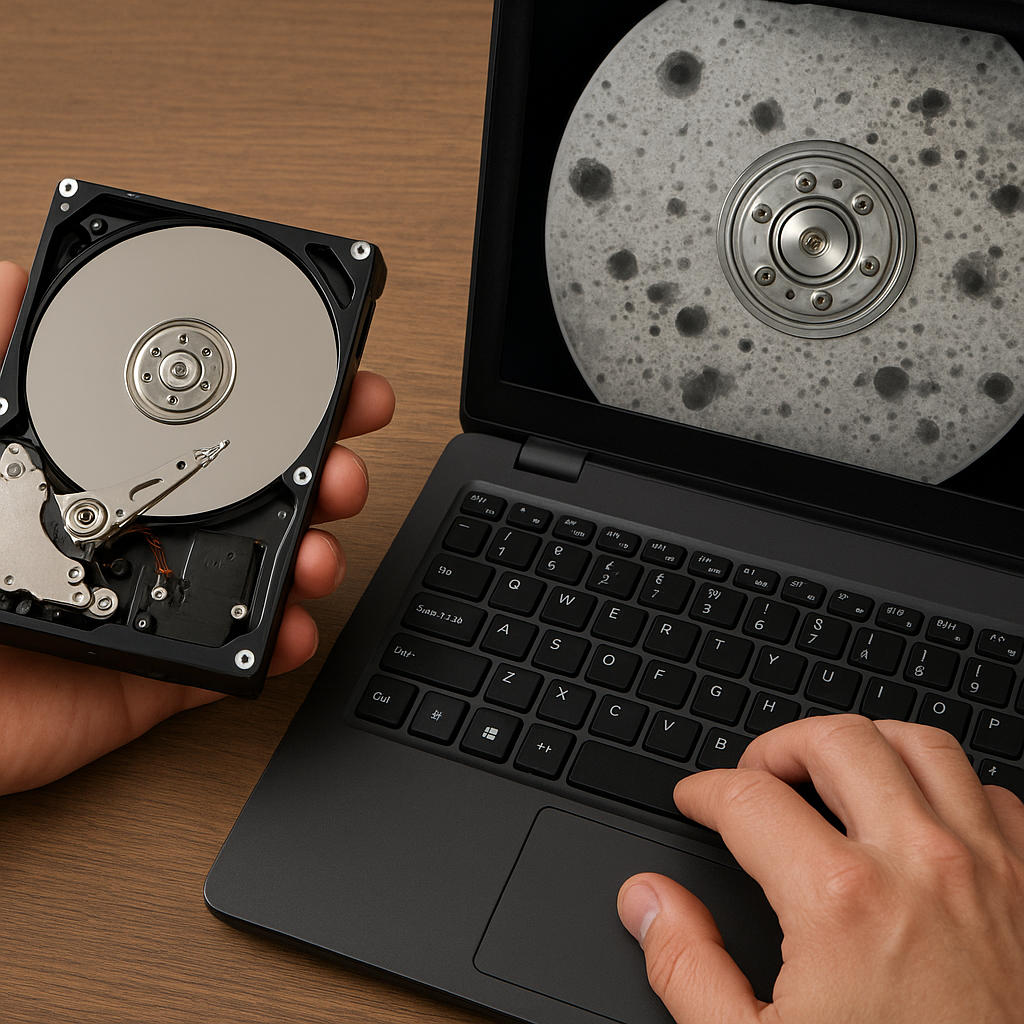
Encountering a malfunctioning hard drive due to bad sectors can be a frustrating experience for both individuals and businesses. A drive with unreadable areas threatens data integrity and may lead to permanent loss of critical files. This comprehensive guide explores the nature of bad sectors, outlines effective recovery strategies, and recommends top-tier software solutions to help you rescue your valuable data.
Understanding Bad Sectors and Their Consequences
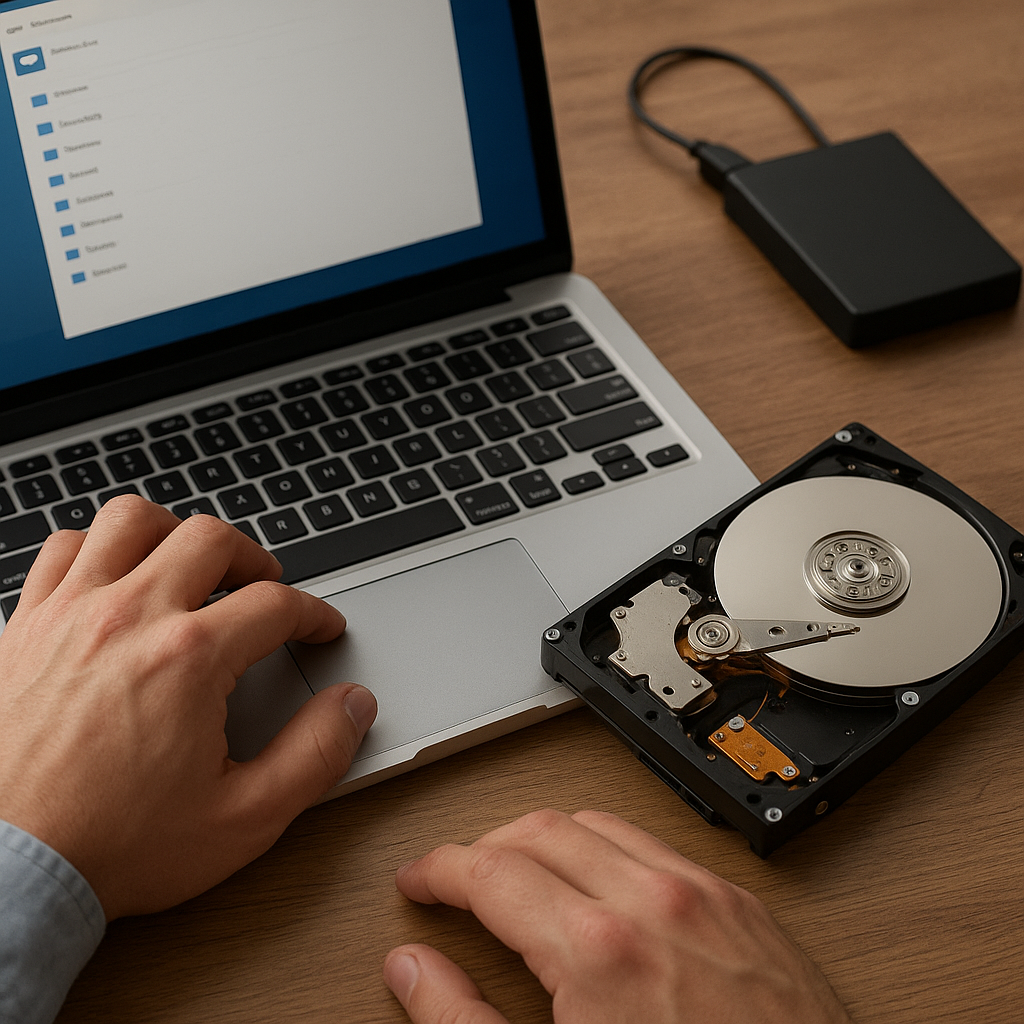
A bad sector is a portion of the hard drive’s storage that has become damaged and can no longer reliably hold data. These sectors can be caused by physical damage to the drive platter, manufacturing defects, or prolonged wear and tear. Recognizing the difference between logical and physical bad sectors is essential before attempting any recovery process.
Logical vs. Physical Bad Sectors
- Logical bad sectors occur when the system fails to write or read data correctly, often due to software errors, corrupted file systems, or abrupt shutdowns.
- Physical bad sectors result from actual damage to the magnetic surface of the drive platter, such as scratches or manufacturing flaws.
While logical bad sectors can sometimes be repaired via formatting or running disk-check utilities, physical bad sectors are permanent and require specialized imaging techniques to recover data from adjacent healthy sectors.
Impact on System Performance and Data Integrity
- Slower access times as the operating system attempts repeated reads from damaged areas.
- Increased risk of file corruption when vital system or user files reside on affected sectors.
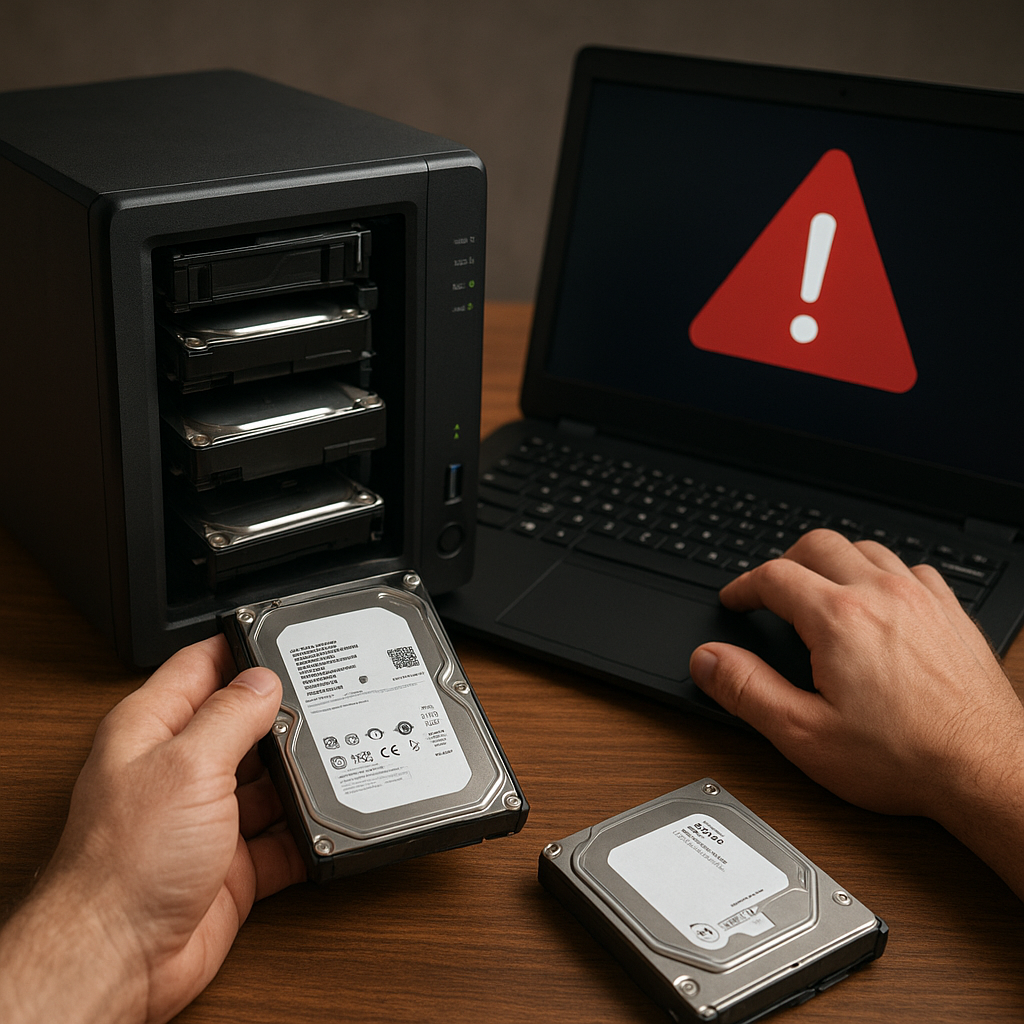
- Potential for cascading damage if the drive’s firmware struggles to manage growing numbers of bad sectors.
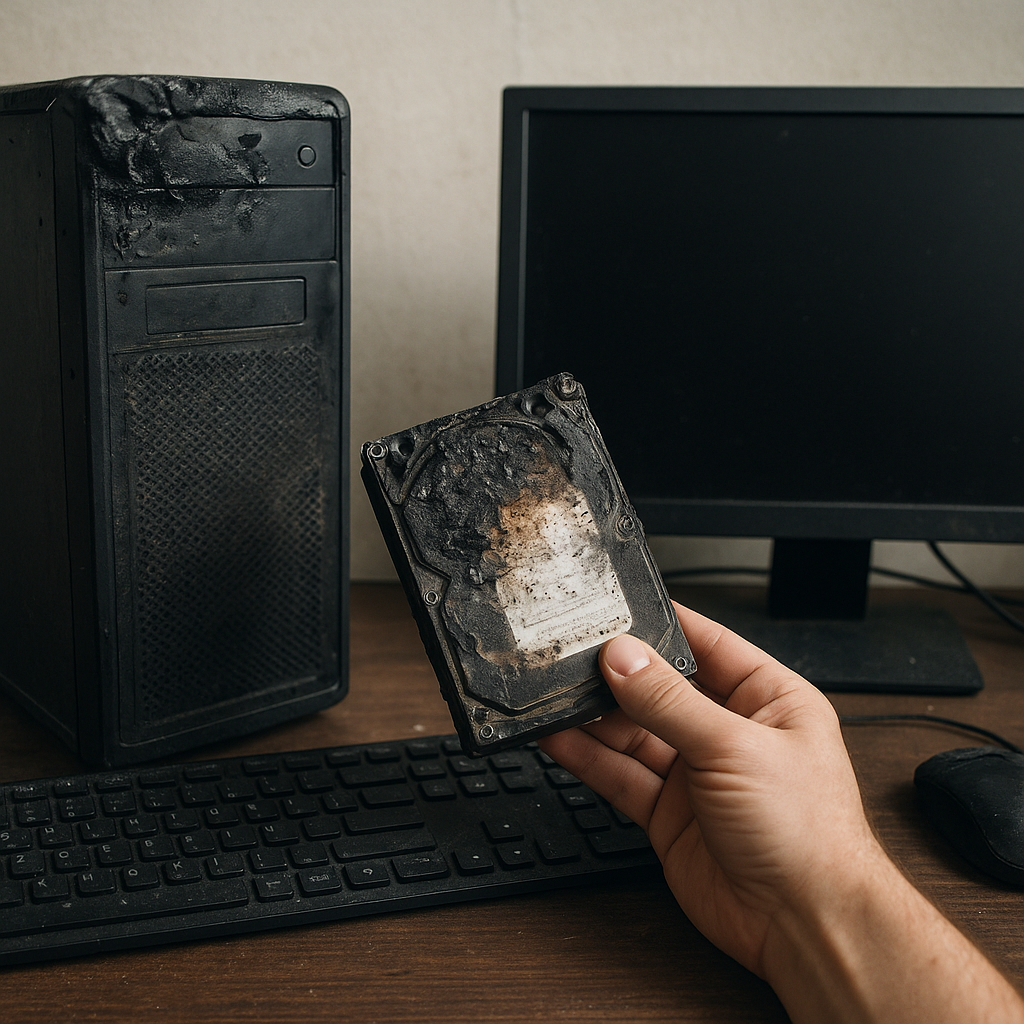
Ignoring bad sectors can lead to catastrophic data loss and even complete drive failure. Early detection and timely intervention are crucial to preserve your digital assets.
Effective Techniques for Recovering Files from Bad Sectors
Employing the right combination of diagnostic tools and recovery processes increases the likelihood of retrieving your files intact. Below are proven methods to tackle bad-sector issues safely and efficiently.
1. Drive Imaging and Clone Creation
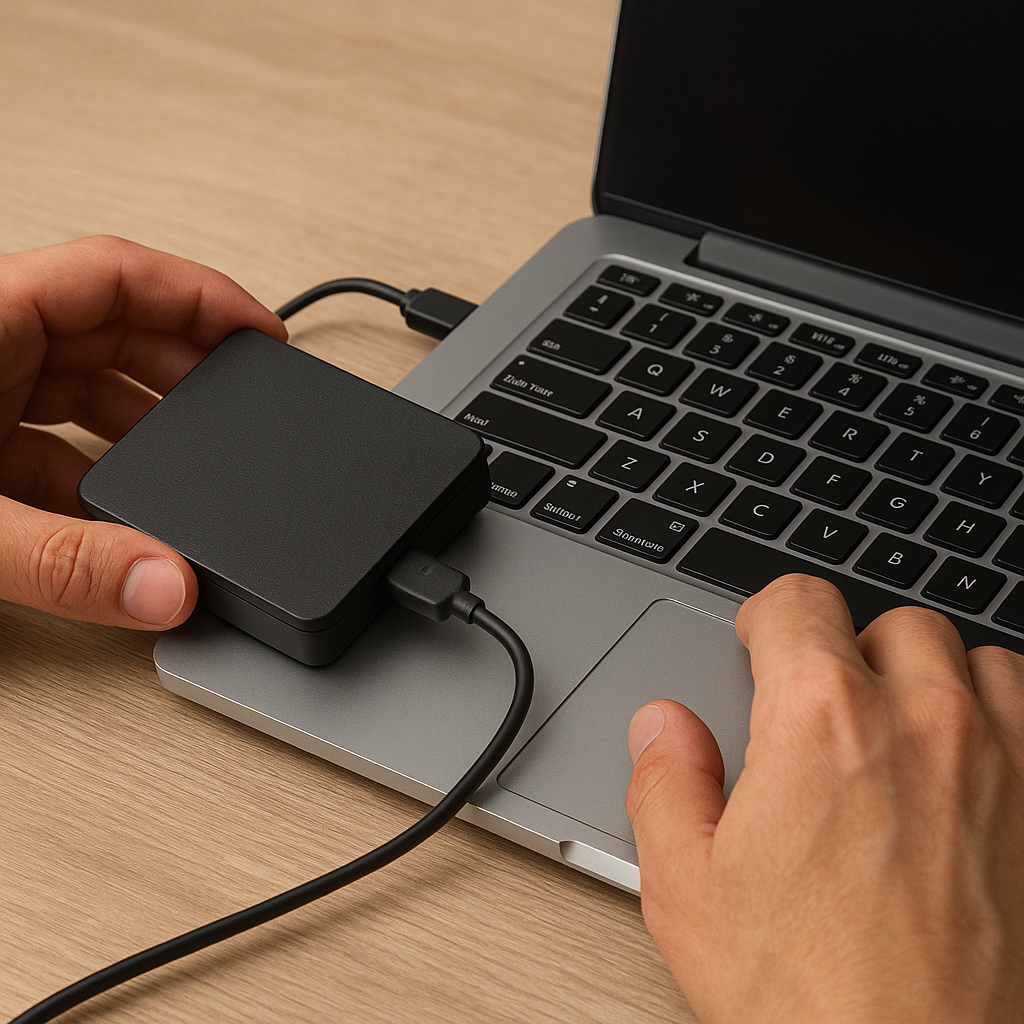
Before attempting file recovery, always create a sector-by-sector image or clone of the failing drive. Imaging ensures that you work on a copy, preventing further damage to the original media.
- Use software capable of skipping or mapping out unreadable sectors while capturing all good data.
- Save the image to a stable target drive with enough free capacity.
- Verify the image integrity to confirm that the copying process was successful.
This step is vital because repeated attempts to read bad sectors on the original disk can accelerate its deterioration.
2. Scanning and Repair Utilities
After imaging, run specialized utilities on the cloned image:
- File system checkers (e.g., CHKDSK on Windows or fsck on Linux) to repair logical errors.
- Bad-block scanning tools to identify and mark problematic sectors so the operating system ignores them.
- Partition recovery utilities to reconstruct damaged partition tables and file allocation structures.
Although these tools can fix some issues, always work on the clone rather than the original drive.
3. Deep File Recovery Algorithms
For severely damaged drives, employ advanced recovery software featuring robust algorithms:
- Signature-based recovery to locate known file headers even when directory entries are missing.
- Raw data carving to extract files by examining binary patterns.
- Intelligent rebuilding of fragmented files when the original file table is corrupted.
These techniques demand powerful processing capabilities and can take considerable time depending on drive size and damage level.
Criteria for Selecting Best-in-Class Recovery Software
Choosing appropriate software is critical to the success of your recovery mission. Consider the following factors when evaluating recovery tools:
Recovery Capabilities
- Support for multiple file systems (NTFS, FAT32, exFAT, HFS+, ext4, etc.).
- Ability to handle drives with both logical and physical bad sectors.
- Advanced algorithms for signature-based and raw data recovery.
User Interface and Reporting
- An intuitive interface that guides you step-by-step through imaging, scanning, and recovery processes.
- Real-time status updates and detailed logs to monitor progress.
- Pre-recovery previews of recoverable files to help you prioritize essential data.
Technical Support and Documentation
- Comprehensive help resources, including tutorials and knowledge-base articles.
- Access to professional support teams via email or live chat.
- Regular software updates to address emerging storage technologies and file system changes.
Preventive Measures and Best Practices
Preventing bad sectors in the first place remains the most reliable way to safeguard your data. Implement a proactive strategy that combines hardware care and systematic backup routines.
1. Regular Disk Monitoring
- Enlist S.M.A.R.T. monitoring tools to track drive health indicators such as reallocated sector count.
- Schedule automated checks to detect anomalies before they escalate.
2. Environmental Protection
- Maintain stable temperature and humidity levels to minimize thermal stress on drive platters.
- Avoid physical shocks by placing drives away from high-vibration equipment.
3. Structured Backup Plans
- Adopt the 3-2-1 rule: three copies of data on two different media, one offsite.
- Automate backups to external drives or reliable cloud services.
- Regularly test backup integrity through trial restores.
4. Maintenance and Firmware Updates
- Keep drive firmware current to benefit from manufacturer improvements.
- Use official utilities to perform non-destructive surface scans and remapping.
Armed with the right knowledge and tools, recovering files from a hard drive with bad sectors becomes a manageable task rather than a hopeless mission. By combining careful imaging, powerful recovery software, and diligent preventive measures, you can safeguard your digital assets against the inevitable wear and tear of modern storage devices.