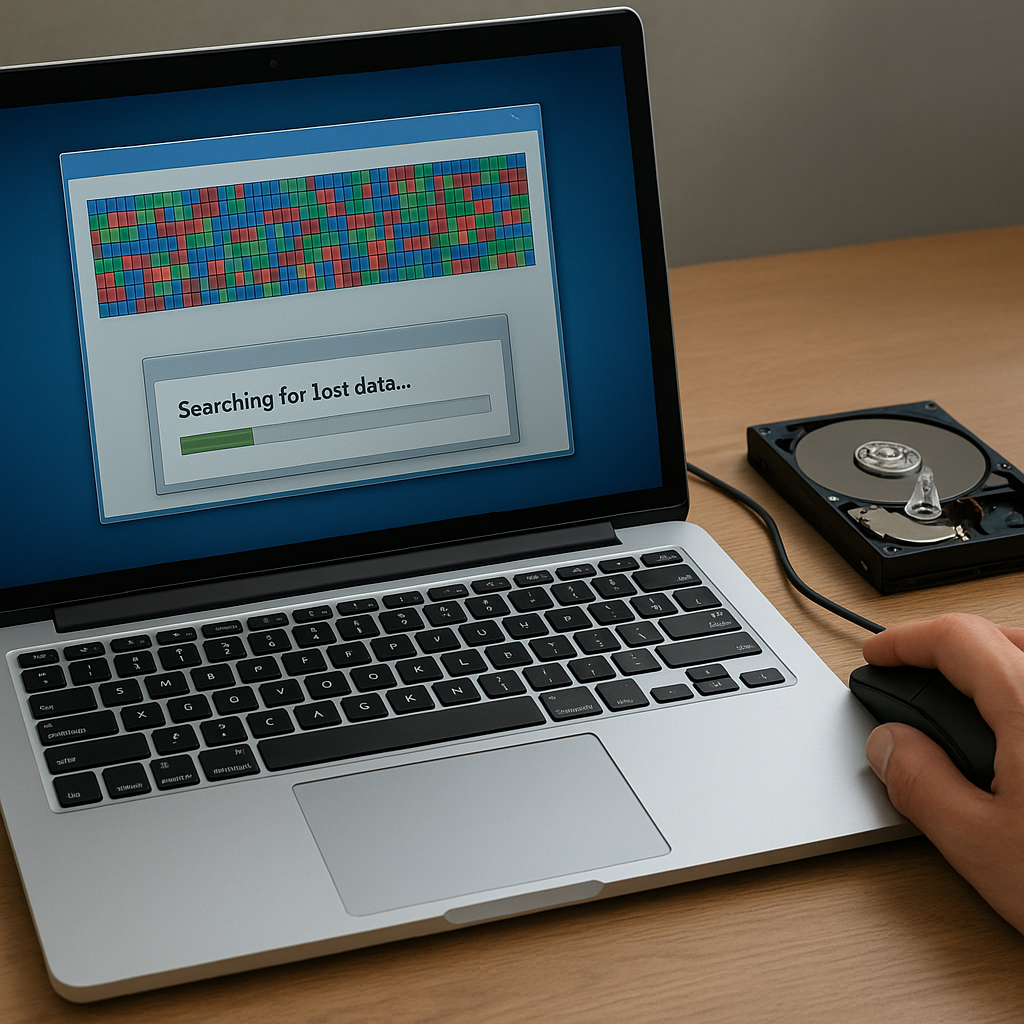
After completing a disk defragmentation, encountering missing or corrupted files can be alarming. While defragmentation is designed to optimize performance by reorganizing file fragments, unforeseen interruptions or system errors may lead to data corruption. This guide explores the necessary steps to recover lost information, highlights key concepts in disk management, and recommends reliable tools to restore your digital assets.
Understanding Disk Defragmentation and Data Loss
Disk defragmentation rearranges fragments of files so that each file occupies contiguous spaces on the drive. This process reduces read/write head travel time, improving overall system responsiveness. However, several factors can cause unintended file allocation issues during defragmentation:
- Power outages or sudden shutdowns interrupting the process.
- Bad or unreadable sectors on the hard drive.
- Software bugs within the defragmentation utility.
- Insufficient free space causing fragment relocation errors.
When fragments fail to relocate properly, the file system can display missing entries or corrupted data blocks. Familiarity with how your operating system manages its fragmentation map and partition table is crucial to initiating a successful recovery.
Essential Preparations for Effective Recovery
Before diving into restoration procedures, take the following precautions to prevent further loss:
- Stop using the affected drive immediately to avoid overwriting orphaned fragments.
- Connect the drive in read-only mode when possible or use a write-blocking adapter.
- Prepare an external storage medium to store recovered files.
- Document your drive’s original partition layout and file system type.
Ensuring disk integrity and maintaining a clear recovery environment will maximize the chances of retrieving intact files. If the drive exhibits mechanical failure signs—clicking noises or abnormal heat—consult a professional data recovery service instead of proceeding independently.
Step-by-Step Guide to Restoring Lost Files
Most modern recovery suites leverage sophisticated recovery algorithms and file signature databases to reconstruct lost information. Follow this structured approach:
1. Select and Install Recovery Software
- Choose a reputable recovery software solution known for supporting your file system (NTFS, FAT32, exFAT, HFS+).
- Install it on a separate partition or external drive to prevent overwriting lost data.
2. Perform an Initial Scan
- Initiate a quick scan to detect recently deleted entries and shallow fragment relocations.
- Review discovered files in the preview pane without committing to recovery yet.
3. Execute a Deep Scan
- Enable the deep scan mode for thorough sector-by-sector analysis.
- Allow the scan to complete fully, as interrupting it could miss fragmented files.
4. Analyze Results and Preview Files
- Use built-in viewers to confirm file integrity, especially for documents, images, and videos.
- Prioritize recovery of critical files by bookmarking or flagging them.
5. Recover and Verify
- Recover files to an external device, ensuring original drive sectors remain untouched.
- Verify recovered files open without errors and check for missing segments.
Advanced Techniques and Preventive Measures
For complex scenarios or large drives, consider these advanced measures:
Disk Imaging
Create a sector-by-sector image of the affected drive using specialized tools. Working on the image rather than the original minimizes risk and preserves the drive’s current state for future attempts.
Manual Hexadecimal Recovery
Experts can inspect raw data in hexadecimal editors to locate file signatures and manually extract fragments. This approach is time-consuming but sometimes yields results when automated tools fail.
Hardware Diagnostics
Run manufacturer-provided diagnostics to isolate failing components. Replacing a deteriorating read/write head or repairing firmware issues can restore drive accessibility without data loss.
Best Practices for Future Protection
Implementing a robust backup strategy remains the most reliable safeguard:
- Maintain at least three copies of vital data, following the 3-2-1 rule (three copies, two media types, one offsite).
- Schedule regular integrity checks and simulated restores to validate backup viability.
- Use modern file systems that offer snapshots or journaling features to limit the impact of unexpected shutdowns.
- Monitor free space and drive health metrics to preempt fragmentation-related issues.
By adhering to these guidelines and utilizing professional-grade tools, you can efficiently recover lost files after defragmentation mishaps and minimize the risk of future data loss.