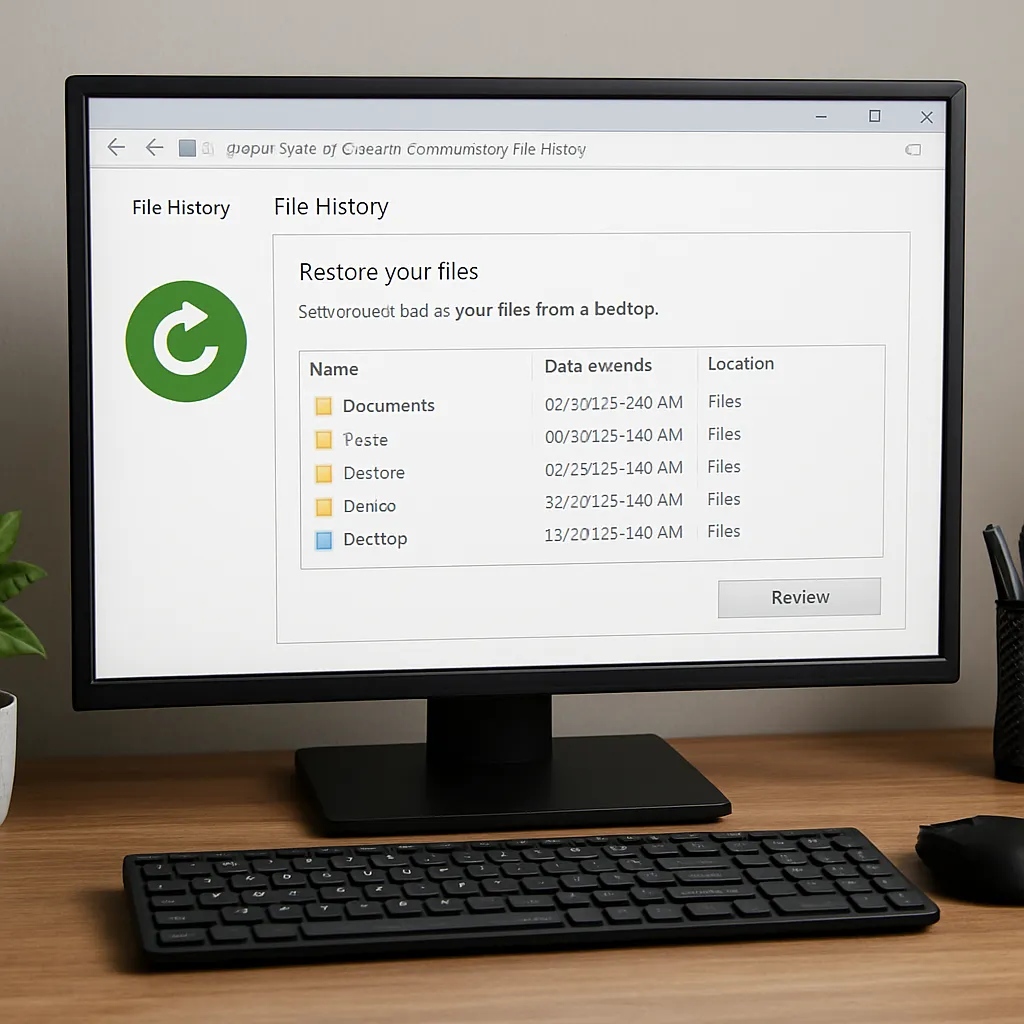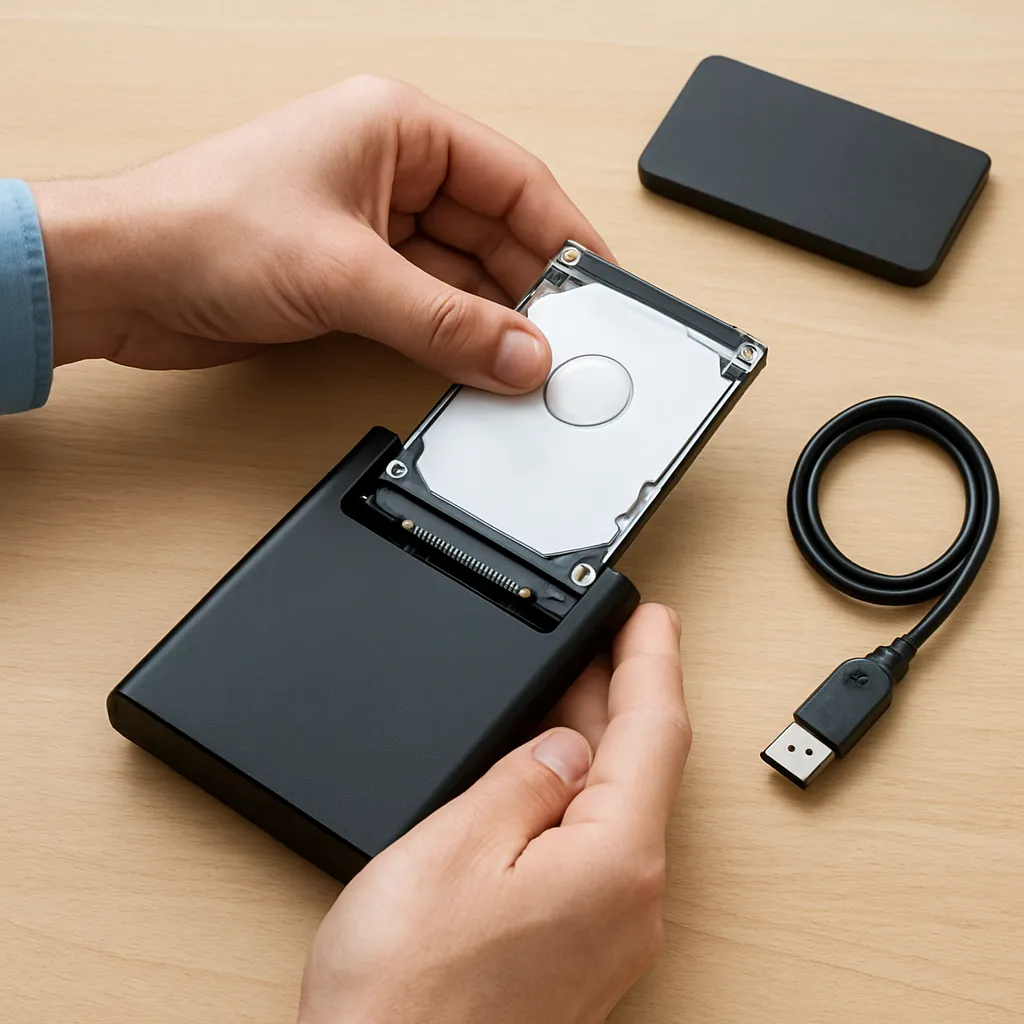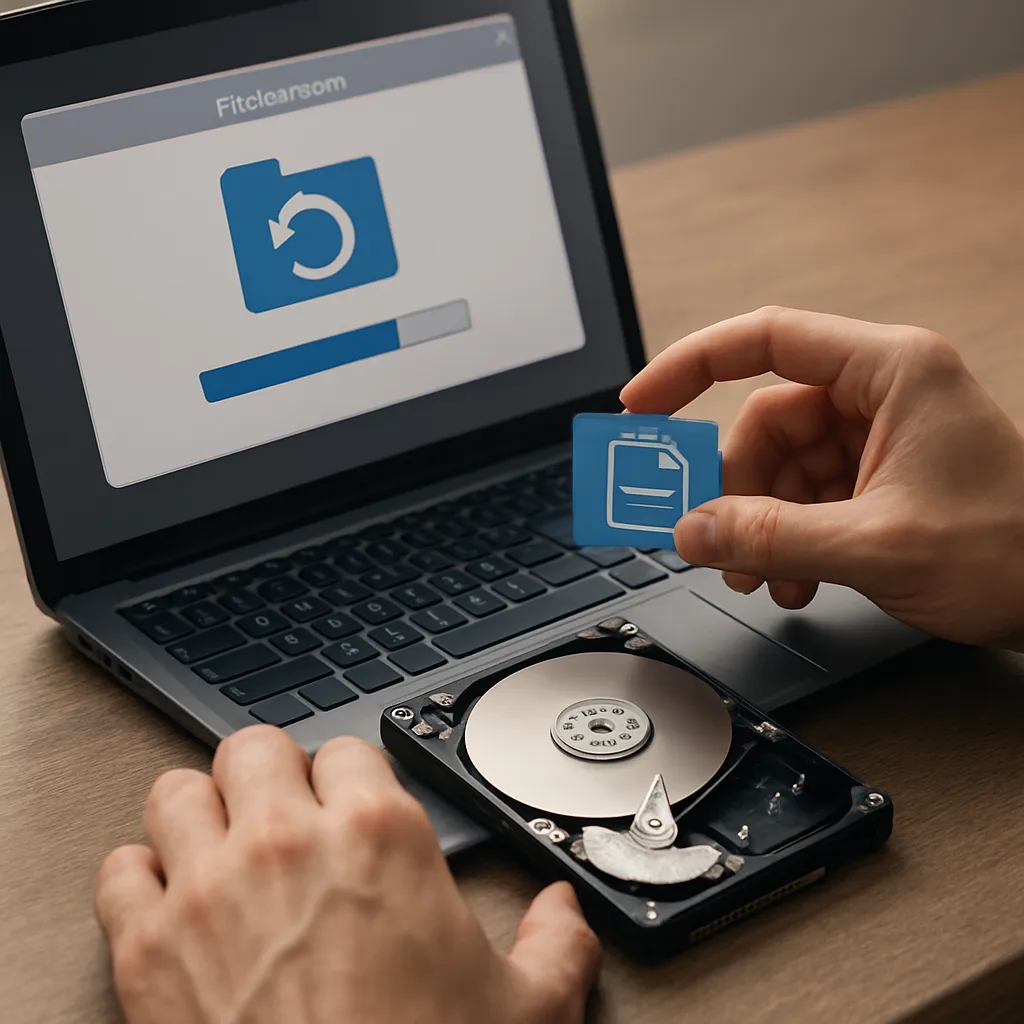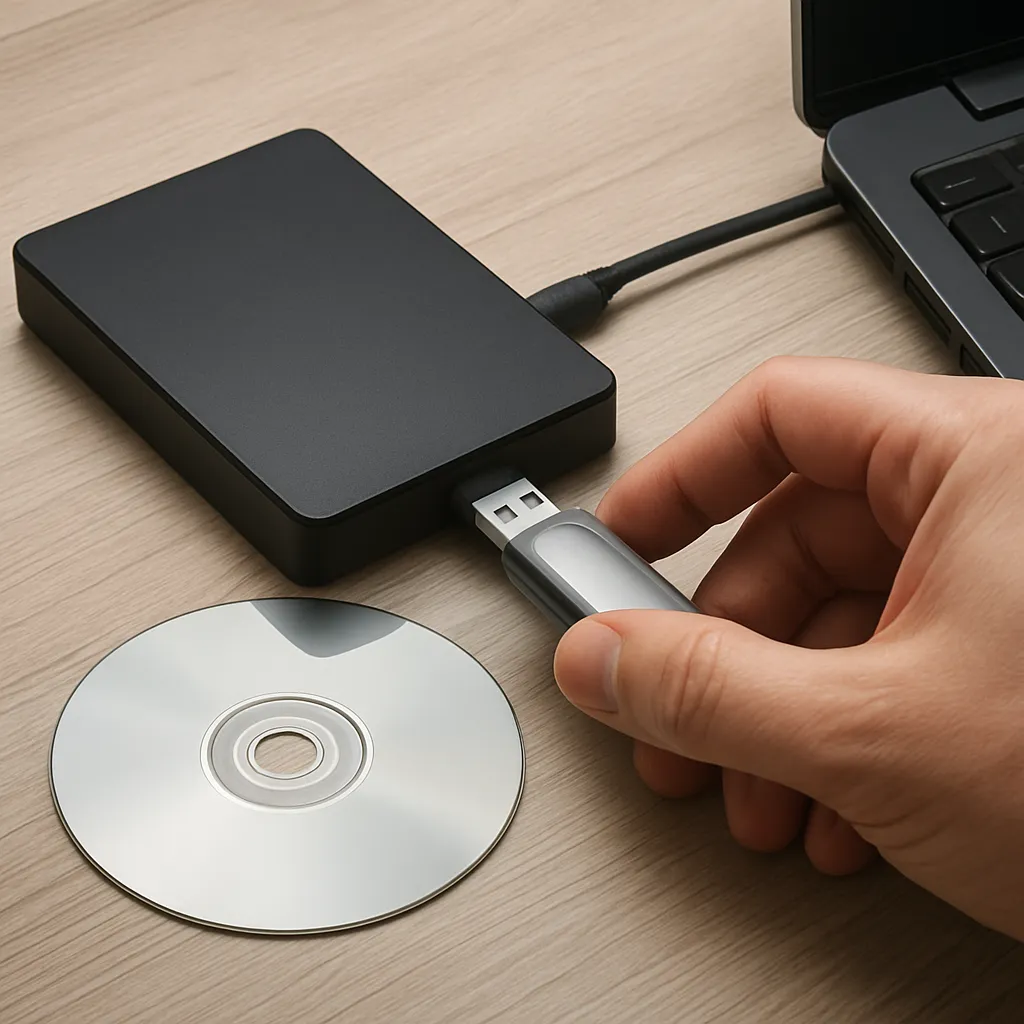
Recovering files from an overwritten drive can feel like chasing shadows, but advances in data recovery tools and techniques make it possible to restore valuable information that seemed lost forever. Whether you’re dealing with accidental overwrites, formatting errors, or partial file corruption, understanding the principles behind drive structures and specialized software is crucial to maximize your chances of success. This article dives deep into the strategies and tools that drive effective recovery, offering practical guidance for IT professionals, digital forensics experts, and everyday users alike.
Understanding Overwritten Drives
When a drive is overwritten, new data is written directly over existing magnetic sectors or flash memory cells, making original content much harder to retrieve. Unlike simple deletion, which merely marks space as available, overwriting replaces bits with new values. Yet, due to phenomena such as residual magnetic traces and logical file system behaviors, partial file recovery can still be feasible under certain conditions.
How Overwriting Occurs
- Accidental file copy operations that use the same filenames and sectors.
- Quick formats that rewrite file system metadata without zeroing out data sectors.
- Partition resizing or reinitialization during operating system installations.
Challenges to Successful Recovery
- Fragmentation—Files scattered across the drive increase complication.
- Multiple overwrite passes using secure erase algorithms.
- Hardware damage that causes bad sectors or unstable controllers.
Choosing the Right Recovery Software
Selecting the appropriate software limitations and capabilities can spell the difference between a full restore and permanent loss. Recovery programs vary widely in feature set, supported file formats, and user interface complexity. Key criteria include scanning depth, file signature database breadth, and support for advanced techniques like forensic imaging.
Key Features to Look For
- Deep sector-by-sector scanning to locate residual magnetic residues.
- Support for multiple file systems (NTFS, FAT32, exFAT, Ext4, APFS).
- File signature recognition for recovering fragmented or partially overwritten files.
- Ability to create a full drive safe image to prevent further damage.
Top Software Options
- Tool A: Known for robust unallocated space analysis and quick scan modes.
- Tool B: Popular with digital forensics experts for its write-blocker compatibility.
- Tool C: Offers hardware-level recovery for SSDs using TRIM-aware algorithms.
Step-by-Step Recovery Guide
This section outlines a systematic approach to maximizing recovery success. Follow each stage carefully to minimize the risk of additional data loss.
1. Cease All Write Operations
Immediately stop using the affected drive. Every new write carries the risk of overwriting residual data. Remove the drive or mount it in read-only mode.
2. Create a Forensic Image
Make a complete sector-by-sector clone of the drive using a hardware write-blocker or specialized imaging software. This logical recovery approach preserves the original media and allows multiple recovery attempts without further wear.
3. Perform Initial Scan
Run a quick scan to identify existing file structures and accessible metadata. This step helps you gauge file system integrity and identifies easily recoverable content.
4. Conduct Deep Scan
Enable exhaustive scanning options to search for file signatures and reconstruct fragmented data. Depending on drive capacity, this may take several hours.
5. Review and Select Files
Use the preview feature to verify recovered items. Focus on essential files first and prioritize images, documents, and databases. Recover small batches to a separate destination drive.
6. Validate Integrity
After recovery, check file integrity using checksums or application-specific validators. Repair minor corruption with specialized repair utilities when possible.
Best Practices to Prevent Data Loss
Proactive measures can save hours of recovery efforts. Implementing robust data management strategies helps mitigate the risk of overwriting critical information.
Regular Backups
- Maintain an automated backup schedule with offsite or cloud storage.
- Use incremental or differential backups to reduce storage overhead.
Version Control
- Employ versioning systems to keep historical file copies accessible.
- Integrate file snapshots into your workflow, especially for collaborative projects.
Drive Monitoring and Maintenance
- Monitor S.M.A.R.T. attributes to predict drive failures.
- Run periodic surface scans to identify emerging bad sectors.
- Keep firmware up to date to ensure optimal performance.
Advanced Techniques and Considerations
Professional data recovery labs employ specialized tactics beyond consumer software capabilities. Understanding these methods provides insight into the limits of DIY recovery and when to call in experts.
Magnetic Force Microscopy
Using a high-resolution microscope to detect magnetic remnants on disk platters, professionals can reconstruct overwritten data under controlled lab conditions.
Chip-Off Recovery
Extracting individual flash memory chips from SSDs and reading them with custom hardware interfaces bypasses controller-level encryption and logical management.
Encrypted Drive Recovery
Recovering data from encrypted volumes requires handling key material securely. Tools must support decryption modules or passphrase-based unlocking.
Conclusion
Recovering files from an overwritten drive demands a blend of technical knowledge, the right software, and disciplined procedures. By understanding how data resides on media, choosing capable recovery tools, and following a structured workflow, you increase the likelihood of restoring critical information. Combining proactive backup strategies with emergency recovery planning ensures you stay prepared for any data loss scenario.