Disk compression can be a convenient way to save storage space, but it also carries the risk of unexpected data loss. This guide will walk you through the essential steps of restoring files lost after disk compression, from understanding the underlying principles to using specialized recovery tools and techniques. By following these instructions, you can increase your chances of retrieving critical data and minimizing further damage to your system.
Understanding Disk Compression and Its Risks
Before attempting any recovery process, it’s crucial to grasp how disk compression works and why it might lead to lost files. Compression utilities transform data blocks into a smaller format, often at the file-system level. While this can effectively boost available capacity, issues can arise when the process is interrupted or when the compressed volume becomes corrupted.
What Happens During Compression?
- Data is split into sectors and encoded using algorithms like LZNT1 or ZIP.
- The file system maintains pointers to compressed segments, which the OS decompresses on the fly.
- If a compression operation fails halfway, pointers can become mismatched, leading to unreadable data.
Common Causes of Data Loss
- Power outages or system crashes during compression.
- Virus or malware attacks corrupting compressed segments.
- Physical damage to the hard drive causing read/write errors.
- Incompatibility between compression tools and the operating system’s file system.
Preparing for Recovery: Precautions and Tools
Effective recovery starts with preparation. Taking the right precautions and gathering appropriate software tools will minimize additional data corruption and maximize your recovery success rate.
Immediate Precautions
- Stop using the affected disk immediately to prevent overwriting deleted or compressed files.
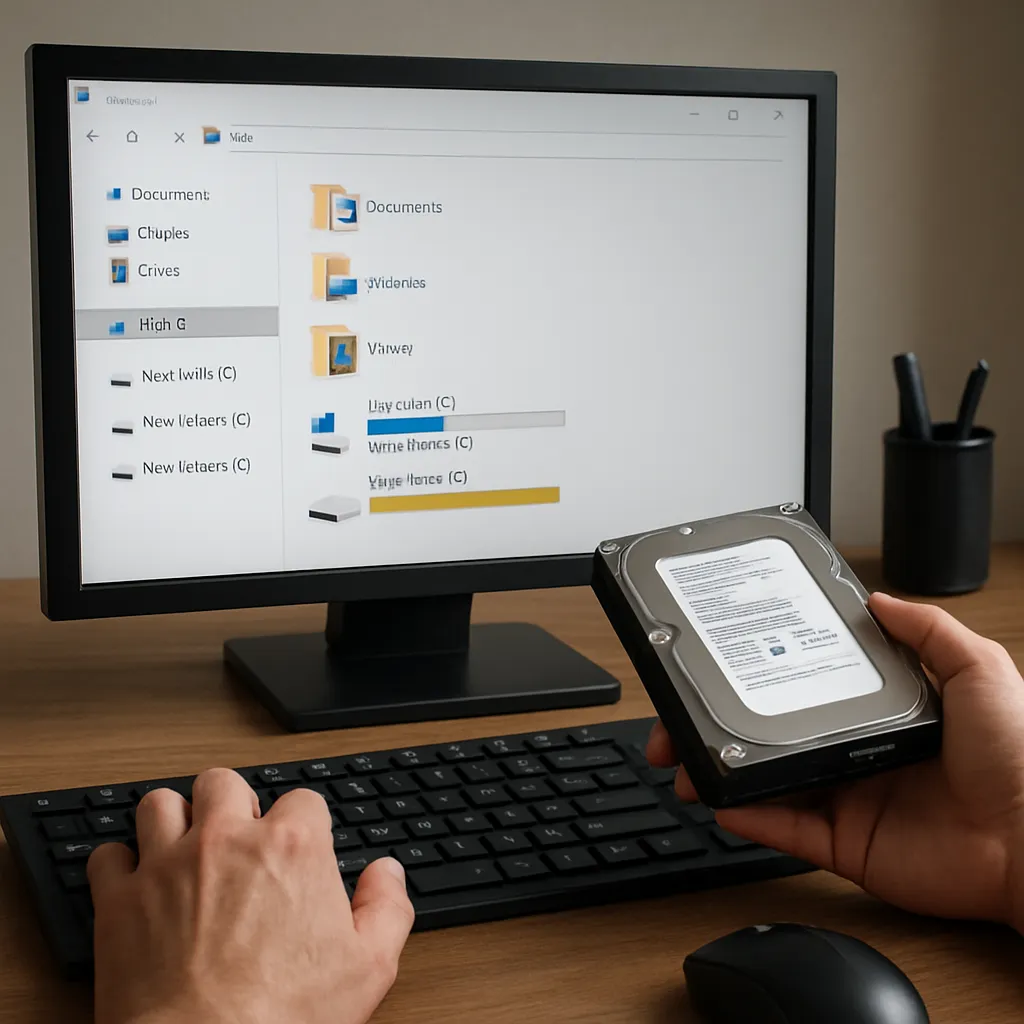
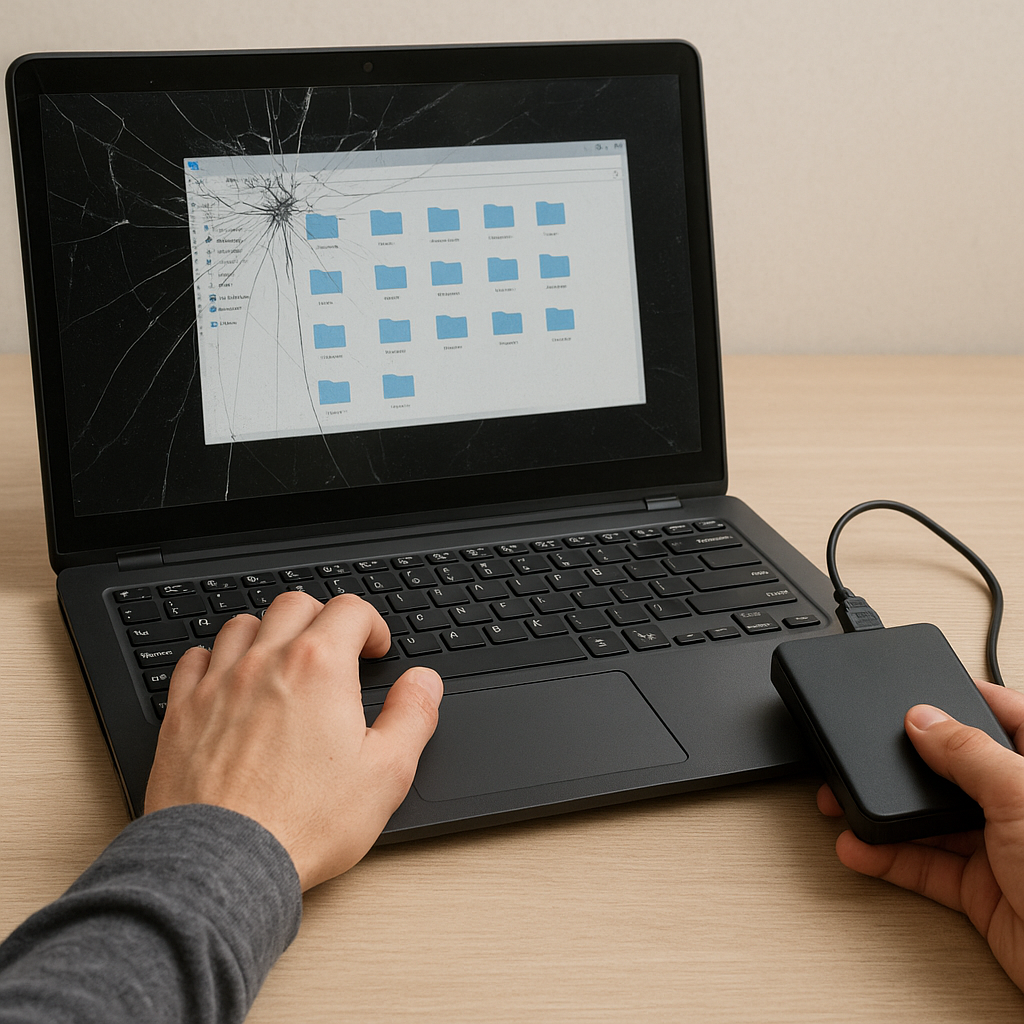
- Disconnect the drive if possible and connect it to another system as a secondary volume.
- Document the original structure of partitions and folders to aid reconstruction.
Essential Recovery Software
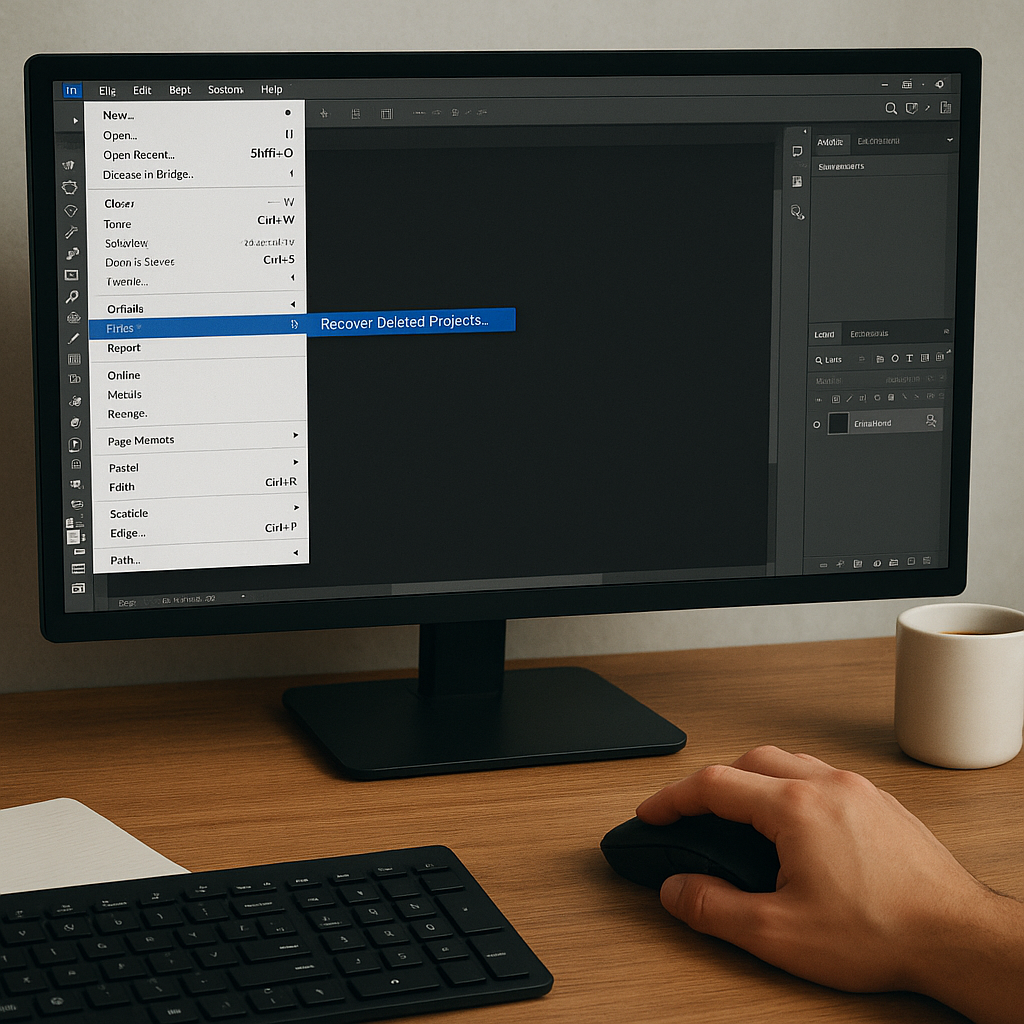
Not all recovery tools are created equal. Look for utilities that specifically support disk compression scenarios and can scan for fragmented segments. Key features include:
- Sector-level scanning for identifying fragmented data blocks
- FAT/NTFS support to rebuild compressed file tables
- Ability to handle RAW partitions, which may result from unsuccessful decompression
- Preview functionality to verify file integrity before restoration
Step-by-Step Guide to Recovering Files
With the groundwork laid, you’re ready to delve into the recovery process. Follow these structured steps to maximize recovery efficiency and safeguard your precious data.
1. Create a Disk Image
- Use imaging software to generate a full copy of the compressed volume.
- Save the image to a separate healthy drive to ensure original data remains untouched.
- Verify the image for integrity before proceeding.
2. Mount the Image in Read-Only Mode
- Attach the disk image as a virtual drive in read-only mode.
- Ensure the operating system does not attempt to auto-repair the partition, which could overwrite lost data pointers.
3. Perform a Deep Sector Scan
- Initiate a full sector scan using your chosen recovery tool.
- Allow the software to identify both intact and partially overwritten segments.
- Review scan logs for errors indicating physical drive issues.
4. Reconstruct the File System
- Use built-in or third-party file table reconstruction modules.
- Prioritize reconstruction of root directories and critical system files.
- Validate directory tree structure against your documented notes.
5. Recover and Verify Files
- Select files for extraction based on scan results and preview thumbnails.
- Save recovered files to a different physical drive to avoid collisions.
- Open or hash-check files to confirm they are intact and functional.
Advanced Techniques and Best Practices
For complex scenarios or stubborn cases, advanced strategies may be necessary. These methods go beyond basic recovery and involve deeper analysis of compressed data patterns.
Hex-Level Editing and Manual Reconstruction
Expert users can employ hex editors to manually inspect compressed segments. This approach requires:
- Detailed knowledge of compression headers and block alignments.
- Ability to identify file signatures and manually reassemble fragmented data.
- Patience and meticulous documentation to track offset adjustments.
Leveraging Multiple Recovery Engines
In some cases, combining results from different data recovery engines yields better success rates. Steps include:
- Scan the image with Tool A and export its recovered file list.
- Repeat the process with Tool B and compare overlaps.
- Merge unique findings into a consolidated recovery directory.
Regular Maintenance and Future Prevention
- Schedule periodic backups, both local and cloud-based, to guard against disk failures.
- Monitor disk health with SMART tools to detect early signs of degradation.
- Limit on-the-fly compression on critical volumes and use archive-based compression instead.
- Keep recovery software updated to benefit from new file system support and algorithm improvements.