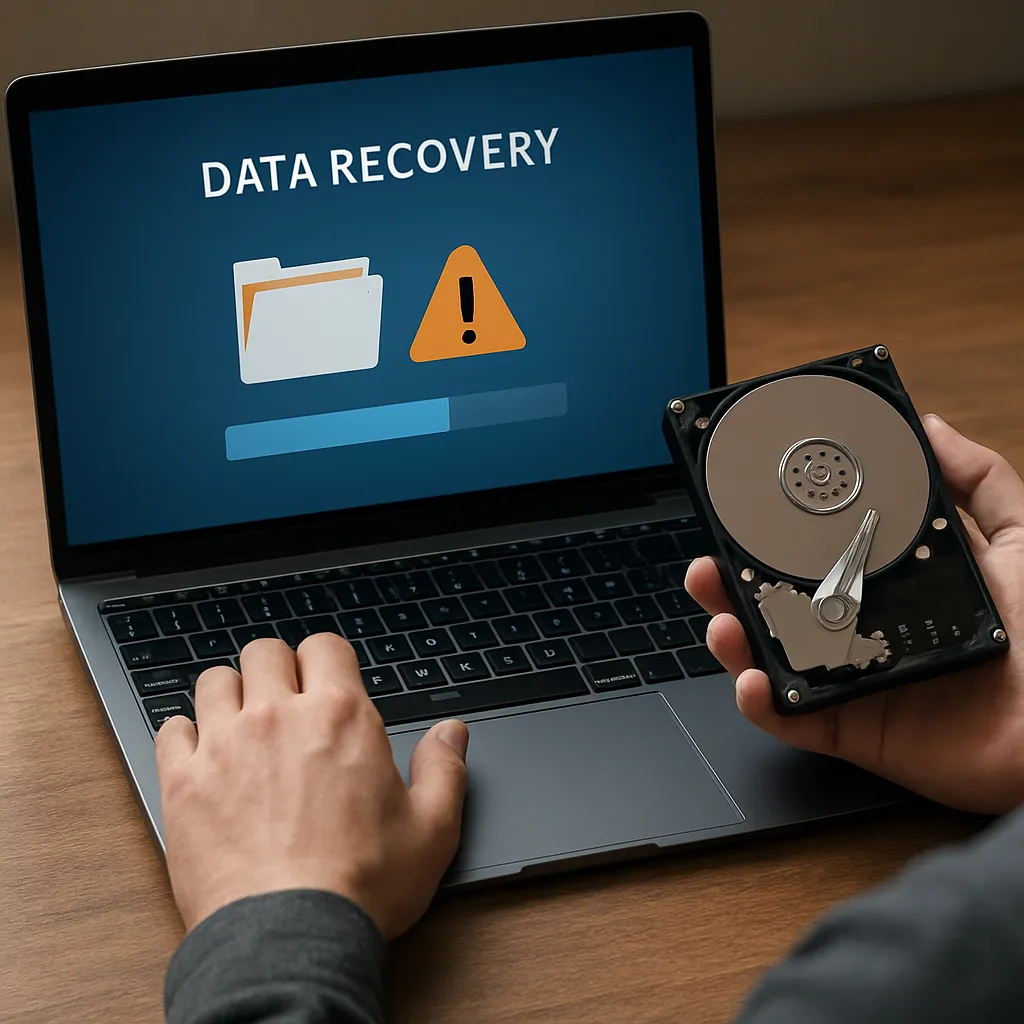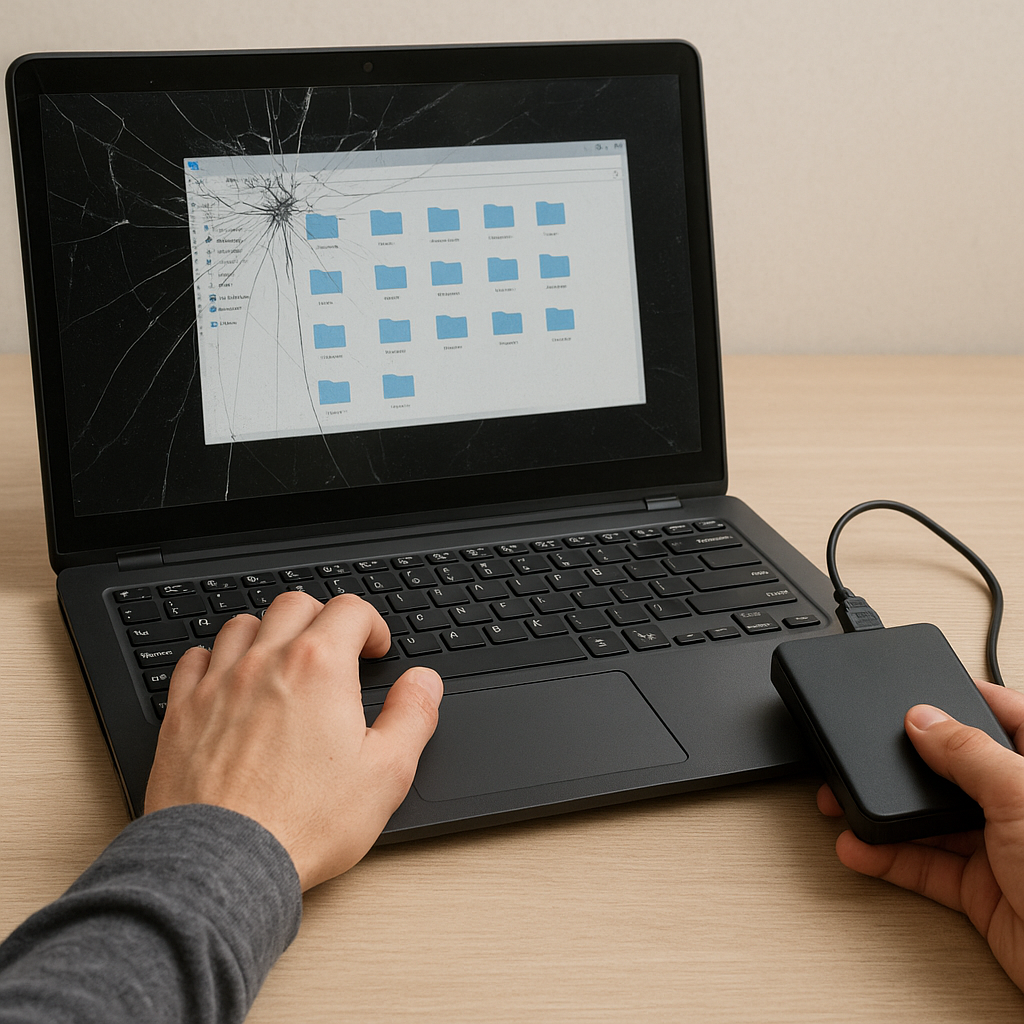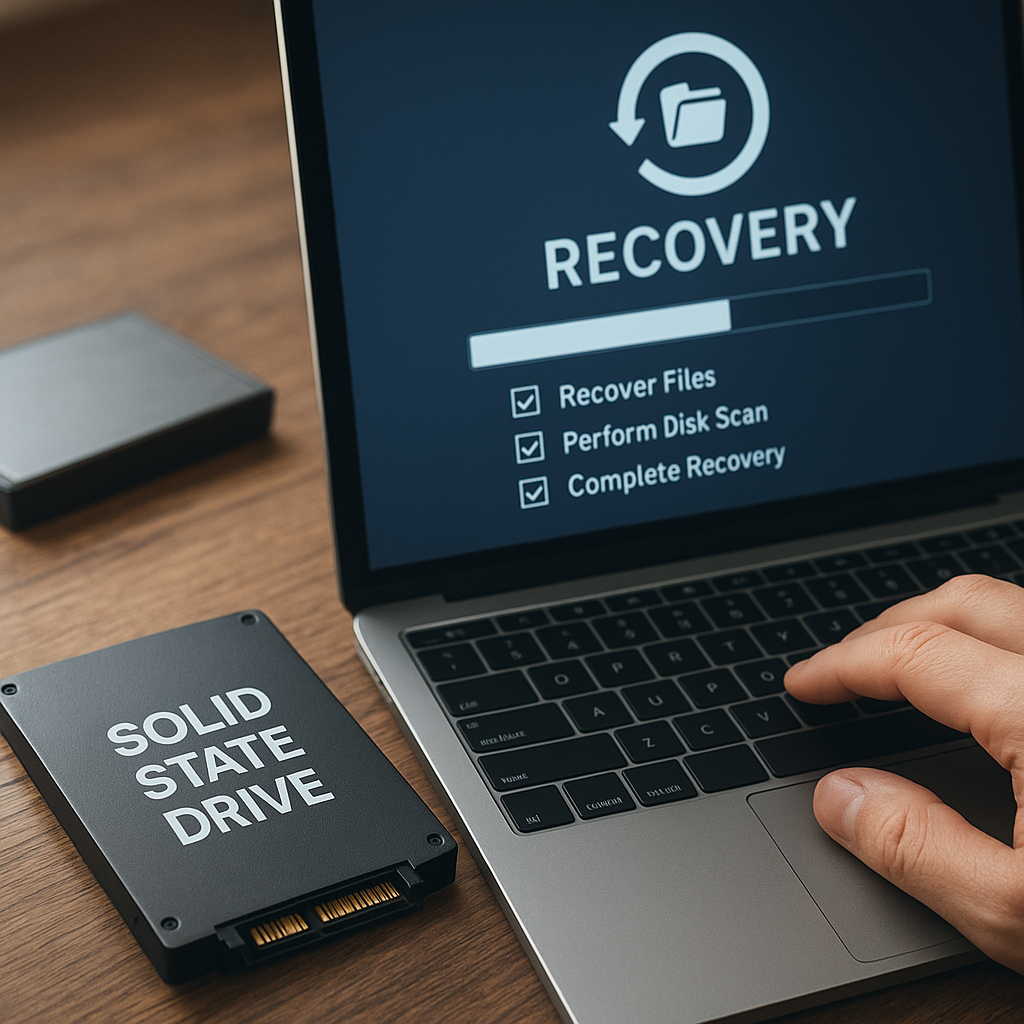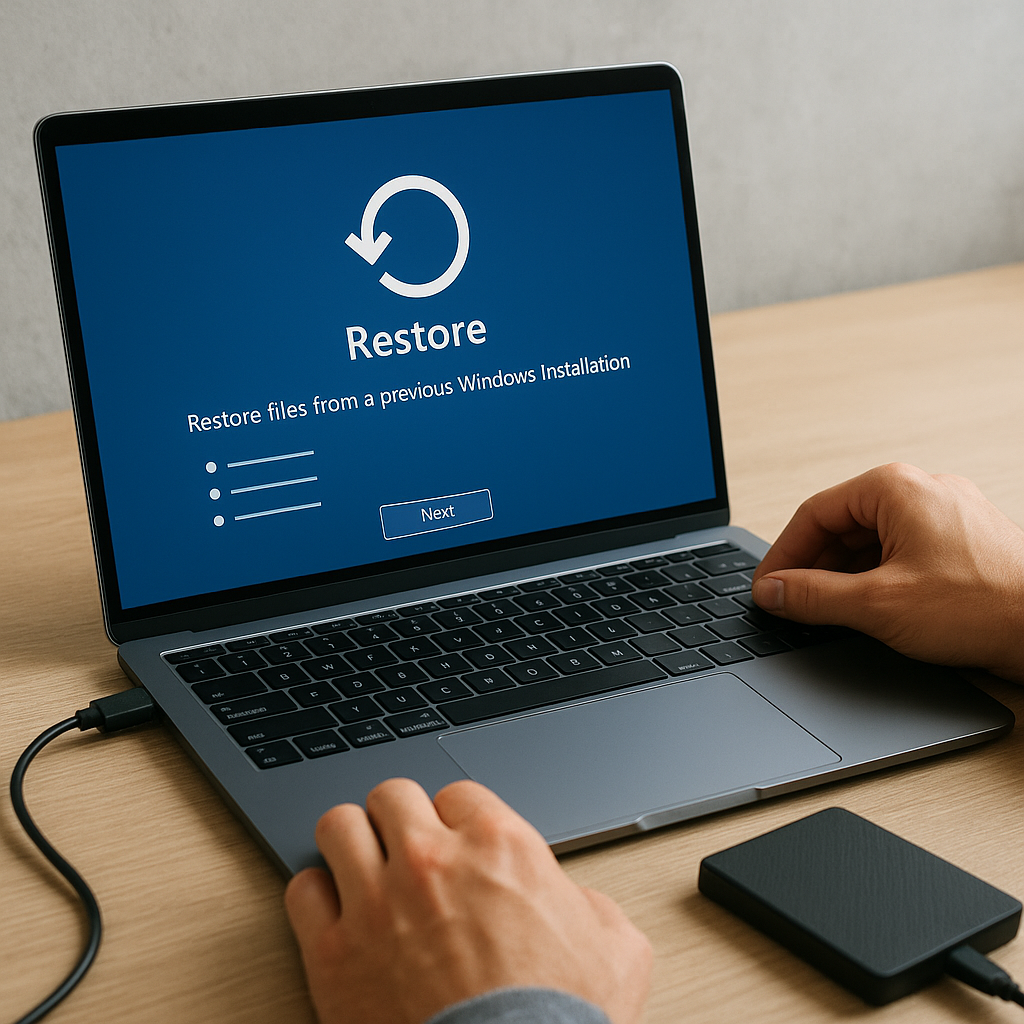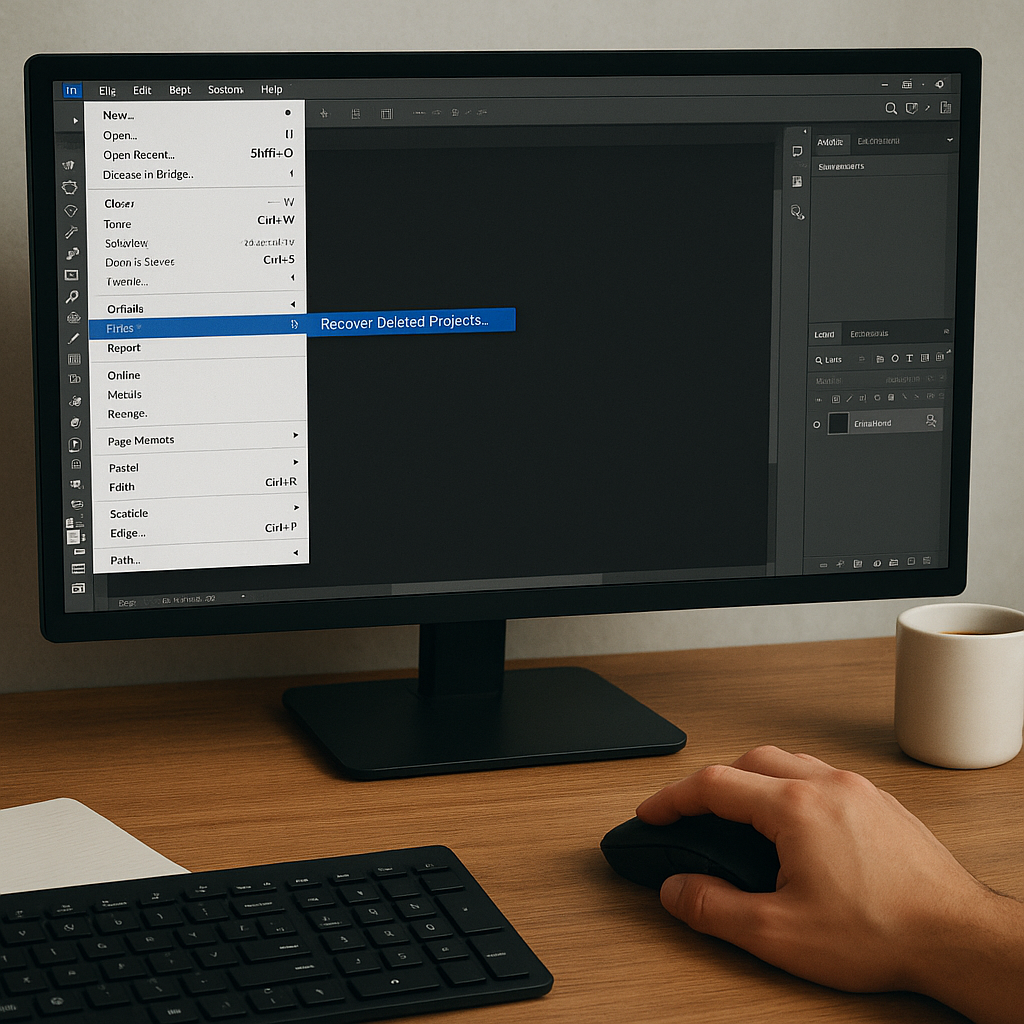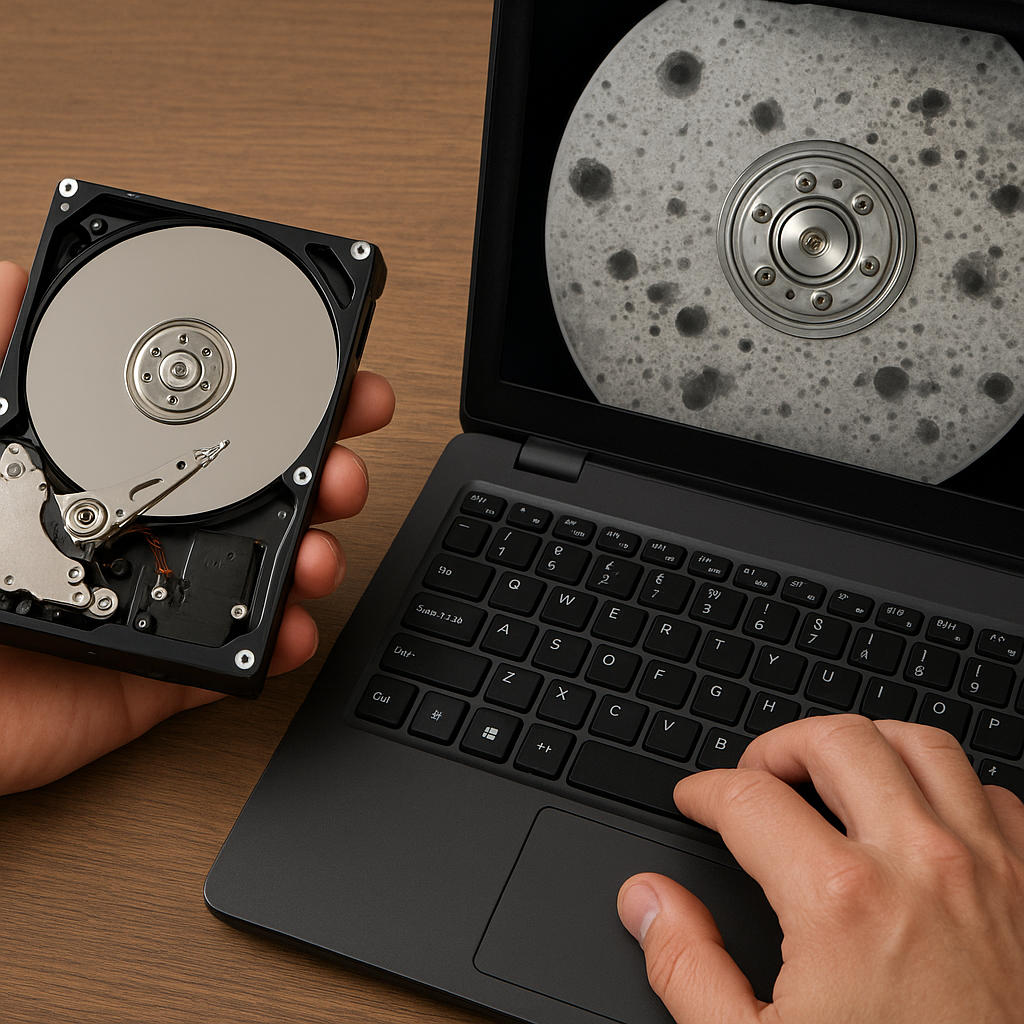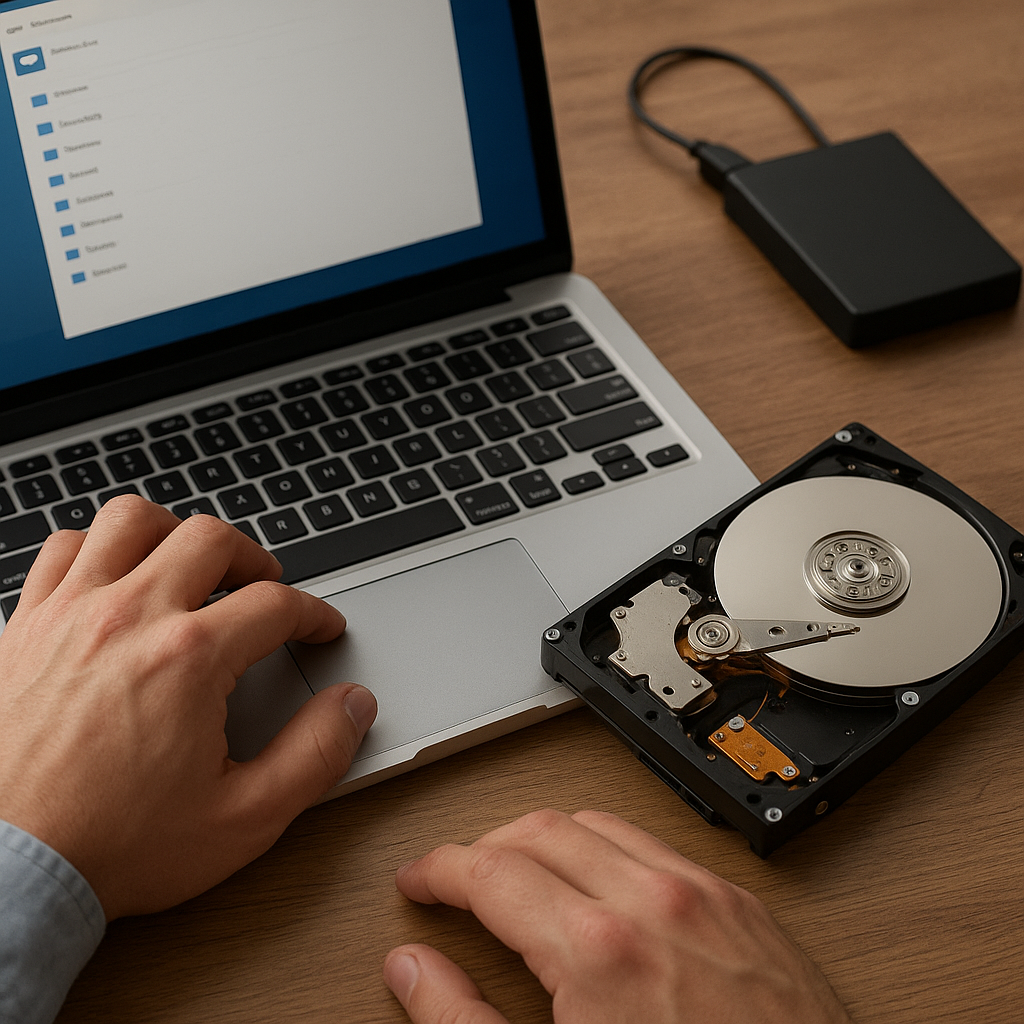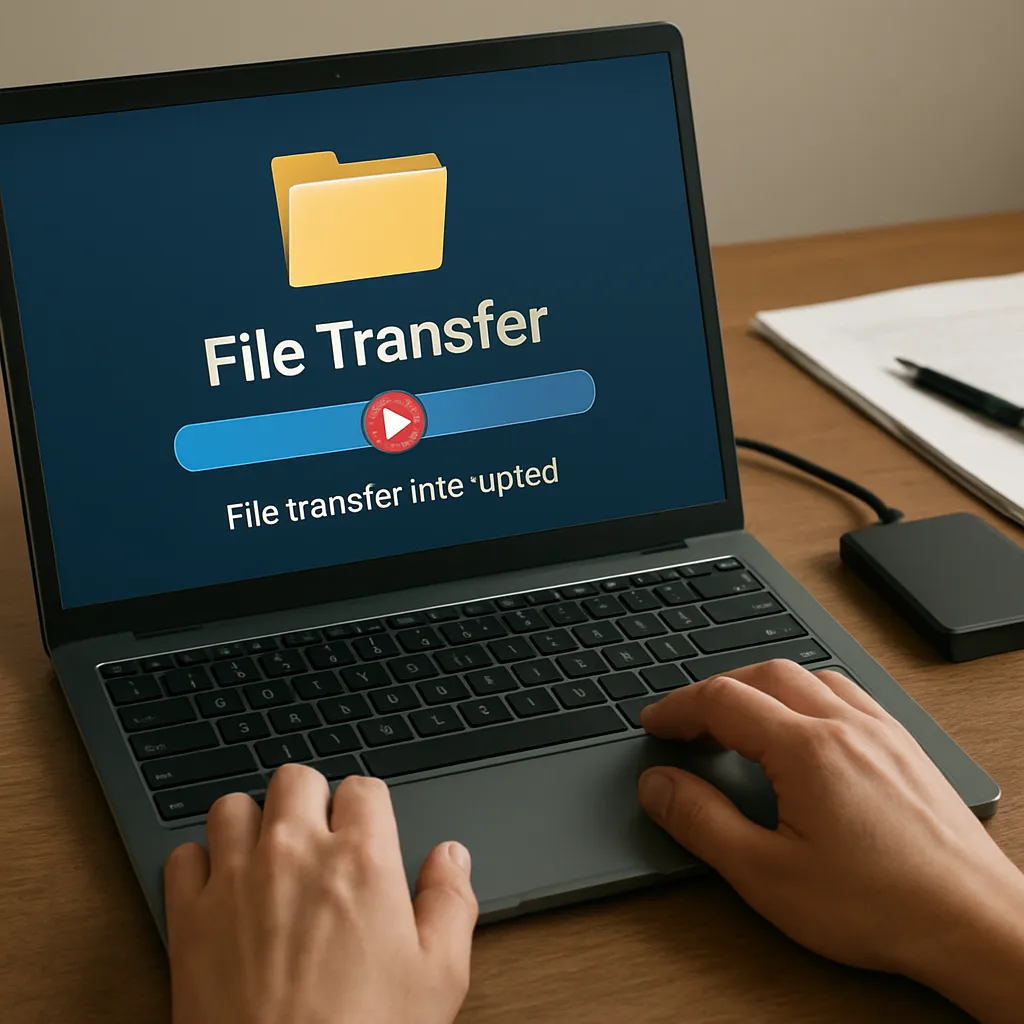
Handling incomplete data transfers can be a challenging task for anyone relying on digital workflows. Whether you are migrating large datasets between servers or simply copying personal photos to an external drive, an unexpected connectivity drop or a system crash can leave you with fragmented files and potential data loss. This article explores proven methods and specialized tools that empower users to recover files after transfer **interruptions**, ensuring minimal downtime and maximum data integrity.
Common Causes of File Transfer Interruptions
Understanding the root causes of broken transfers is the first step toward implementing robust recovery measures. Often, one interruption can cascade into multiple failures if not addressed promptly.
Network-Related Disruptions
- Unstable Wi-Fi or interruption from overcrowded routers
- ISP throttling or sudden outages
- High latency leading to timeouts in protocols like FTP or HTTP
Hardware and Peripheral Failures
- Faulty Ethernet cables or USB connectors
- Source or destination drive experiencing bad sectors, corruption, or unexpected dismounts
- Overheated storage devices causing system reboots
Software and File System Issues
- Incompatible or outdated file transfer clients lacking resumable support
- Operating system crashes or driver conflicts
- File system fragmentation slowing down read/write operations
Challenges in Recovering Interrupted Transfers
Interrupted transfers often yield partial files or hidden metadata fragments that standard file browsers cannot display. Recognizing these challenges allows you to choose the right recovery approach.
Identifying Partial or Corrupted Files
After an interruption, many file managers simply mark files as “incomplete” without specifying the offset or missing segments. You may see placeholder entries with zero-byte sizes or incorrect timestamps. To pinpoint the exact break-point, you need access to transfer logs or a client that records checksum values alongside progress updates.
Handling Fragmented Data Segments
When a large file splits into multiple fragments, reassembling them in the correct order is critical. Many recovery tools analyze sector maps on the drive, leveraging embedded algorithms to reconstruct original sequences. If the file was partially overwritten, advanced utilities may rely on signature-based carving to locate known header and footer patterns.
Ensuring End-to-End Integrity
Once fragments are rejoined, validating the reconstructed file’s completeness is essential. Employing hash comparisons—MD5, SHA-1, or SHA-256—helps verify that content returned to its original state. Some professional-grade software even automates this step, flagging discrepancies immediately for further diagnostics.
Effective Strategies and Software Solutions
Selecting the right toolset can drastically reduce recovery time and improve success rates. Below are techniques and feature sets you should look for when evaluating recovery software.
Resumable Transfer Protocols
- FTP/SFTP clients with built-in resumable support automatically pick up from the last successful byte.
- Cloud storage platforms that maintain version histories and delta-sync capabilities.
- Backup utilities offering block-level replication to minimize re-transfer volumes.
Drive Cloning and Image-Based Recovery
Creating a complete drive image preserves every sector—including deleted or corrupted areas. Tools that perform cloning allow you to work on the replica, avoiding further damage to the source. Popular options support differential snapshots, so only new or altered sectors need re-imaging during multiple sessions.
Advanced Fragment Reassembly
Look for software that employs heuristic scanning and file carving to identify orphaned fragments. These tools often come with an extensive library of file signatures, enabling them to reconstruct a wide range of formats—images, videos, databases, and more. Some even provide a graphical map of recovered extents to help you manually verify.
Best Practices to Prevent Future Interruptions
Mitigating risks before they occur can save considerable time and effort. By combining preventive strategies with robust recovery plans, users can ensure smooth file transfers under a variety of conditions.
Maintain Redundant Backups
- Implement the 3-2-1 rule: three copies of data on two media types with one offsite.
- Schedule periodic integrity checks using checksum scans and alert systems.
- Archive critical files incrementally to minimize transfer sizes and speed up recovery.
Monitor Transfer Health in Real Time
Deploy network monitoring tools that track throughput, packet loss, and error rates. Alerts for sudden performance drops can enable proactive intervention—restarting the transfer before multiple files become affected.
Optimize Hardware and Network Infrastructure
- Upgrade to high-quality cables and switches to reduce latency and packet errors.
- Use SSDs or high-RPM HDDs with built-in SMART diagnostics.
- Segment critical transfers onto dedicated VLANs or isolated network paths.