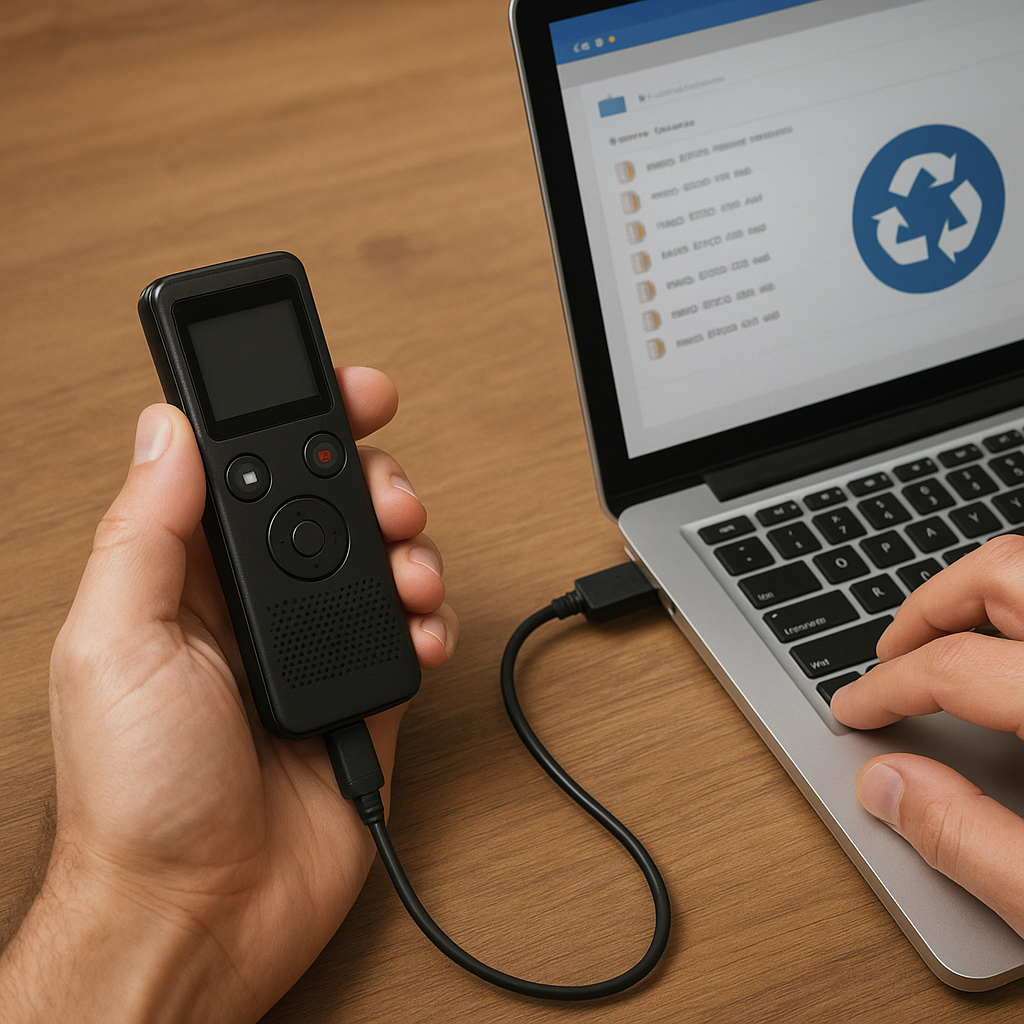
Recovering important recordings from a digital voice recorder can be a daunting task, especially when valuable audio files seem permanently lost. Understanding the mechanics behind file deletion, selecting the appropriate software, and following a meticulous recovery procedure are essential to regain access to your precious data. This guide provides an in-depth look at causes of data loss, how to choose an effective tool, and a detailed walkthrough of the recovery process.
Understanding Data Loss on Recorders
Digital recorders rely on solid-state memory or flash storage to hold your interviews, lectures, and personal notes. Despite their reliability, these devices are not immune to mishaps that lead to lost or corrupted files. Common scenarios include accidental deletion, firmware malfunctions, power failures, or card errors. Recognizing these causes helps you react quickly and choose the best recovery approach.
- Accidental Deletion: One of the most frequent reasons for data loss. Pressing the wrong button or formatting the internal memory erases file pointers, making recordings inaccessible.
- File System Errors: Abrupt removal of the memory card or device during recording or transfer can damage the file system table, rendering it unreadable.
- Physical Damage: Dropping the recorder or exposing it to extreme temperatures can harm memory chips, leading to unreadable data sectors.
- Viruses and Malware: Infecting a connected computer may corrupt audio folders, hide files, or make the device inaccessible.
- Firmware Glitches: Incomplete updates or software bugs onboard the recorder can cause crashes and loss of recorded tracks.
When a file is “deleted,” the data often remains on the device until new information overwrites it. This window provides an opportunity to recover lost recordings if the correct method is applied immediately.
Key Features of Effective Recovery Software
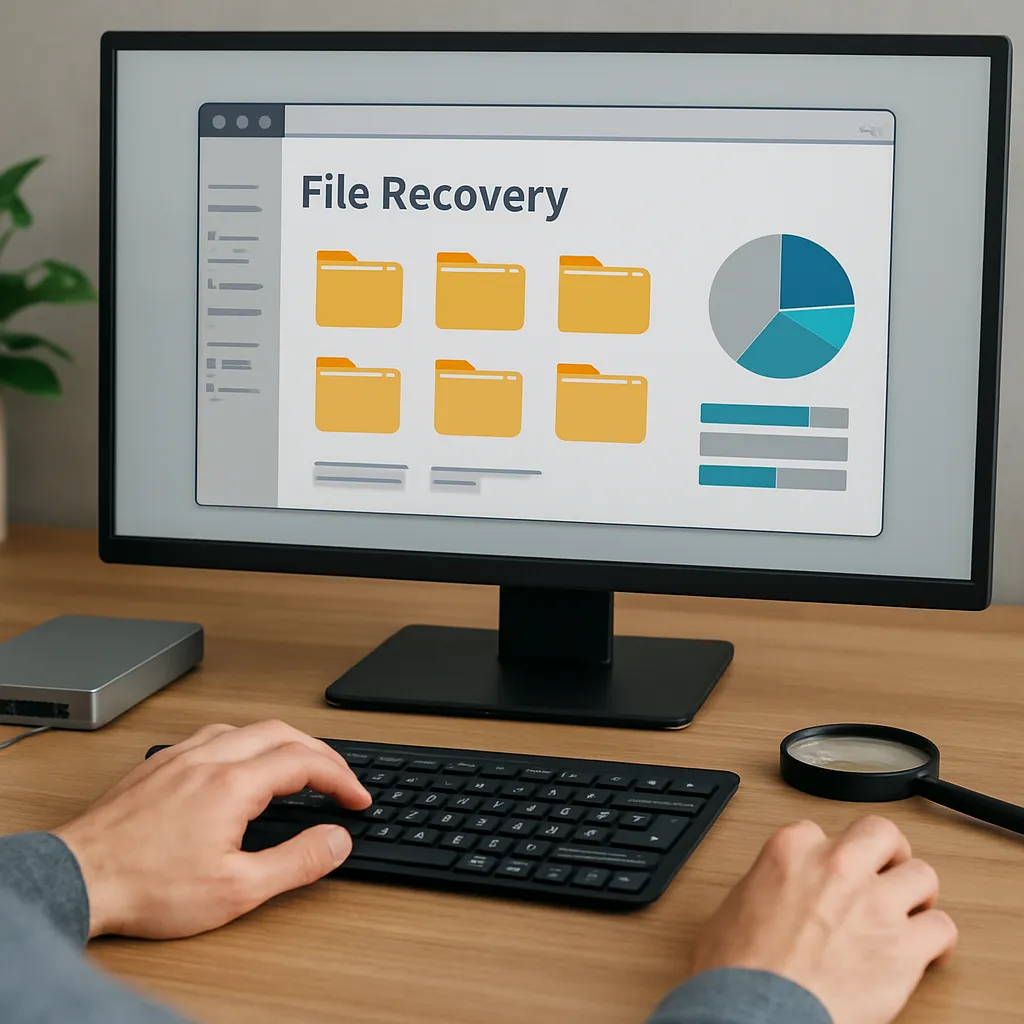
Not all recovery utilities deliver equal results. An ideal program should combine a user-friendly interface with powerful algorithms capable of digging deep into your recorder’s memory. Consider the following attributes:
- Deep Scanning Modes: Standard scans may miss badly fragmented or highly corrupted files. A deep scan analyzes raw sectors to locate traces of lost recordings.
- File Type Recognition: Support for WAV, MP3, WMA, or proprietary formats ensures broad compatibility.
- Preview Functionality: Being able to listen to recoverable audio before paying for a license saves time and money.
- Selective Recovery: Recover only the desired tracks rather than the entire memory, reducing clutter and preserving device space.
- Write Protection: Ensures the software does not alter the original files during the recovery attempt, maintaining data integrity.
- Cross-Platform Availability: Compatibility with Windows, macOS, or Linux broadens your options.
- Customer Support: Access to tutorials, tech support, and updates helps address complex recovery challenges.
- Algorithm Efficiency: Faster processing speeds mean less downtime and quicker retrieval of your recordings.
Before purchasing or installing any tool, check independent reviews, forums, and user testimonials to validate these features. A high success rate in audio recovery tests is a strong indicator of reliable software.
Step-by-Step Guide to Recover Lost Audio Files
Follow these steps to maximize your chances of successful retrieval. Avoid writing new data to the device until recovery is complete.
1. Prepare Your Environment
- Power off the recorder to prevent overwriting lost data.
- Use a dedicated card reader rather than connecting the recorder directly to your computer via USB, as this can trigger device-specific drivers that may lock the memory.
- Create a folder on your computer labeled RECOVERY_TEMP to store retrieved files temporarily.
2. Install and Configure the Recovery Tool
- Download the chosen program from the official website to avoid bundled malware.
- During installation, disable automatic updates or additional software offers that are unrelated to audio restoration.
- Set the destination path for recovered files to your RECOVERY_TEMP folder to isolate them.
3. Perform an Initial Quick Scan
- Launch the tool and select the memory card or device drive letter.
- Run a quick scan to detect recently deleted files. This scan takes minutes and often locates the most accessible data.
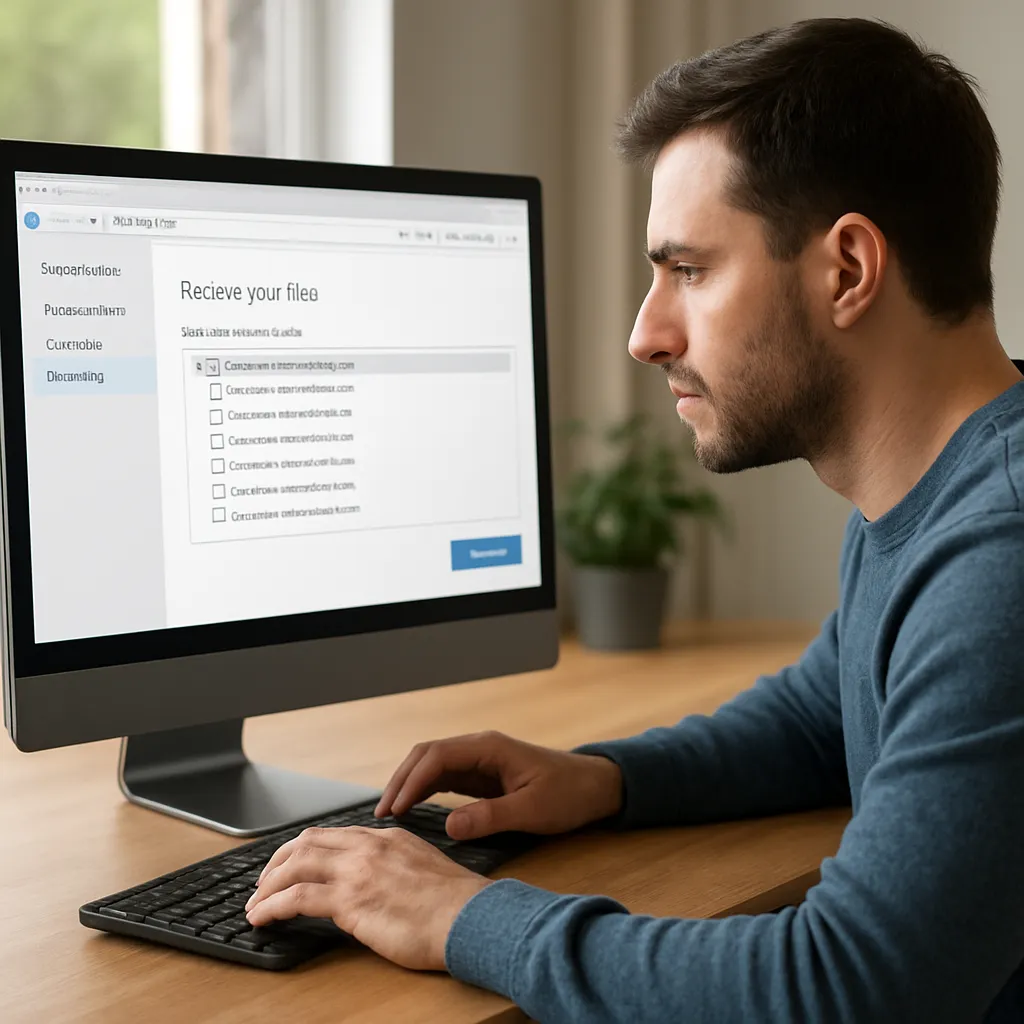
- Review the list of recoverable tracks using the built‐in preview player. Mark the ones you want to retrieve.
4. Execute a Deep Scan if Needed
- If the files are fragmented, badly damaged, or not found in the quick scan, opt for the deep scanning mode.
- Allow the tool to thoroughly inspect each sector. This process can take longer—plan for at least 30 minutes to an hour.
- Sort results by date, file size, or format to find your specific recordings more easily.
5. Recover and Validate Your Audio
- Select all desired files and initiate recovery. The program will copy them to the RECOVERY_TEMP folder without touching the original device.
- After completion, play each file in a dedicated media player to ensure integrity and completeness.
- Rename each recording with a descriptive title and date for easy organization.
With these steps, you can reclaim deleted or corrupted audio tracks, even from devices that have gone through multiple format cycles or unexpected shutdowns.
Best Practices to Prevent Future Data Loss
While effective recovery methods exist, it’s always better to avoid data loss altogether. Implement these preventive strategies:
- Regularly back up recordings to cloud services or an external hard drive.
- Format the memory card within the recorder rather than on a computer to maintain file system consistency.
- Handle memory cards by their edges to minimize static damage or accidental formatting.
- Keep firmware of both the recorder and recovery software up to date to avoid compatibility issues.
- Label cards with dates and project names to reduce accidental overwrites.
- Invest in high-quality, brand-name memory cards rated for heavy read/write cycles.
By combining sound backup routines with brand-new high-end recorders, you drastically reduce reliance on data retrieval utilities and safeguard your professional and personal audio.