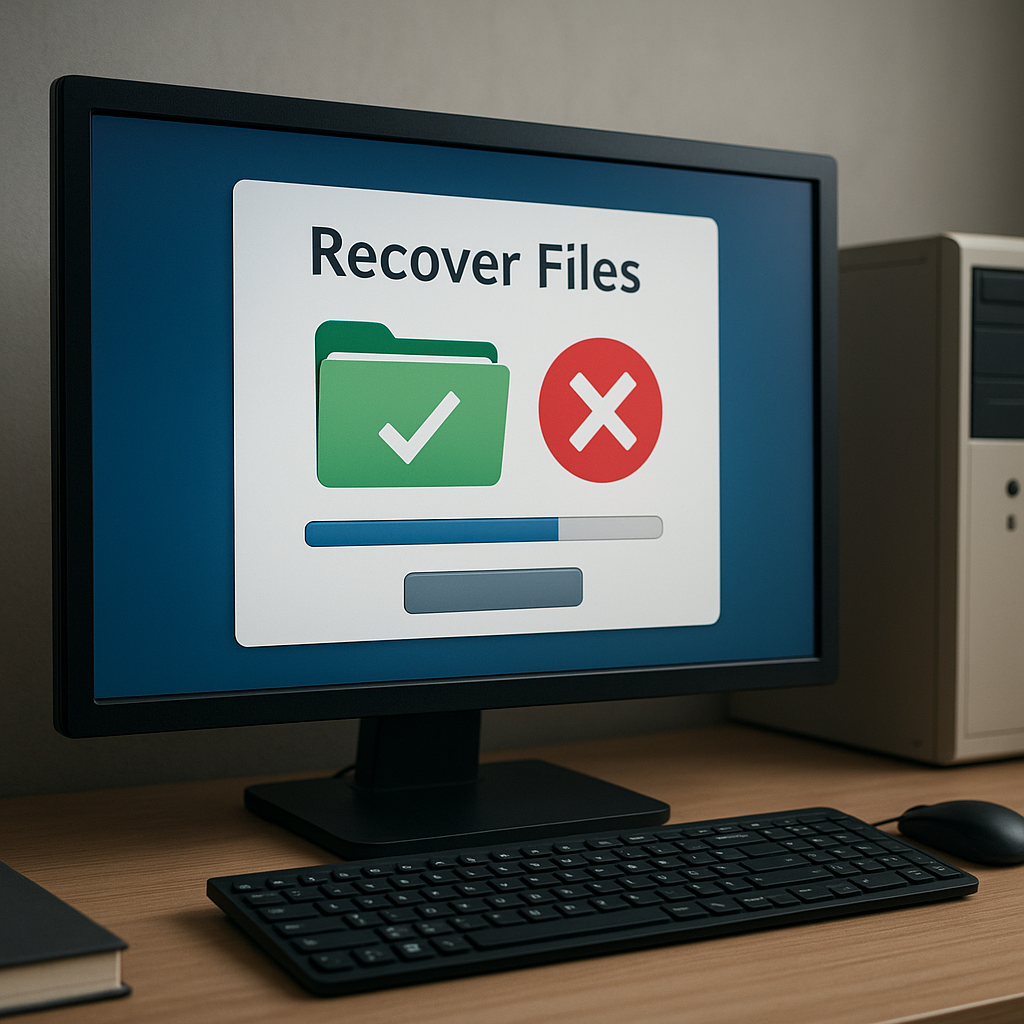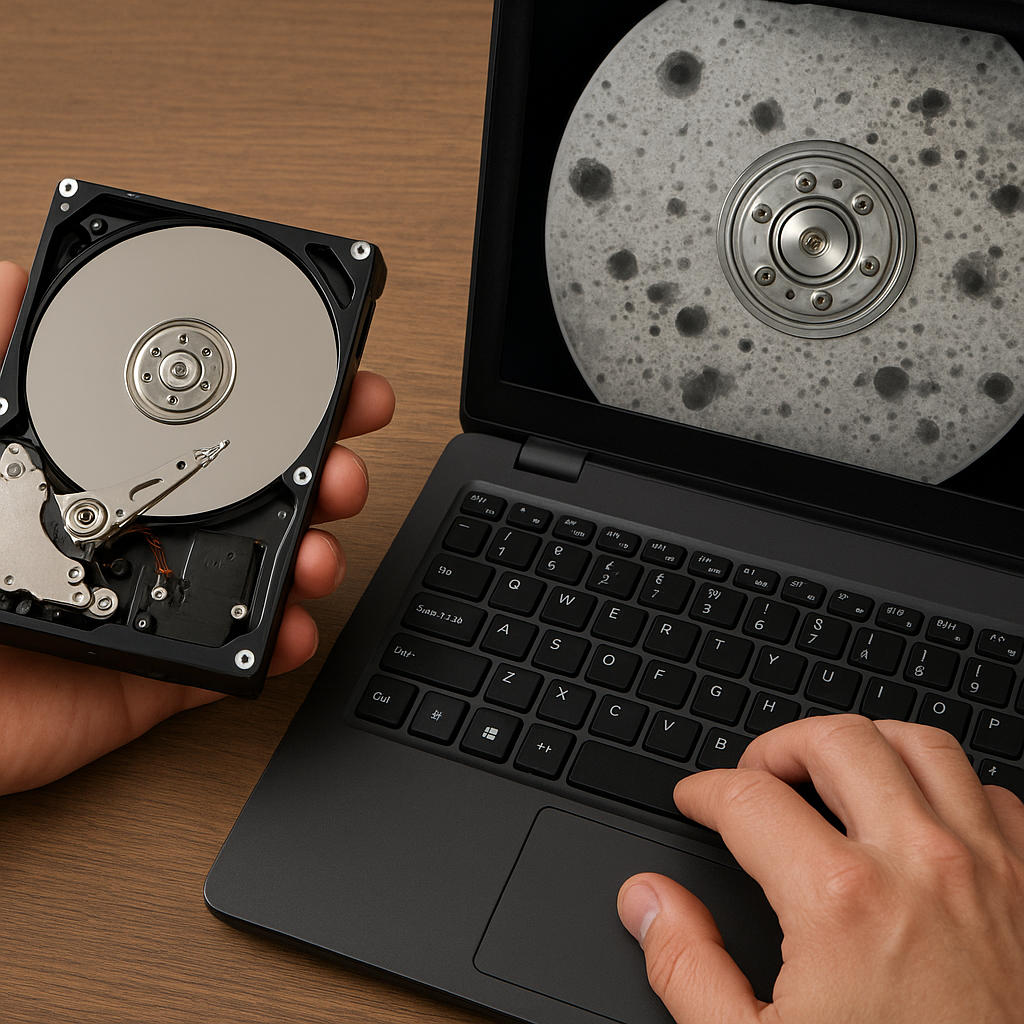
Recovering lost compressed files can feel like navigating a maze without a map, but with the right approach and tools you can successfully restore your precious data. This article explores the technical background of archive deletion, evaluates top-tier recovery solutions, provides a step-by-step guide to salvage ZIP and RAR files, and offers advanced strategies to maximize success rates while preserving data integrity.
Understanding the Causes of Archive Deletion
Before diving into recovery methods, it’s crucial to grasp why archives disappear. Common scenarios include accidental deletion, file system corruption, virus attacks, and improper compression utilities. Each root cause impacts the likelihood of a full restoration and influences your choice of recovery approach.
File System Corruption and Its Impact
When a storage medium—such as an HDD or SSD—develops corrupted sectors, file pointers and metadata can be lost or overwritten. In many cases, the archive header remains intact, but the block mapping is broken. This differs from simple deletion, where only directory entries are cleared.
Accidental Deletion vs. Overwriting
Accidental deletion typically marks clusters as free without erasing data blocks. By contrast, overwriting injects new data into those clusters, drastically reducing recovery chances. Acting quickly and ceasing further writes is essential to avoid overwriting the deleted archive content.
Evaluating Recovery Software Options
Selecting the appropriate tool is the cornerstone of any successful restoration project. The market offers dozens of utilities, from free open-source to premium commercial suites. Key factors include supported file formats, scanning depth, user interface, and advanced algorithmic capabilities.
Key Features to Look For
- Scanning Modes: Quick scan for recently deleted files and deep scan for formatted or corrupted volumes.
- File Signature Support: Ability to detect ZIP and RAR signatures (PKx03x04, Rar!x1Ax07) even if directory entries are missing.
- Preview Functionality: Inspect recoverable contents before committing to restore, ensuring file integrity.
- Selective Recovery: Recover only specific archives to save time and disk space.
- Cross-Platform Compatibility: Windows, macOS, and Linux versions for versatile usage.
Top-Picked Recovery Software
- DiskGenius: Robust tool with both quick and deep scan, plus support for encrypted archives.
- R-Studio: Professional-grade, excels in recovering large compressed volumes, has powerful RAID reconstruction features.
- EaseUS Data Recovery Wizard: Intuitive interface, suitable for beginners, offers reliable ZIP/RAR restoration.
- PhotoRec/TestDisk: Open-source, signature-based restoration but requires command-line proficiency.
Detailed Recovery Workflow for ZIP and RAR Files
Step-by-Step Recovery Procedure
Follow this methodical procedure to recover deleted archives with minimal risk:
- Immediately stop using the affected drive to prevent any further writes.
- Install your chosen recovery tool on a separate partition or external storage.
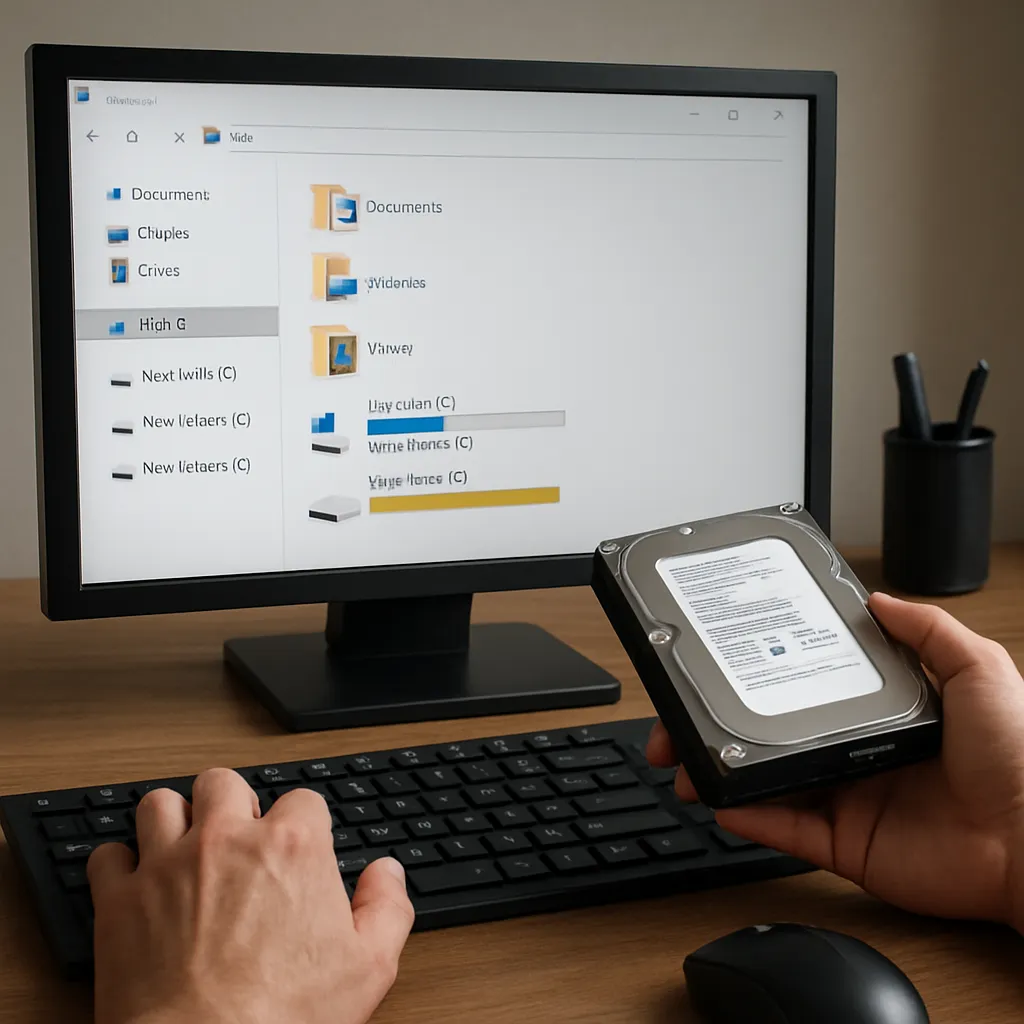
- Launch the software and select the target drive or partition containing the deleted files.
- Conduct a quick scan first to locate recently erased archives.
- If the target ZIP/RAR isn’t found, proceed with a deep scan to inspect raw data sectors.
- Use the preview function to verify the structure of each found archive (file lists, folder hierarchy).
- Choose a secure destination different from the source drive, then recover the selected files.
- Validate each restored archive by opening it in a compression utility to check for corruption.
Handling Partial or Fragmented Archives
In some cases, tools may recover only fragments of an archive. You can:
- Merge leftover data blocks manually if you know the file offsets.
- Utilize specialized utilities like ZipRepair or RAR Recovery Toolbox to reconstruct missing headers.
- Extract intact files from a damaged archive by forcing extraction with command-line parameters (e.g., unrar e -kb damaged.rar).
Recovering Encrypted or Password-Protected Archives
Encrypted archives pose an extra challenge. If you lose the password, brute-force or dictionary attacks are the primary recovery methods. Tools like John the Ripper or Hashcat can attempt to crack the password hash, provided you have adequate computing resources.
Advanced Strategies and Best Practices
Maximizing your chances of complete restoration involves more than just running a scan. Here are advanced tips:
- Create a full image of the affected drive to run multiple recovery attempts without risk of further damage.
- Use write-blockers when working with forensic-grade hardware to ensure no accidental writes occur.
- Document each recovery attempt, noting software settings and scan results to refine your approach.
- Keep multiple recovery tools at hand—if one fails to find your target, another may succeed thanks to different algorithm sets.
- Regularly back up important archives in multiple locations (cloud, NAS, removable drives) to avoid lengthy recovery processes.
Preventive Measures
Prevention is always better than cure. Adopt these practices to safeguard your compressed archives:
- Implement versioned backups, so you can roll back to a previous state easily.
- Use error-checking utilities like CHKDSK or fsck to maintain integrity of storage volumes.
- Encrypt backups separately, ensuring that even if a backup is compromised, unauthorized access remains impossible.
When to Seek Professional Help
For mission-critical data or when software solutions fail, consult a professional data recovery service. These specialists employ industry-grade hardware and proprietary methods to salvage data from severely damaged drives or complex RAID arrays.