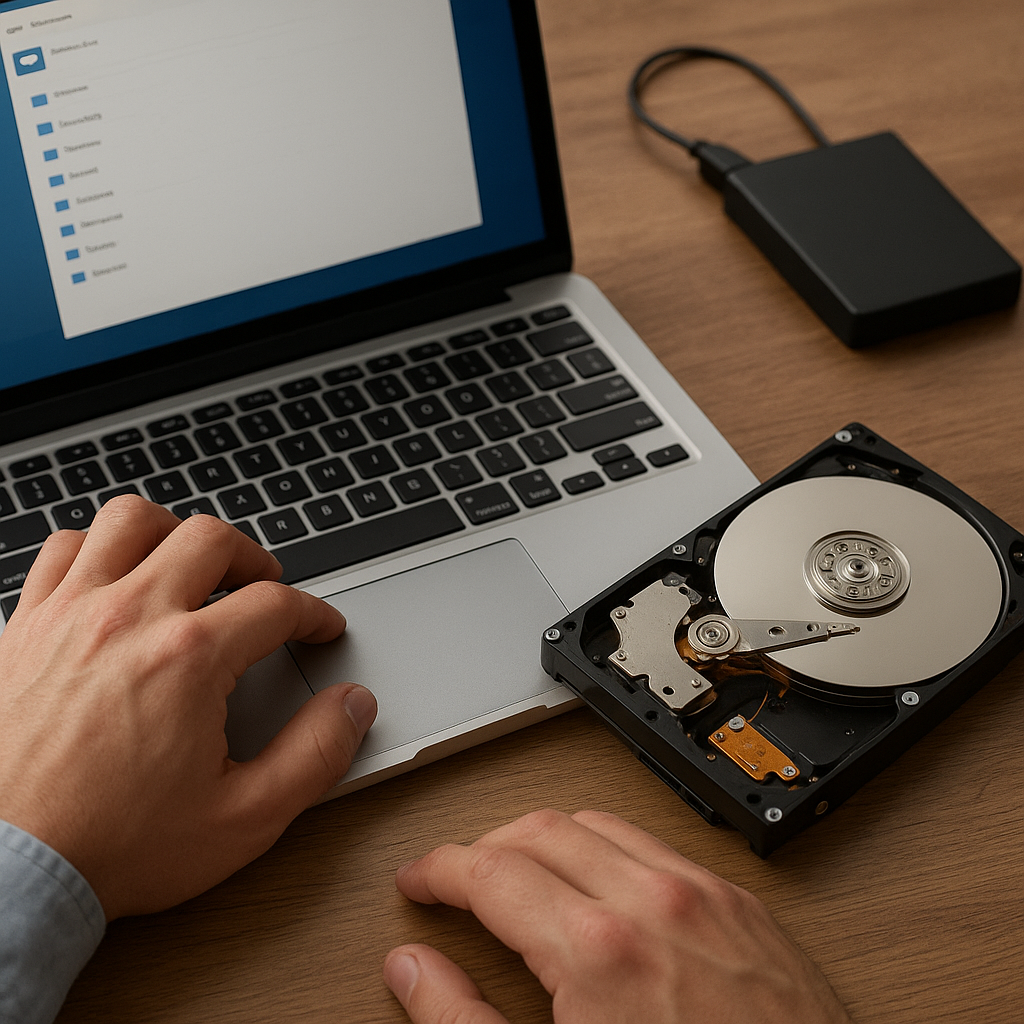
Recovering data from an encrypted drive presents unique hurdles that demand specialized strategies and tools. Encryption is designed to protect sensitive information through complex algorithms, but when access credentials are lost or damaged, retrieving files can seem impossible. This article explores the critical aspects of encrypted drive recovery, describes the functionalities of top-notch recovery software, and shares practical guidelines to maximize the chance of successful data restoration.
Understanding Encrypted Drive Challenges
Encryption transforms raw data into an unreadable format until the correct key or password is provided. While this process offers security and privacy, it also creates barriers for data recovery when legitimate access fails. Common scenarios include forgotten passwords, corrupted keyfiles, damaged headers, or hardware malfunctions. Without an effective plan, valuable documents, photos, or business records may remain locked away permanently.
How Encryption Works
At its core, encryption relies on mathematical algorithms to scramble information. Popular schemes such as AES (Advanced Encryption Standard), BitLocker, FileVault, and VeraCrypt implement distinct processes:
- Key generation: Creating a secure cryptographic key of fixed length (128, 192, or 256 bits).
- Initialization: Establishing an initial vector (IV) to randomize the encryption process.
- Block processing: Dividing data into blocks and encrypting each with the key and IV.
When headers or metadata become corrupted—due to disk errors, improper ejection, or firmware glitches—the decryption routine cannot interpret which algorithm or key parameters were used. As a result, straightforward file recovery tools designed for unencrypted drives are rendered ineffective.
Common Recovery Obstacles
- Lost Credentials: Without the correct password or keyfile, decryption is impossible.
- Damaged Containers: Header corruption in volumes like VeraCrypt can obliterate references to the key.
- Partial Overwrites: Data overwritten by new files might disrupt contiguous sectors, complicating assembly.
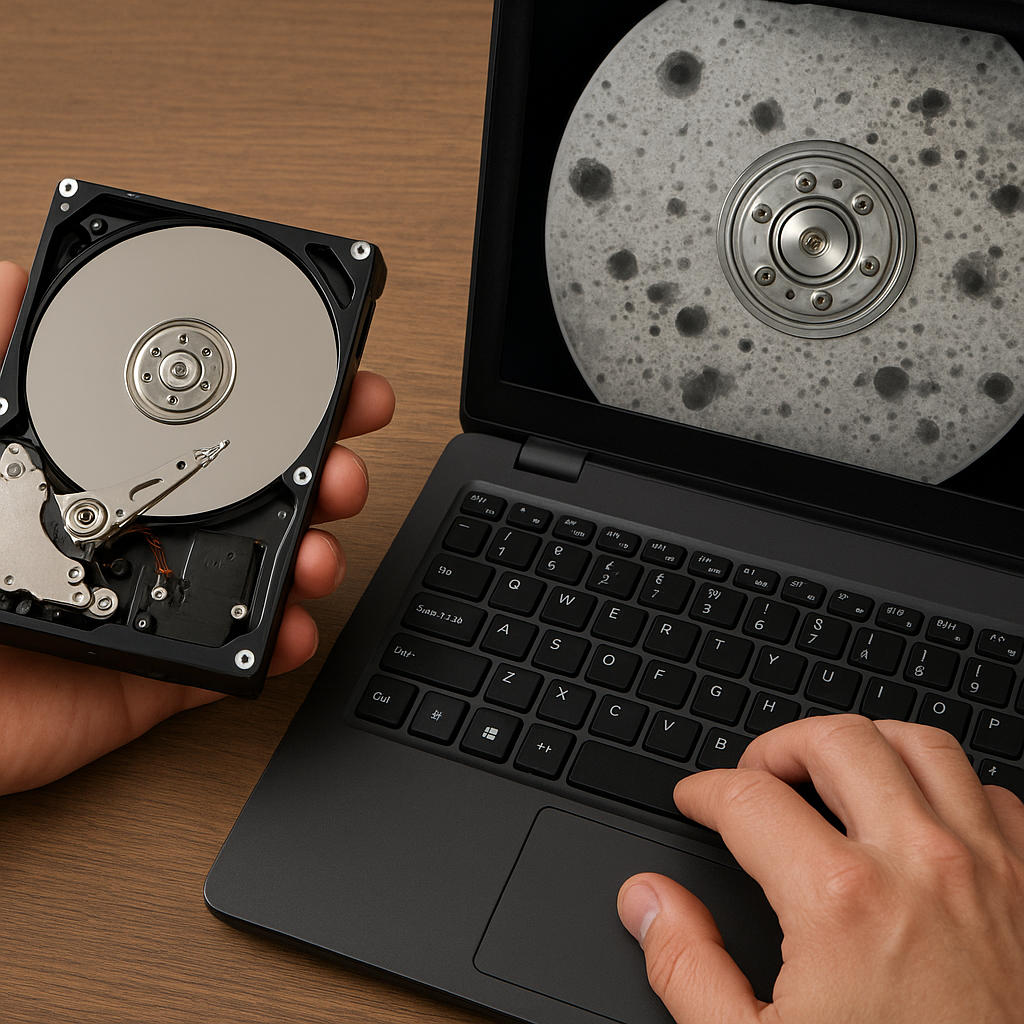
- Hardware Failures: Bad sectors or controller malfunctions can render segments of the encrypted volume unreadable.
However, effective recovery remains achievable if you follow a systematic approach and leverage robust software capable of handling encrypted environments.
Key Techniques for Data Recovery Software
Not all recovery tools are created equal. Specialized software designed for encrypted drives typically incorporates advanced features for dealing with locked volumes. When evaluating a solution, look for the following capabilities:
- Header Repair and reconstruction modules.
- Signature-based scanning for known file types within encrypted containers.
- Brute-force and dictionary attack engines for password recovery.
- Support for a wide range of encryption standards (AES, Twofish, Serpent).
- Low-level sector access to bypass operating system restrictions.
Header Backup and Restoration
Many encryption schemes automatically generate a backup of the volume header. If the primary header is damaged, this backup can be used to restore the structure, allowing decryption to proceed. Trustworthy software will:
- Detect both primary and backup headers.
- Compare checksums to verify integrity.
- Rebuild missing header fields if a valid password or keyfile is supplied.
Password Recovery Methods
For scenarios where credentials are forgotten, recovery applications may include:
- Brute-force attacks that systematically try every possible combination (time-consuming but guaranteed to succeed eventually, depending on password complexity).
- Dictionary attacks that use curated lists of common passwords, phrases, and patterns for a faster attempt.
- Mask attacks, allowing users to define known patterns (length, character sets) to narrow the search space.
- GPU acceleration support for dramatically improved throughput.
When implementing these techniques, ensure the software can safely manage failed attempts without corrupting the volume further.
Best Practices and Recommended Tools
Planning and preparation can significantly increase your chances of successful recovery. Follow these guidelines before attempting any operation on an encrypted drive.
Pre-recovery Checklist
- Create a bit-for-bit clone of the encrypted drive to work on a copy and preserve the original data intact.
- Verify the health of your storage device using S.M.A.R.T. diagnostics to identify bad sectors.
- Gather any secondary elements: keyfiles, backup headers, recovery tokens, or written passwords.
- Ensure you have ample free space on a separate drive to store recovered data.
- Use an up-to-date operating system that supports raw disk access (Linux live distributions often excel).
Top Recovery Solutions
The following tools are renowned for their encrypted drive recovery features:
- ReclaiMe Free RAID
- R-Studio for Techs
- UFS Explorer Professional Recovery
- Elcomsoft Forensic Disk Decryptor
- Passware Kit Forensic
Each of these products offers specialized modules for handling volume headers, decryption acceleration, and cross-platform compatibility. Evaluate trial versions to confirm they can recognize your specific encrypted container before purchasing a license.
Real-world Recovery Workflow Example
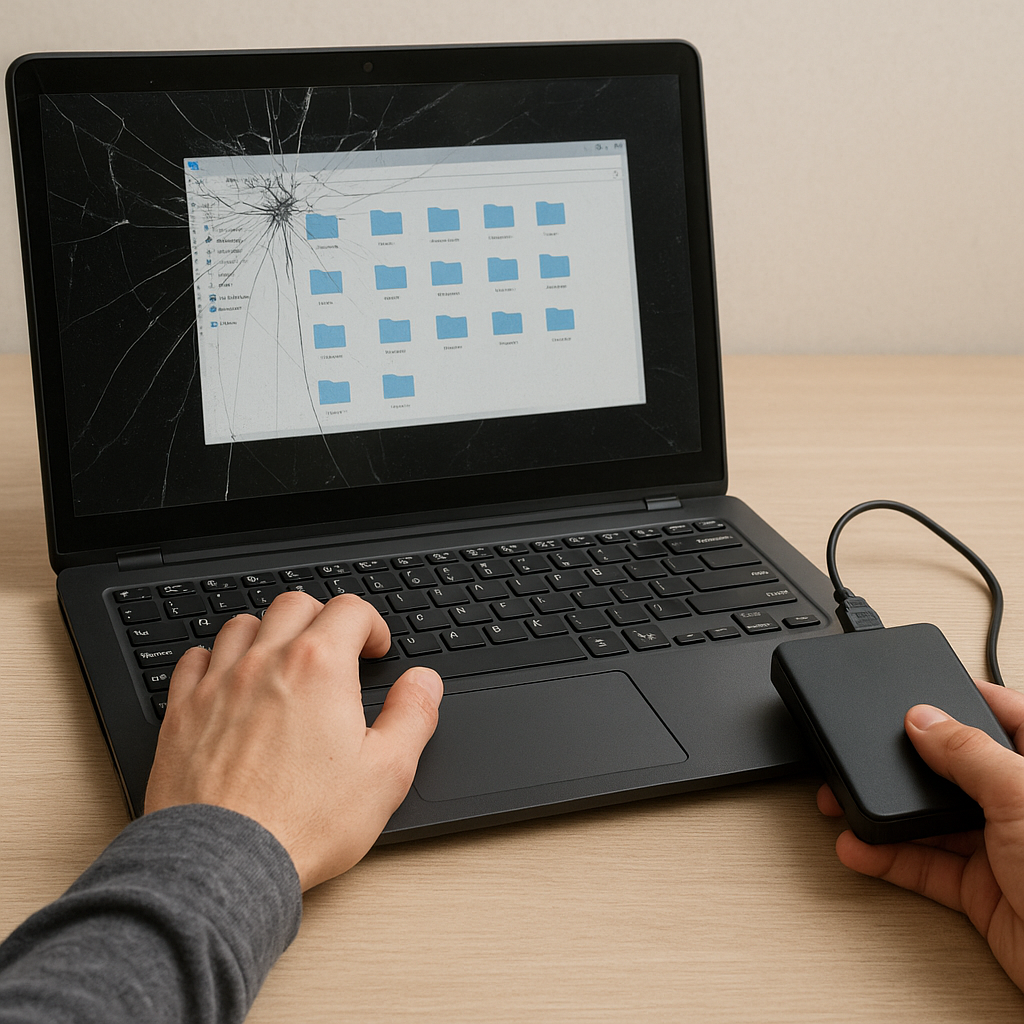
Consider a scenario where a business laptop encrypted with BitLocker fails to boot due to corrupted system files. The following steps outline a practical approach:
- Remove the drive and connect it to a recovery workstation via a reliable USB-SATA adapter.
- Generate a sector-by-sector image using ddrescue or a similar cloning utility.
- Load the image into UFS Explorer, verify the presence of the BitLocker header, and check for backup header availability.
- Attempt header restoration if needed, supplying the 48-digit recovery key or keyfile.
- Once header integrity is confirmed, initiate a file system scan to catalog recoverable files.
- Export the recovered data to a secure location, verifying checksums to ensure integrity and completeness.
Adhering to a documented workflow protects against accidental data loss and ensures you can reproduce the process if additional troubleshooting is required.
Enhancing Success Rates and Security
Data recovery from encrypted drives is both an art and a science. To further improve results:
- Maintain detailed logs of all software operations and parameters used during the recovery.
- Combine automated scanning with manual inspection of recovered file fragments for partial restoration.
- Keep all tools and encryption libraries up to date to handle the latest formats and container versions.
- Implement robust backup strategies going forward, including offsite and offline copies of both the encrypted data and its recovery assets.
By understanding the intricacies of encryption, leveraging specialized software, and following best practices, you can transform an apparently impossible recovery mission into a successful data retrieval operation.