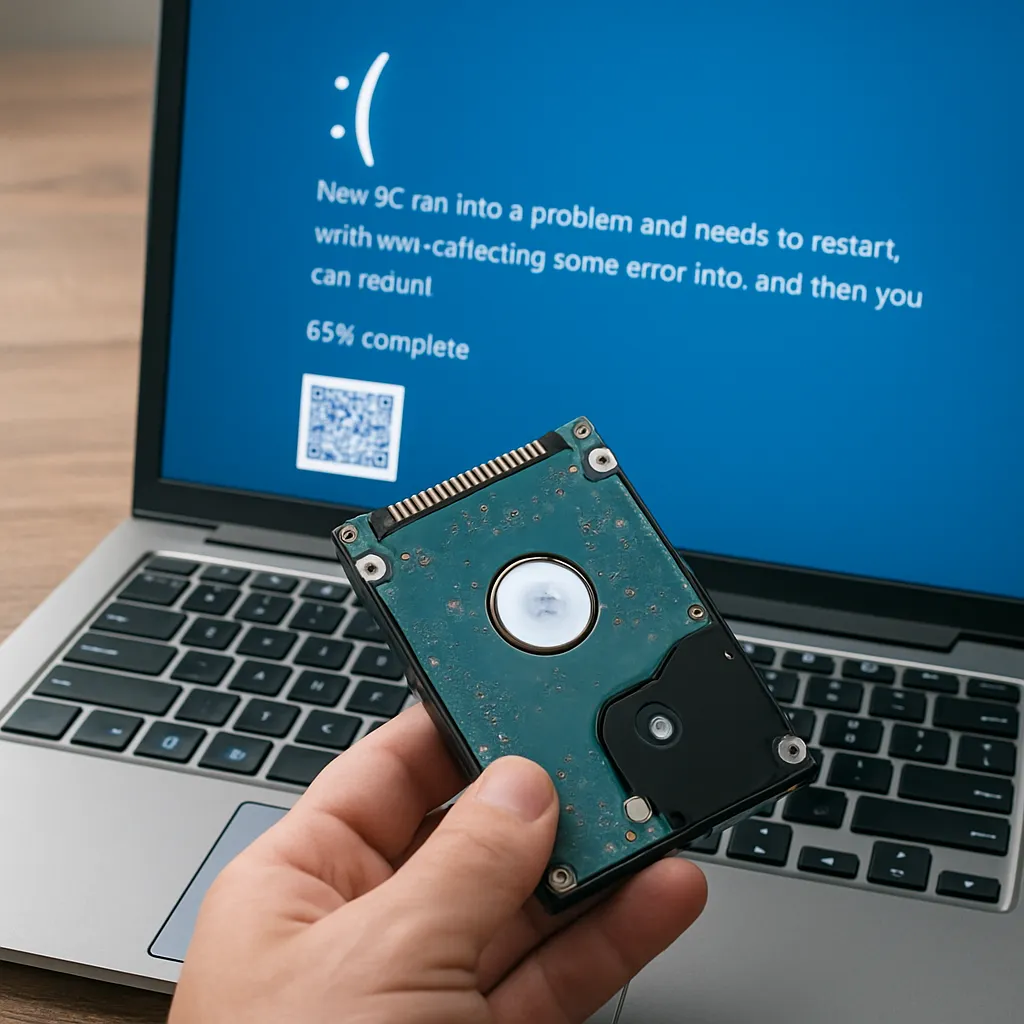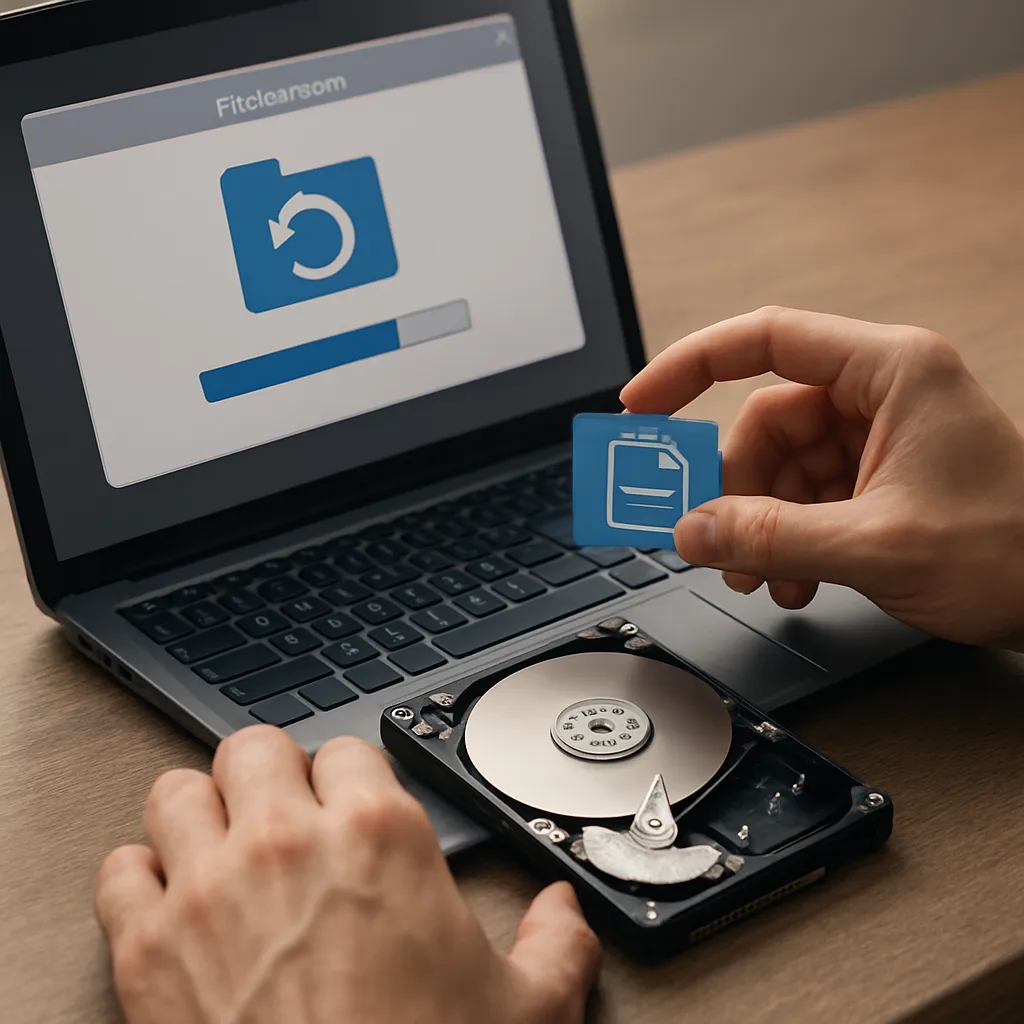
Merging partitions can seem like an efficient way to reorganize disk space, but any misstep during the process may lead to lost files and serious data integrity issues. This comprehensive guide explores the techniques and software tools that enable successful data recovery after a partition merge, ensuring you can restore essential documents, media, and system files with confidence.
Understanding the Consequences of a Partition Merge
When two or more disk partitions are combined, the operating system updates its file system tables to reflect the new layout. Ideally, data remains intact, but power failures, software errors, or user mistakes can corrupt pointers, leading to missing or inaccessible content.
Why Partitions Get Corrupted
- Interrupted merge operations due to system crashes
- Incompatible partition types (e.g., mixing GPT and MBR)
- Hardware issues like bad sectors or failing drives
- Incorrect settings in partition management utilities
Signs of Data Loss After a Merge
- Disappearing folders or files that previously existed
- “RAW” file system errors when accessing the drive
- Repeated system notifications about disk checks or repairs
- Unusual slowdowns and read/write failures
Essential Features of Effective Recovery Software
Not all recovery applications offer the same level of support for partition-related disasters. Choosing the right solution depends on three pillars: a robust scanning process, advanced recovery algorithm design, and a friendly user interface.
In-Depth Scanning Capabilities
- Quick Scan: Identifies recently deleted items by reading directory entries
- Deep Scan: Analyses the entire drive surface to reconstruct fragmented files
- Partition Scan: Locates previously existing partitions and their signatures
File System and Format Support
- Natively understands NTFS, FAT32, exFAT, HFS+, APFS, ext3/ext4
- Supports common multimedia and document file types
- Handles virtual disk formats like VHD, VMDK, and QCOW2
Advanced Extraction and Restoration Options
- Selective recovery of only essential directories
- RAW recovery for severely corrupted sectors
- Image creation for full-drive backups before restoring
Step-by-Step Guide to File Restoration After a Merge
Recovering data after a botched merge requires methodical application of recovery techniques. Below is a detailed workflow to maximize your chances of retrieving lost files.
1. Stop Using the Affected Drive
- Cease all write operations to avoid overwriting sectors containing recoverable data.
- Disconnect external drives until ready to scan on a separate system.
2. Create a Disk Image
Before attempting restoration, generate a 1:1 copy. This backup strategy ensures you have a safe fallback if initial recovery attempts fail.
3. Launch the Recovery Application
- Select the disk image or physical drive in the tool.
- Choose the type of scan: Quick, Deep, or Partition.
4. Inspect Recovered Items
Once the scan completes, browse folders in preview mode. Look for original file names, timestamps, and previews of media before confirming full restoration.
5. Execute Recovery to a New Location
- Avoid writing recovered files back to the same partition.
- Verify integrity of critical documents after recovery.
6. Validate Using Checksums
Run MD5 or SHA1 checksum comparisons with original backups (if available) to confirm data fidelity. A perfect match indicates successful restoration.
Preventing Future Data Loss: Best Practices
While recovery is possible in many cases, prevention always ranks higher than cure. Implementing a strong backup strategy and exercising caution during partition operations significantly lowers the risk of encountering file loss scenarios.
Regular Backups and Snapshots
- Automate daily incremental backups.
- Maintain offsite copies using cloud storage or NAS devices.
- Leverage file-level and block-level snapshot technology for instant rollbacks.
Use Reliable Partition Management Utilities
- Prefer tools with built-in undo/redo safety nets.
- Verify drive health via S.M.A.R.T. monitoring before any merge.
- Read user reviews and expert benchmarks for stability insights.
Educate End Users and IT Staff
- Distribute guidelines on how to handle merge operations safely.
- Conduct training sessions on file recovery basics and tool usage.
Routine Drive Maintenance
- Defragment HDDs periodically; trim SSDs for optimal performance.
- Schedule disk checks to detect bad sectors early.
- Monitor capacity utilization to avoid unexpected merges when disks near full.